


Billion Arrows
Play on PC with BlueStacks – the Android Gaming Platform, trusted by 500M+ gamers.

Page Modified on: Nov 10, 2026
Play Billion Arrows on PC
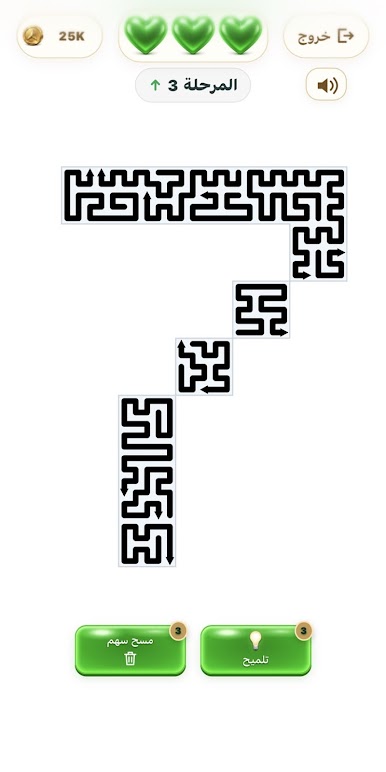
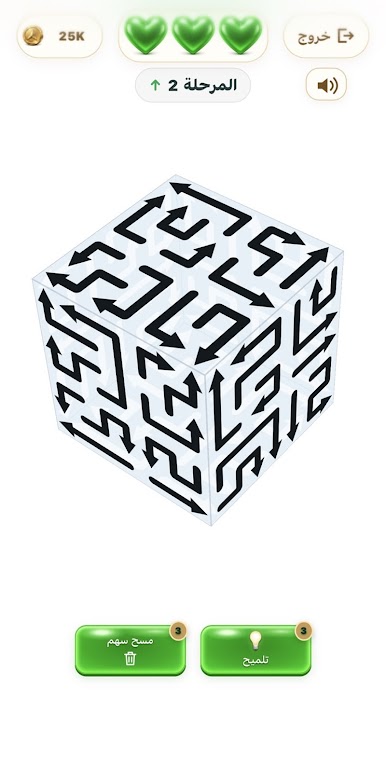
Observe the arrows' trajectories and choose the order in which they pop to clear the shape and complete the level. Rotate the object in rotating levels to discover arrows from different angles, and plan your moves carefully to save your hearts.
• Explore 2,500 levels with progressively challenging shapes.
• Explore the snowy mountain map and unlock levels as you progress.
• Use hints and the scan tool when you need help.
• Compete on the leaderboards.
• Create a group of friends or join an existing one and progress together.
• Customize your profile with a picture, frames, crowns, and name colors.
• Save your progress with an account using a username and password.
The game is free and contains ads, with the option to watch optional ads for in-game rewards.
Every arrow is a step, and every level is a new challenge!



Play Billion Arrows on PC. It’s easy to get started.
-
Download and install BlueStacks on your PC
-
Complete Google sign-in to access the Play Store, or do it later
-
Look for Billion Arrows in the search bar at the top right corner
-
Click to install Billion Arrows from the search results
-
Complete Google sign-in (if you skipped step 2) to install Billion Arrows
-
Click the Billion Arrows icon on the home screen to start playing

