


Spades Royale
Play on PC with BlueStacks – the Android Gaming Platform, trusted by 500M+ gamers.

Page Modified on: Jan 16, 2026
Play Spades Royale on PC or Mac
Spades Royale brings the Card genre to life, and throws up exciting challenges for gamers. Developed by North Sky Games, this Android game is best experienced on BlueStacks, the World’s #1 app player for PC and Mac users.
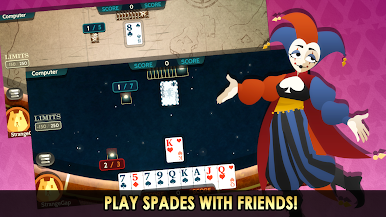
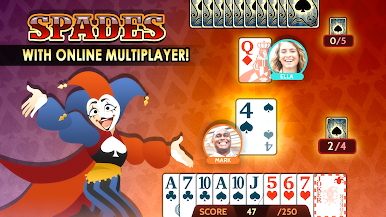
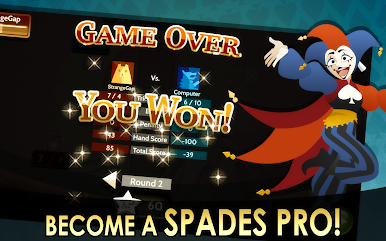
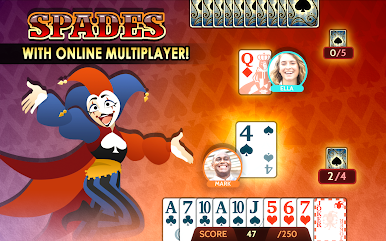
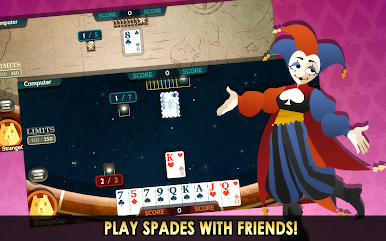
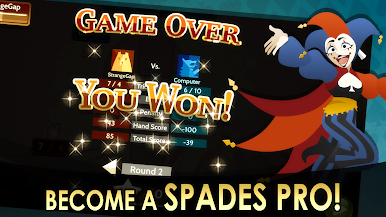
Spades Royale plays like classic Spades with a playful twist: Jokers show up as the strongest trump cards, so every bid and cut feels a bit more dramatic than usual. The flow is simple to learn but has enough bite to keep card players thinking. Players bid their hand, try to pull the right number of tricks, and feel that little jolt when a smart throw saves the round. Matches fill fast, the interface is clean, and the turns move at a steady clip so it never feels stuck on one player forever.
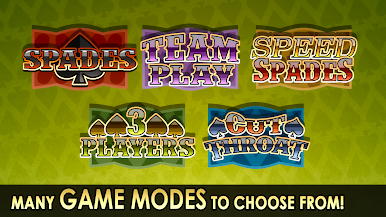
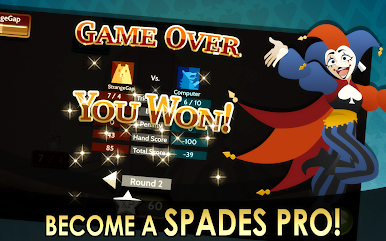
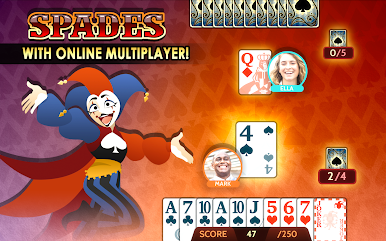
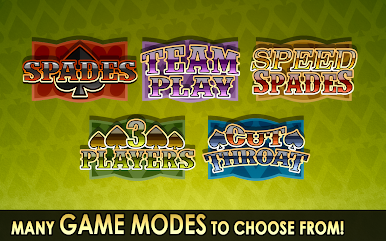
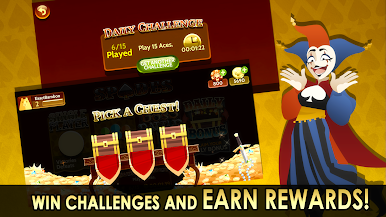
There are a bunch of modes that keep it fresh. Regular for the standard pace, Speed for quick sets, 3-player when a partner is not wanted, and Team Play for that classic back-and-forth. Daily challenges hand out coins and give small goals to chase, and the stat tracking is surprisingly deep, so it is easy to see patterns and improve. Unlockable themes and avatars give the tables some personality, and the offline option against decent AI is great for practicing bids without pressure. On PC with BlueStacks, the bigger screen makes counting suits easier and clicking bids is smooth, plus no battery worries during longer sessions. Real-time multiplayer and leaderboards scratch the competitive itch, while XP and achievements drip in as games pile up. Anyone who enjoys trick-taking with a tiny wildcard shake-up will feel right at home here.
Make your gaming sessions memorable with precise controls that give you an edge in close combats and visuals that pop up, bringing every character to life.




Play Spades Royale on PC. It’s easy to get started.
-
Download and install BlueStacks on your PC
-
Complete Google sign-in to access the Play Store, or do it later
-
Look for Spades Royale in the search bar at the top right corner
-
Click to install Spades Royale from the search results
-
Complete Google sign-in (if you skipped step 2) to install Spades Royale
-
Click the Spades Royale icon on the home screen to start playing

