


Dancing Line
Play on PC with BlueStacks – the Android Gaming Platform, trusted by 500M+ gamers.

Page Modified on: Jun 25, 2024
Play Dancing Line on PC
Be careful tapping music from our music game. Time your actions, tap carefully and become the master of the dance! The only rule? Don't fall off the track!
Come play it and challenge your speed limit. Unlock surprises in each mission.
Game principle:
Listen to music and guide the line through different moods. Follow the music and tap the screen to spin, pass obstacles or make reactions to any changes.
Game Features:
- Original background music.
- Different stories in each mission and progressive difficulty.
- 3D physical environment and moderate music.
- The line guides your tapping and dancing.
- Simple but hard to master.
- Typing with one finger, easy.
- Addictive music game to tap and dance.
- Challenge your friends and see who could be the best player! !
- Reaction to touch, sense of sound and visual reaction are essential.
- Very essential music rhythm.
What are you waiting for click the download button to get this addictive game.
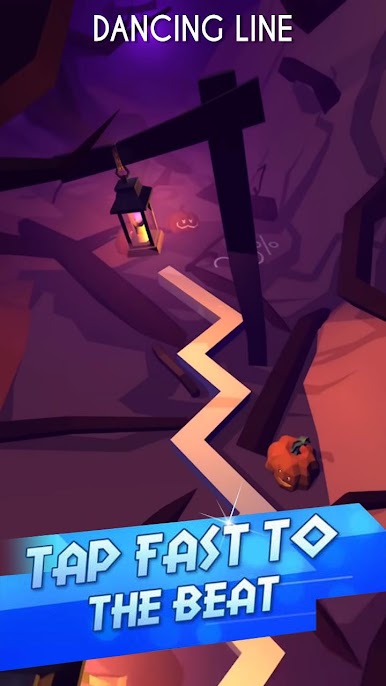
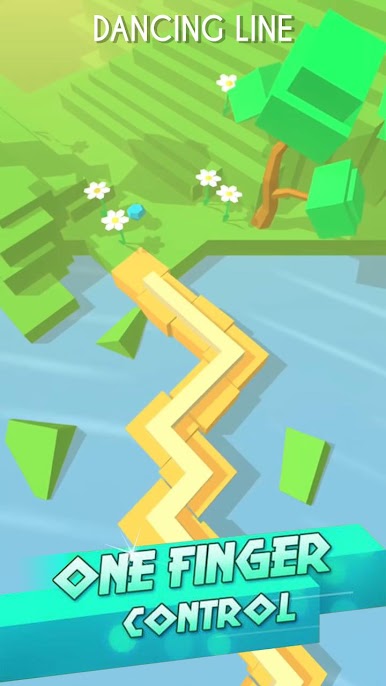
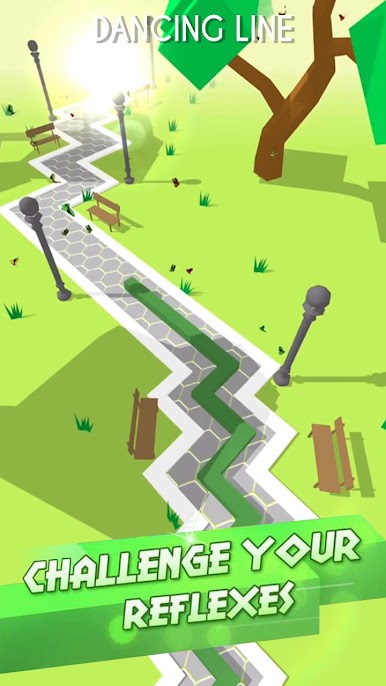
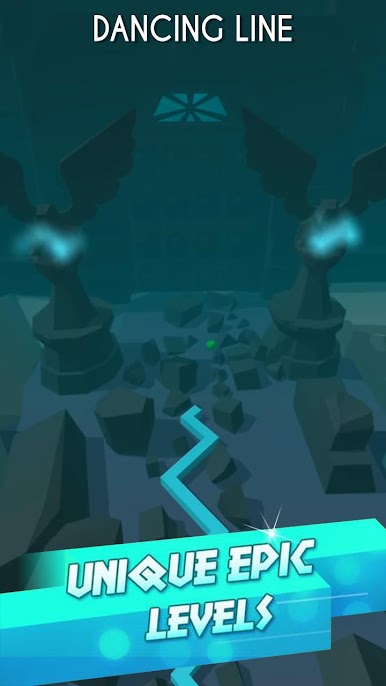
Play Dancing Line on PC. It’s easy to get started.
-
Download and install BlueStacks on your PC
-
Complete Google sign-in to access the Play Store, or do it later
-
Look for Dancing Line in the search bar at the top right corner
-
Click to install Dancing Line from the search results
-
Complete Google sign-in (if you skipped step 2) to install Dancing Line
-
Click the Dancing Line icon on the home screen to start playing

