

Archer Hunter: Roguelike Bow
Play on PC with BlueStacks – the Android Gaming Platform, trusted by 500M+ gamers.

Page Modified on: Sep 16, 2026
Play Archer Hunter: Roguelike Bow on PC or Mac
Archer Hunter: Roguelike Bow by Blastproof Games has plenty to keep you busy. BlueStacks lets you play it on PC or Mac with more screen space, better control, and fewer mobile limits.
About the Game
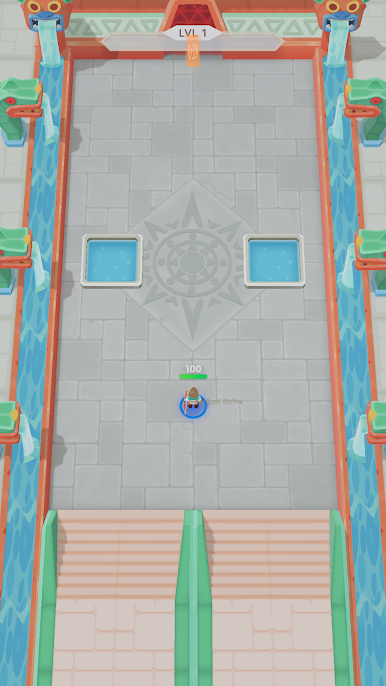
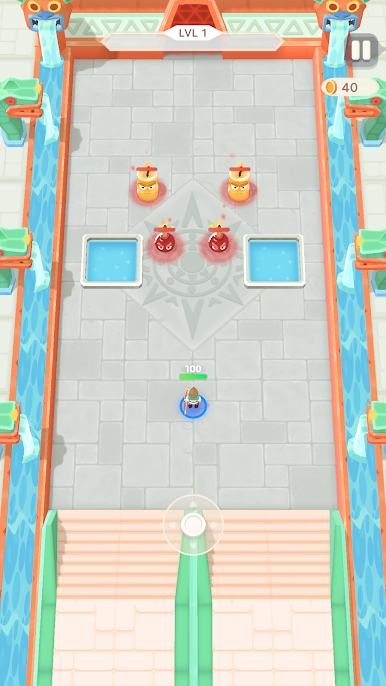
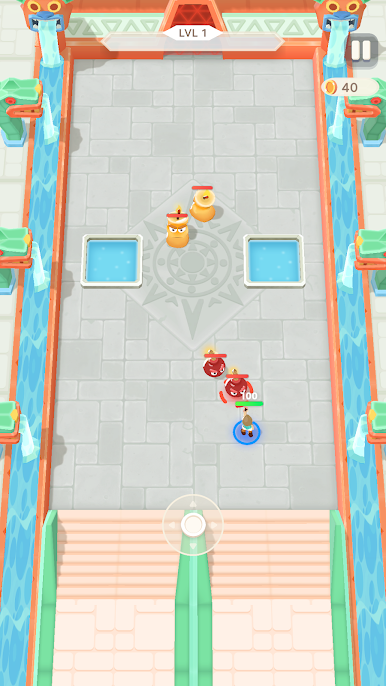
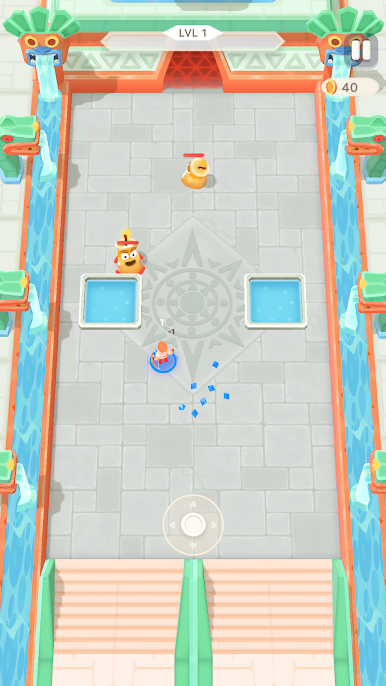
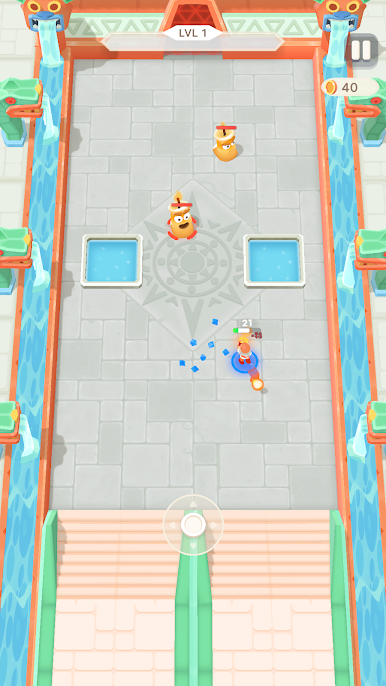
Archer Hunter: Roguelike Bow is a fast, punchy Arcade blast where a well-timed dodge can save a run and a single upgrade can flip the script. You weave through compact arenas, scoop up power-ups, and stitch together offbeat builds that snowball hard. It’s all about quick reads, smart picks, and bosses that make you prove your setup works.
Game Features
- One-hand control: Drag to move while your archer fires automatically, letting you focus on positioning, timing, and staying out of trouble.
- Fresh runs, fresh chaos: Room layouts, enemy mixes, and upgrade offers shuffle every attempt, so no two journeys feel the same.
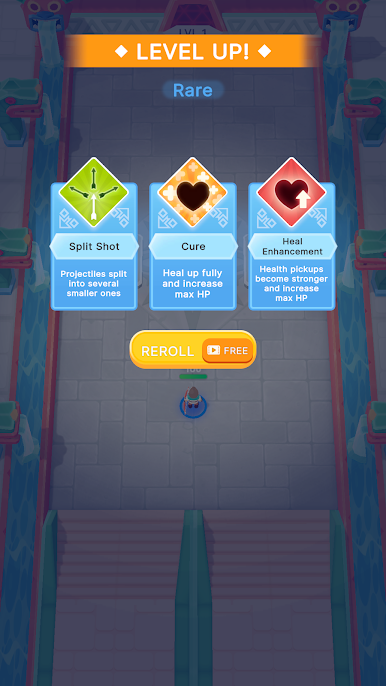
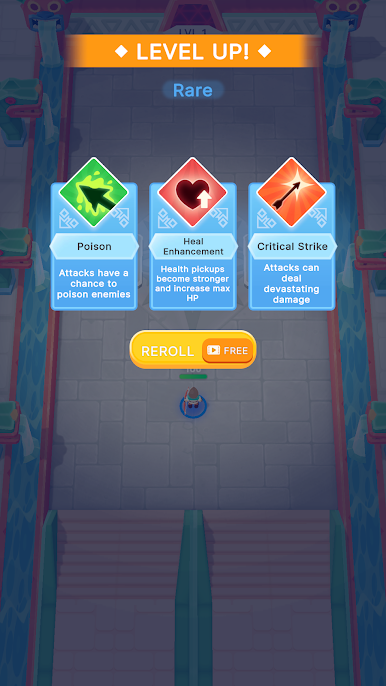
- Build-crafting on the fly: Choose from split shots, piercing shafts, crackling elements, orbiting sentries, spirit allies, and protective wards to stack wild synergies.
- Boss throwdowns: Study patterns, bait openings, and thread arrows through heavy fire to land the snapshot that ends the fight.
- Persistent boosts: Spend earned gold between attempts for faster attacks, bigger damage, sturdier health, nastier crits, slicker evasion, tougher shields, and even a last-chance revive.
- Session-friendly pacing: Perfect for a quick burst when you’ve got a minute—or a long, satisfying climb when you don’t want to stop.
- Meaningful choices: Every pick nudges your style—glass-cannon burst, tanky survivor, or something bizarre that just works.
- BlueStacks-friendly: Plays smooth and responsive on BlueStacks, so your dodges and shots feel crisp from the first room.
BlueStacks gives you more room to focus on the game and less time adjusting around mobile limitations.
Play Archer Hunter: Roguelike Bow on PC. It’s easy to get started.
-
Download and install BlueStacks on your PC
-
Complete Google sign-in to access the Play Store, or do it later
-
Look for Archer Hunter: Roguelike Bow in the search bar at the top right corner
-
Click to install Archer Hunter: Roguelike Bow from the search results
-
Complete Google sign-in (if you skipped step 2) to install Archer Hunter: Roguelike Bow
-
Click the Archer Hunter: Roguelike Bow icon on the home screen to start playing

