


Spiral Drop: Spin Tower
Play on PC with BlueStacks – the Android Gaming Platform, trusted by 500M+ gamers.

Page Modified on: Jul 27, 2026
Play Spiral Drop: Spin Tower on PC
How to play
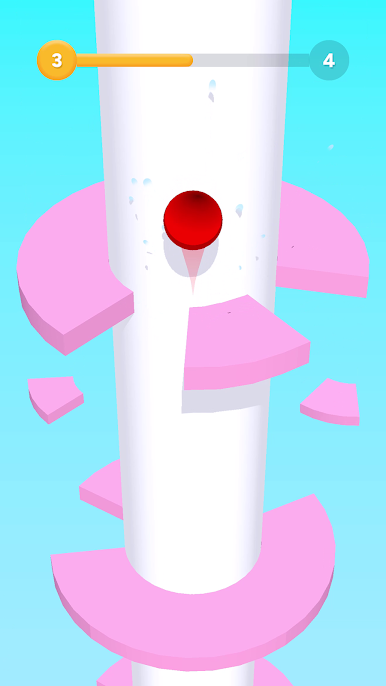
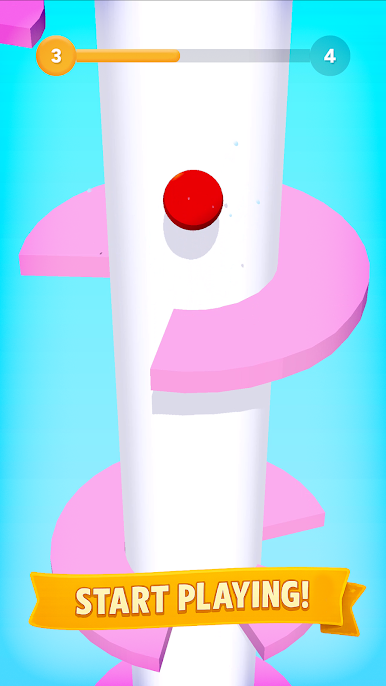
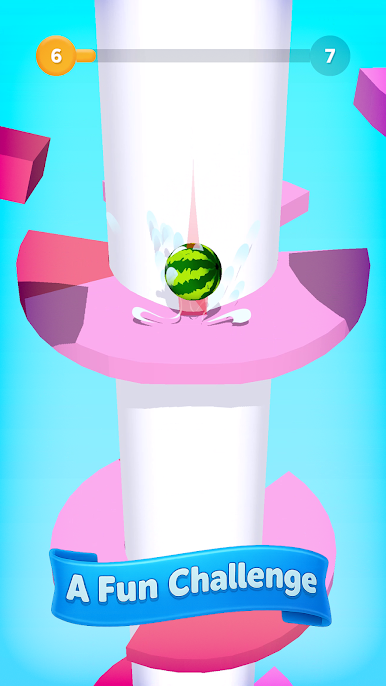
Drag left/right to rotate the tower
Line up openings and keep the ball falling
Avoid blocked segments—a single hit ends the run
Drop multiple floors in one go for big streaks
Find your rhythm as speed and patterns evolve
Why it hooks you
Fast decisions: twist, commit, and trust your read
Satisfying streaks: long clean drops feel great
Minimal, readable visuals keep focus on movement
Endlessly replayable with fresh layer layouts
Features
One‑finger control and instant restarts
Tuned difficulty curve from calm to clutch
Crisp collisions and clear success feedback
Score chase for personal bests
Tips
Scan two rings ahead to pre‑rotate into safe lanes
Pause the descent by holding the angle when needed
Go greedy selectively—long drops are great, but safety first
Reset your rhythm after close calls to avoid panic turns
For fans of
spiral tower, rotate and drop, falling ball, reflex arcade, and spin maze games.
Twist, time, and drop—download Spiral Drop and chase your cleanest descent.
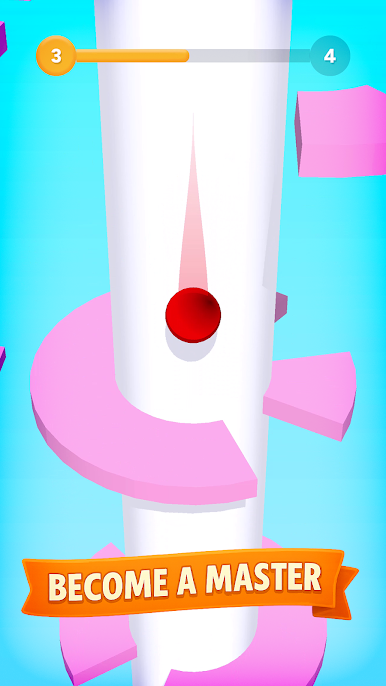
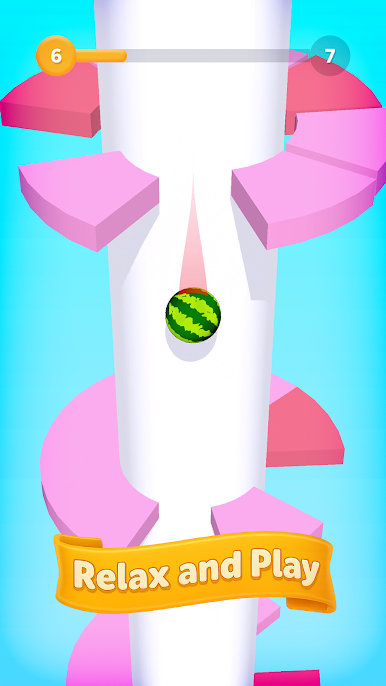
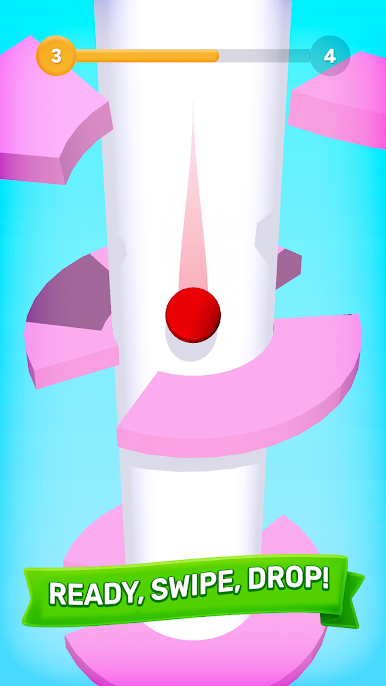
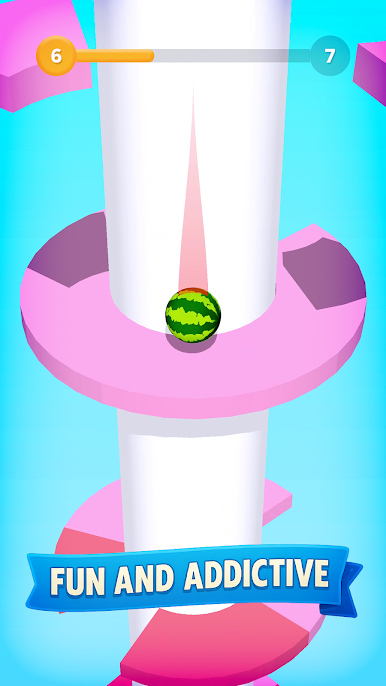

Play Spiral Drop: Spin Tower on PC. It’s easy to get started.
-
Download and install BlueStacks on your PC
-
Complete Google sign-in to access the Play Store, or do it later
-
Look for Spiral Drop: Spin Tower in the search bar at the top right corner
-
Click to install Spiral Drop: Spin Tower from the search results
-
Complete Google sign-in (if you skipped step 2) to install Spiral Drop: Spin Tower
-
Click the Spiral Drop: Spin Tower icon on the home screen to start playing

