


Arrow Puzzle
Play on PC with BlueStacks – the Android Gaming Platform, trusted by 500M+ gamers.

Page Modified on: Jul 27, 2026
Play Arrow Puzzle on PC
Ready to let them fly? Download Arrow Puzzle now and clear your first board!
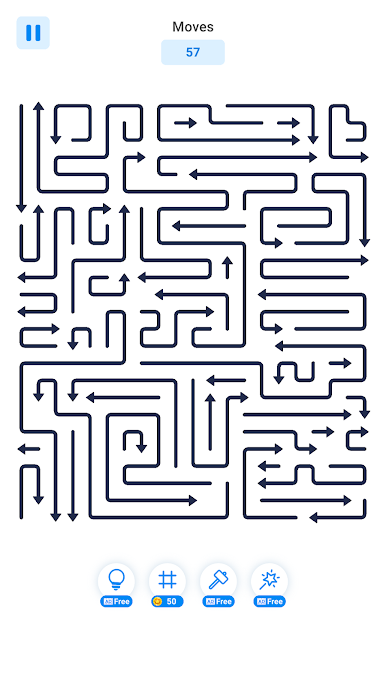
Each puzzle is a tangle of interlocking arrows. Fire them too early and they crash into each other; read the board, plan your taps, and watch the grid unravel in one satisfying sweep. Simple one-tap controls, tricky decisions.
🎯 GAME MODES
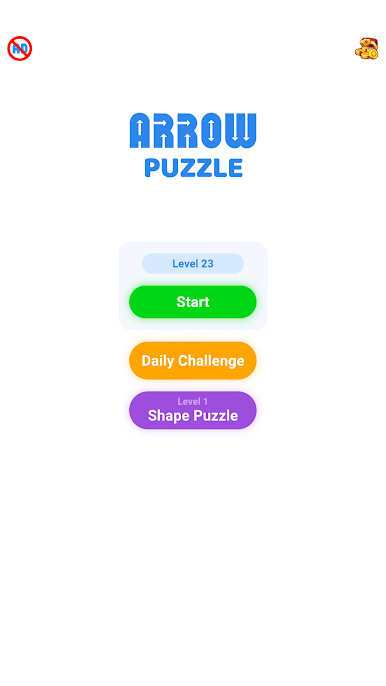
★ Classic Levels: Work through 1000+ handcrafted puzzles that grow from quick warm-ups to real brain-benders.
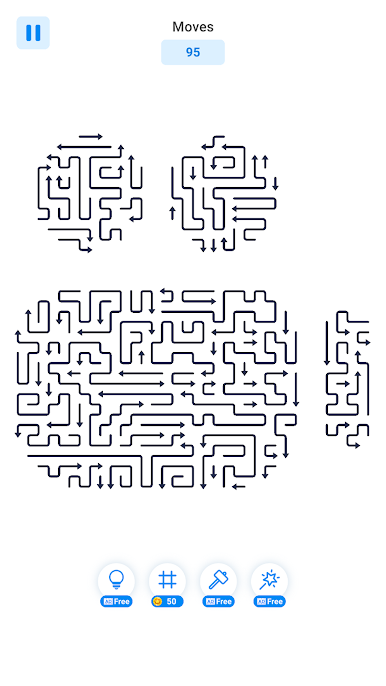
★ Shape Levels: Clear special boards where the arrows form fun pictures and patterns.
★ Daily Challenge: A fresh puzzle every day to keep your streak and your mind sharp.
⭐ KEY FEATURES
★ 1000+ Levels: A huge collection of arrow puzzles, from relaxing to devious.
★ One-Tap Controls: Easy to learn, satisfying to master. Just tap and watch them fly.
★ Helpful Hints: Stuck in a tangle? A hint shows you the next safe arrow.
★ Colorful Themes: Change the look of your board with clean, colorful themes.
★ Relax and Train Your Brain: Calm pacing with just enough challenge to keep you sharp.
★ Free to Play: Download and play for free.
Perfect for a quick brain workout on the bus or a long unwinding session on the couch. Once the arrows start flying, it is very hard to stop.
Download Arrow Puzzle today. The board is waiting to be cleared!

Play Arrow Puzzle on PC. It’s easy to get started.
-
Download and install BlueStacks on your PC
-
Complete Google sign-in to access the Play Store, or do it later
-
Look for Arrow Puzzle in the search bar at the top right corner
-
Click to install Arrow Puzzle from the search results
-
Complete Google sign-in (if you skipped step 2) to install Arrow Puzzle
-
Click the Arrow Puzzle icon on the home screen to start playing

