


Color Block: Fill & Match
Play on PC with BlueStacks – the Android Gaming Platform, trusted by 500M+ gamers.

Page Modified on: Jul 27, 2026
Play Color Block: Fill & Match on PC
How to play
Drag pieces from the tray onto the board
Fit shapes to complete lines and clear them
Create space for future pieces and streaks
Think ahead—avoid boxing yourself into corners
Chase a high score with consistent, clean clears
Why it hooks you
Relaxing pace with no fuss—just thoughtful moves
Satisfying clears and tidy boards
Simple rules, deep decisions as the board fills
Great for short breaks or long, focused sessions
Features
Intuitive touch controls
Readable color palette and clean UI
Gentle difficulty curve that respects your time
Endless replayability with fresh piece orders
Tips
Keep the center open so larger pieces fit later
Build multiple threats (nearly complete lines) to chain clears
Place awkward shapes first when you have space
Avoid tall stacks that block future options
For fans of
block fit, line clear, grid puzzle, logic blocks, and relaxing brain games.
Love neat clears and tidy boards? Download Color Block and settle into a satisfying flow.
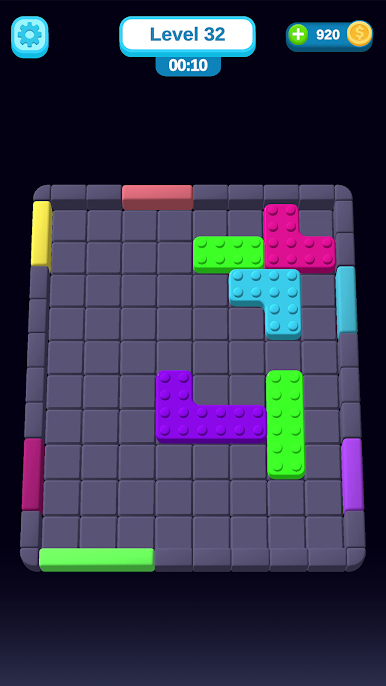
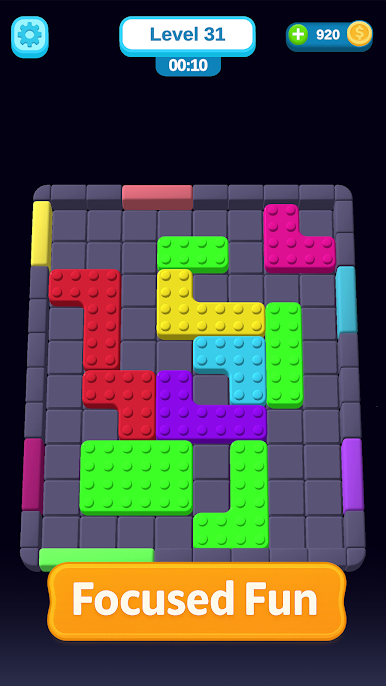
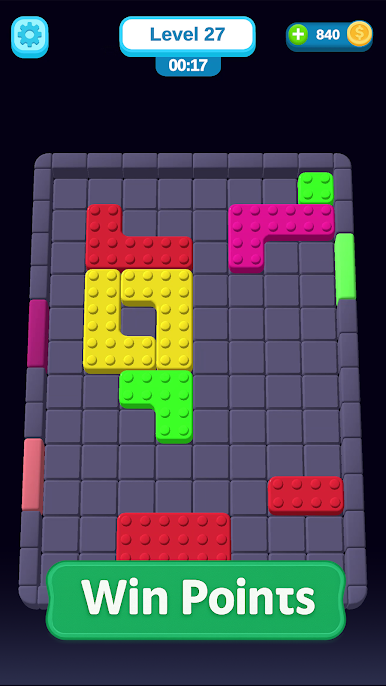
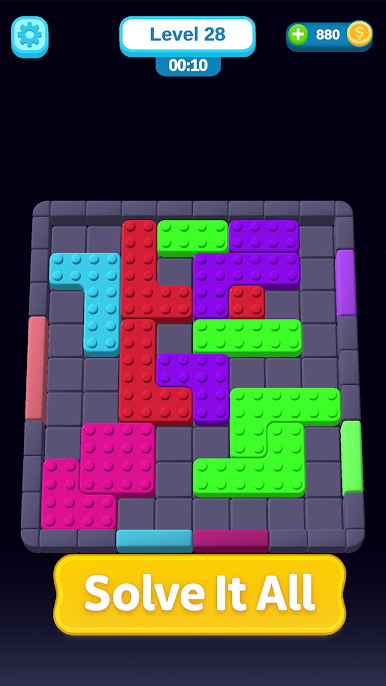
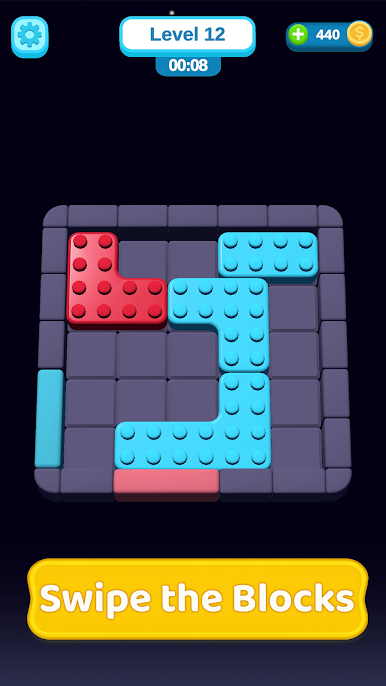
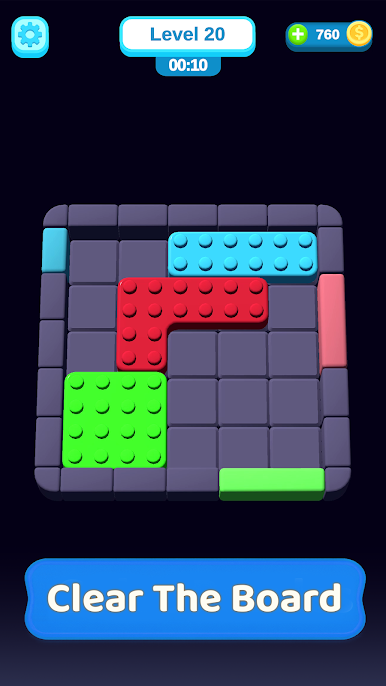
Play Color Block: Fill & Match on PC. It’s easy to get started.
-
Download and install BlueStacks on your PC
-
Complete Google sign-in to access the Play Store, or do it later
-
Look for Color Block: Fill & Match in the search bar at the top right corner
-
Click to install Color Block: Fill & Match from the search results
-
Complete Google sign-in (if you skipped step 2) to install Color Block: Fill & Match
-
Click the Color Block: Fill & Match icon on the home screen to start playing

