


Color Block: Slide Puzzle
Play on PC with BlueStacks – the Android Gaming Platform, trusted by 500M+ gamers.

Page Modified on: Oct 27, 2026
Play Color Block: Slide Puzzle on PC
HOW TO PLAY
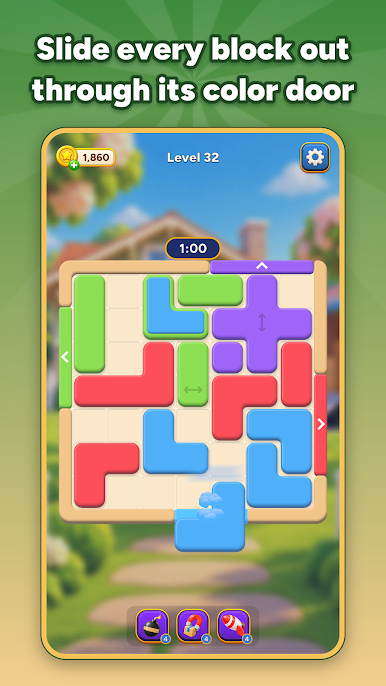
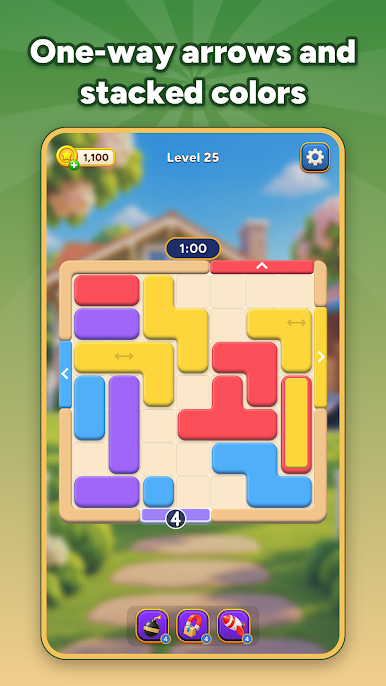
• Drag a block to slide it across the board.
• Line it up with a door of its color and it glides out. The door must be at least as wide as the block.
• An arrow on a block means it slides only that way.
• Some blocks carry a second color on top: the top one leaves through its own door first.
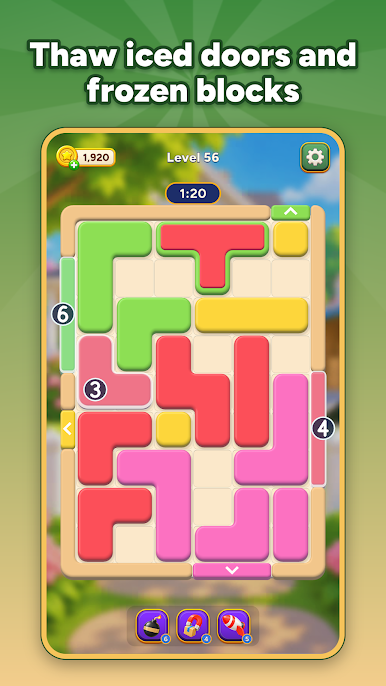
• Iced doors and frozen blocks thaw a little each time another block leaves.
• Once every block of a color is out, its door closes.
• Clear the board before the clock runs out. Short on time? Play On for 30 more seconds.
FEATURES
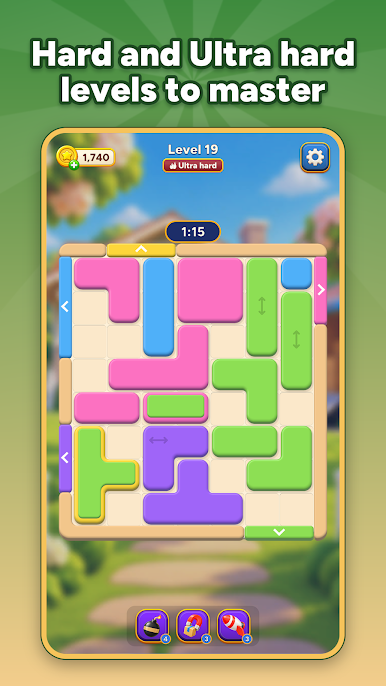
• 1,200 levels, from quick warm-ups to Hard and Ultra hard challenges, with easier boards in between to catch your breath.
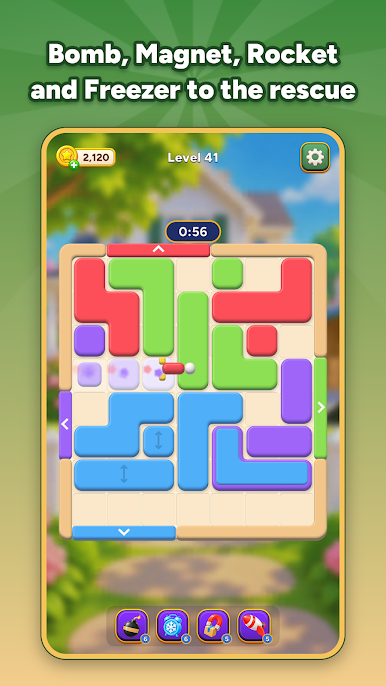
• Four powerups for tight spots: Bomb clears a block, Magnet clears every block of one color, Rocket cuts through a whole row, and Freezer adds 10 extra seconds.
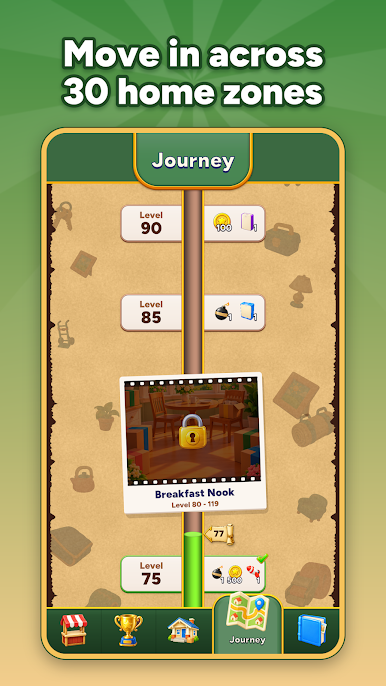
• The Journey: help families move in across 30 home zones, from Bungalow Lane and the Breakfast Nook to the Tiny House, the Dome Home and the Forever Home, with gifts along the way.
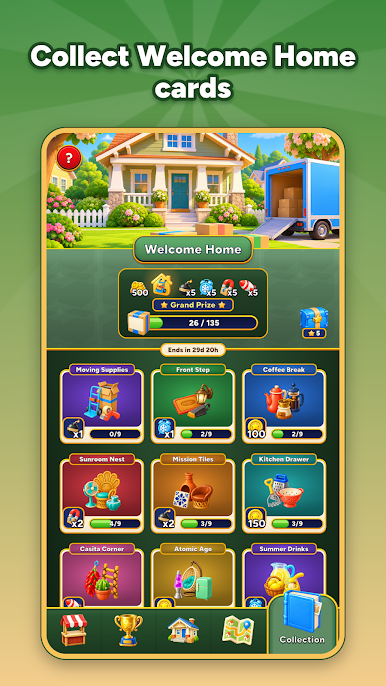
• Card albums: collect Welcome Home cards across 15 sets, complete them for rewards and win the Master Mover badge.
• Victory Run: win levels in a row to climb a reward track with growing multipliers.
• Smooth, satisfying moves, cheerful music and haptics.
Good to know: an internet connection is needed to play. Contains ads and optional in-app purchases.
Play Color Block: Slide Puzzle on PC. It’s easy to get started.
-
Download and install BlueStacks on your PC
-
Complete Google sign-in to access the Play Store, or do it later
-
Look for Color Block: Slide Puzzle in the search bar at the top right corner
-
Click to install Color Block: Slide Puzzle from the search results
-
Complete Google sign-in (if you skipped step 2) to install Color Block: Slide Puzzle
-
Click the Color Block: Slide Puzzle icon on the home screen to start playing

