

Craft Builder: 3D Block World
Play on PC with BlueStacks – the Android Gaming Platform, trusted by 500M+ gamers.

Page Modified on: Aug 14, 2026
Play Craft Builder: 3D Block World on PC or Mac
Play Craft Builder: 3D Block World by Coup Coup LTD on PC or Mac with BlueStacks. Use a bigger screen, mouse and keyboard controls, and smoother performance while you play.
About the Game
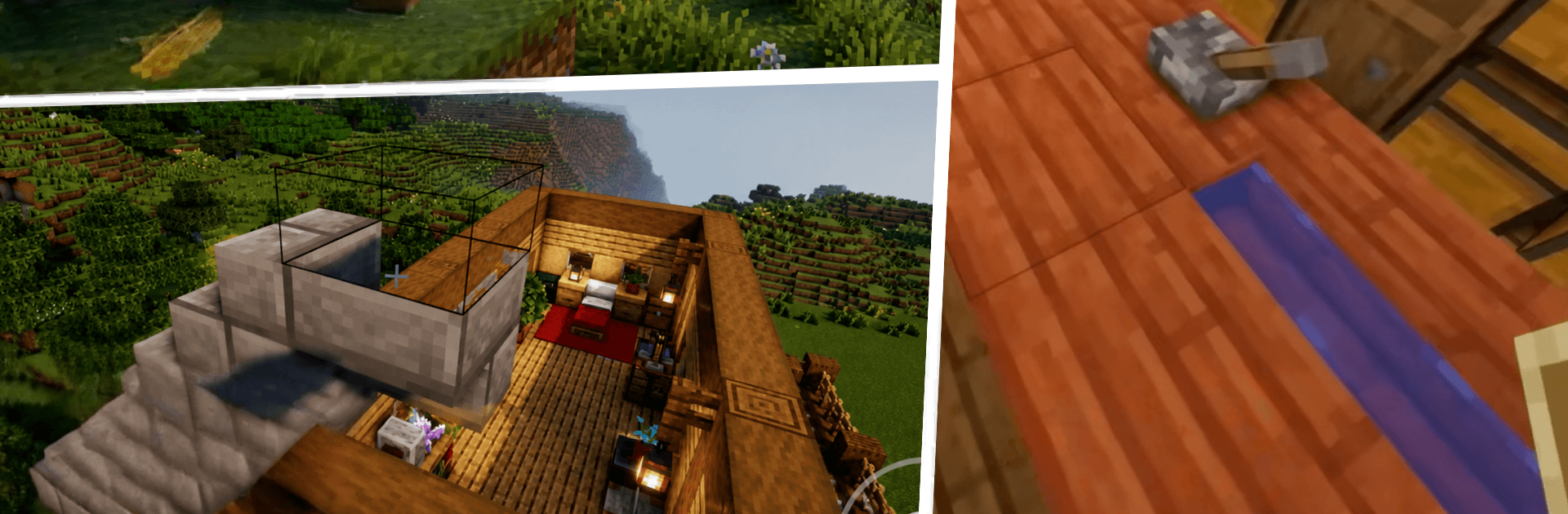
Craft Builder: 3D Block World is a big, blocky playground where your ideas become actual places to live, explore, and tinker with. Build from scratch, roam across varied terrain, and choose whether you want a laid-back creative session or a touch of survival challenge. It’s a Simulation that celebrates curiosity, planning, and the satisfaction of seeing a project go from blueprint to skyline.
Game Features
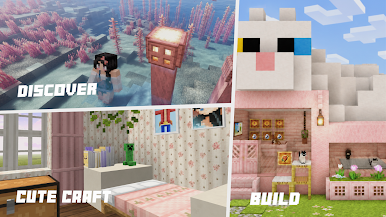
- Open-world sandbox: Wander through forests, rivers, caves, and a bright block city, with plenty of hidden corners to discover and shape.
- Effortless building tools: Snap blocks into place, sculpt terrain, and lay out houses, farms, bridges, and whatever else your plan calls for—controls stay simple and responsive.
- Creative or survival play: Go all-in on building without limits, or gather resources and manage risk as you construct, explore, and stay prepared.
- From small builds to megaprojects: Start with simple pieces, then scale up to towers, plazas, and sprawling bases as your toolkit and confidence grow.
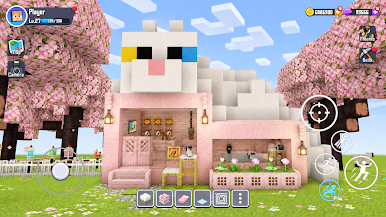
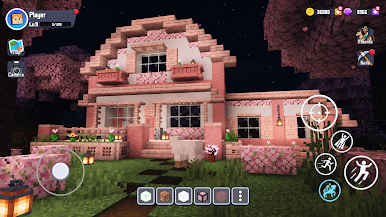
- Lively settlements: Design cozy homes, link neighborhoods with paths, decorate interiors, and turn empty land into a bustling village that actually feels lived in.
- Mini games for quick breaks: Hop into bite-sized challenges when you want a change of pace from your main build.
- Smooth performance: Stable, fluid gameplay keeps big builds feeling manageable and exploration relaxing.
- PC-friendly with BlueStacks: Prefer a larger screen and keyboard/mouse? The game plays nicely on BlueStacks without getting in your way.
Ready to top the leaderboard? We bet you do. Let precise controls and sharp visuals optimized on BlueStacks lead you to victory.
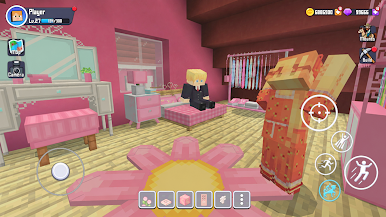
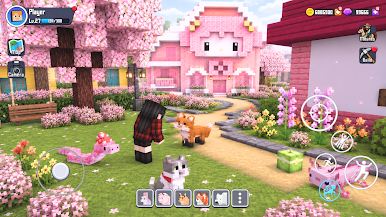
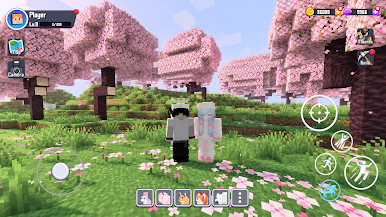
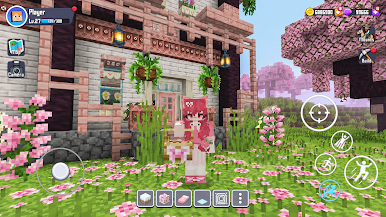
Play Craft Builder: 3D Block World on PC. It’s easy to get started.
-
Download and install BlueStacks on your PC
-
Complete Google sign-in to access the Play Store, or do it later
-
Look for Craft Builder: 3D Block World in the search bar at the top right corner
-
Click to install Craft Builder: 3D Block World from the search results
-
Complete Google sign-in (if you skipped step 2) to install Craft Builder: 3D Block World
-
Click the Craft Builder: 3D Block World icon on the home screen to start playing

