


My Garage: Idle Tycoon
Play on PC with BlueStacks – the Android Gaming Platform, trusted by 500M+ gamers.

Page Modified on: May 12, 2026
Play My Garage: Idle Tycoon on PC
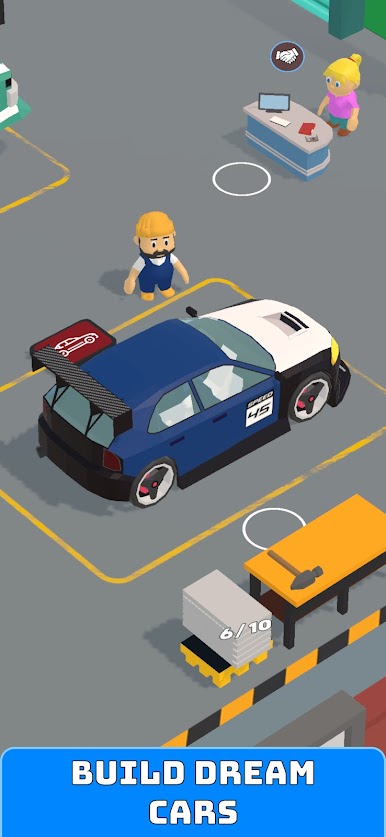
Start with a small workshop and turn it into a busy garage empire. Build cars part by part, manage workbenches, serve customers, and expand into new business areas as you grow.
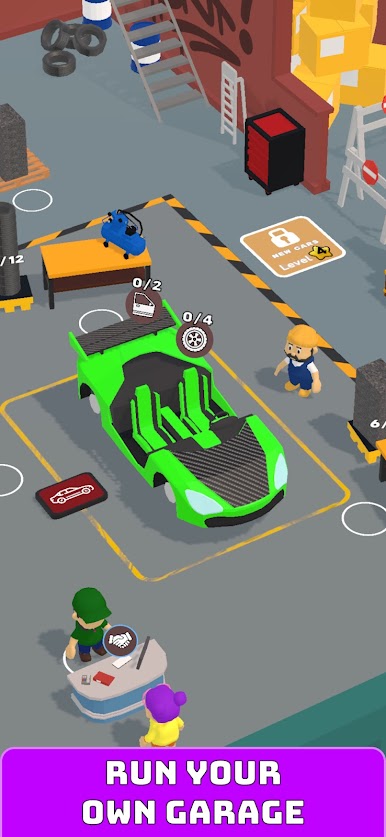
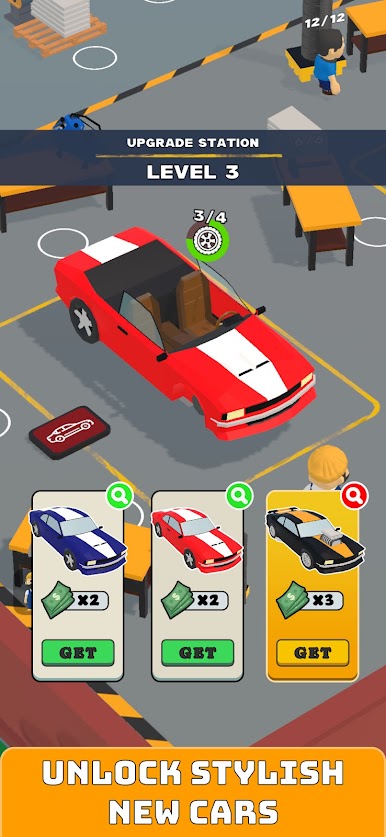
Assemble cars from scratch by producing and installing different parts. Upgrade your stations, unlock new vehicle models, and improve your workflow to complete more cars and earn more money.
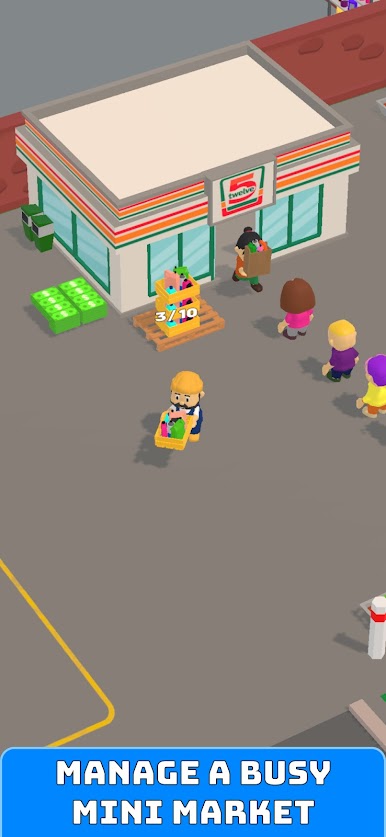
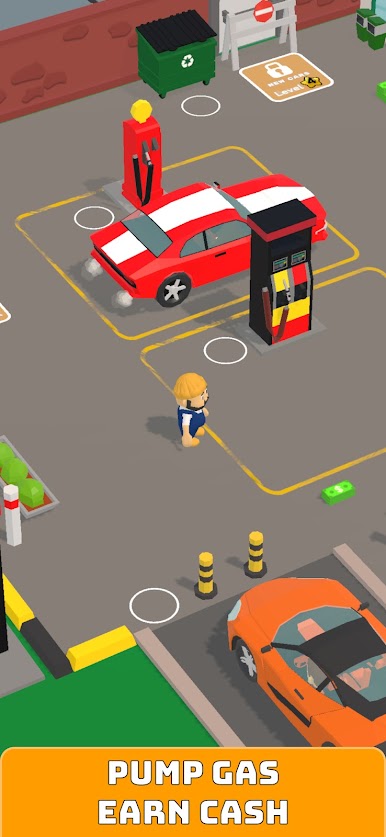
Your garage is only the beginning. Run a gas station, accept incoming cars, fuel them up, and keep traffic moving. Open your own mini market, stock the shelves, carry products, and serve waiting customers to boost your income even more.
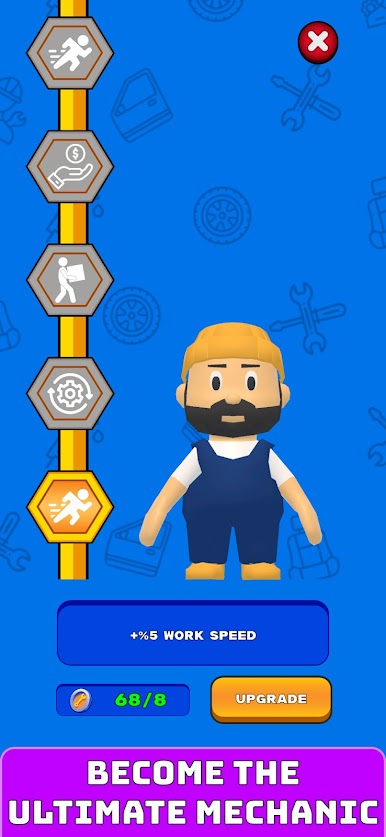
Upgrade your character to work faster, carry more items, and increase your earnings. Hire workers to help with production and services, and build a smarter, more efficient business.
Features:
Build cars piece by piece
Run your own garage business
Manage a gas station
Stock and grow a mini market
Upgrade stations, vehicles, and character skills
Unlock new cars and expand your business
Hire workers and improve efficiency
Enjoy satisfying idle arcade gameplay
Whether you love building, upgrading, or managing a growing business, My Garage lets you create the ultimate automotive service empire.
Play My Garage: Idle Tycoon on PC. It’s easy to get started.
-
Download and install BlueStacks on your PC
-
Complete Google sign-in to access the Play Store, or do it later
-
Look for My Garage: Idle Tycoon in the search bar at the top right corner
-
Click to install My Garage: Idle Tycoon from the search results
-
Complete Google sign-in (if you skipped step 2) to install My Garage: Idle Tycoon
-
Click the My Garage: Idle Tycoon icon on the home screen to start playing

