


MyChat: messenger for office
Play on PC with BlueStacks – the Android Gaming Platform, trusted by 500M+ gamers.

Page Modified on: Feb 21, 2026
Run MyChat: messenger for office on PC or Mac
What’s better than using MyChat: messenger for office by Network Software Solutions? Well, try it on a big screen, on your PC or Mac, with BlueStacks to see the difference.
About the App
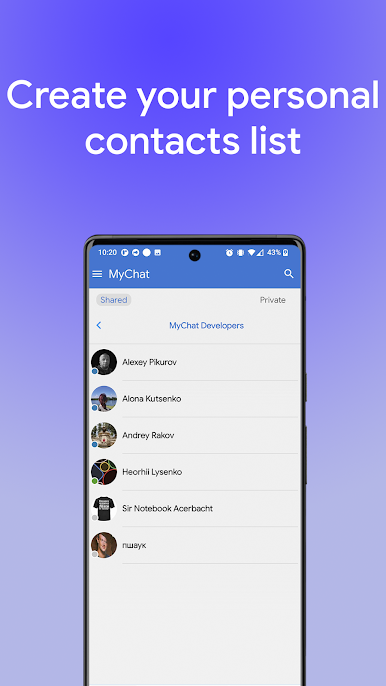
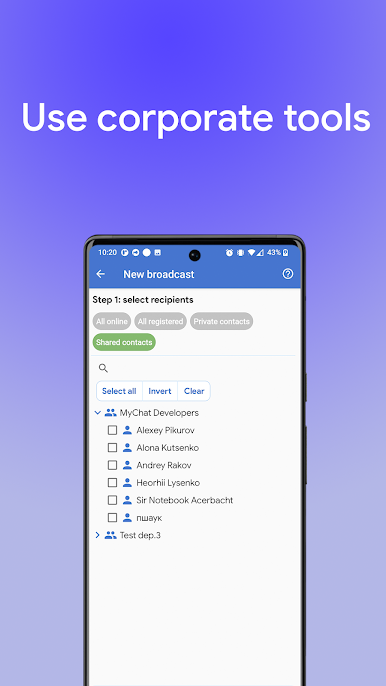
Looking for a smooth way to chat with your team at work? MyChat: messenger for office keeps conversations organized and right where you need them—inside your company. Built for work environments, it lets you message your coworkers, share files, and collaborate without anything leaking outside. It’s straightforward, secure, and designed to fit what an office really needs.
App Features
-
Private, Workplace Messaging
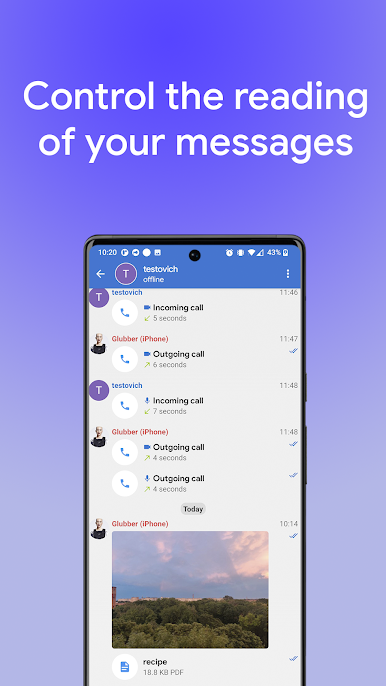
Swap quick messages with your coworkers without all the clutter of public chat apps. Everything stays within your network or company, adding an extra layer of privacy. -
File Sharing, Simplified
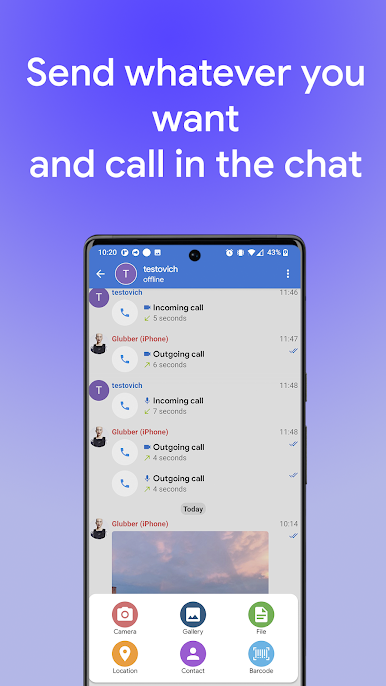
Easily send documents, presentations, and just about any file type you’ll need during the workday—no email attachments or lost links. -
Customizable Server Setup
You get total control. Set up and manage your own server so you decide exactly how communication happens at your workplace. -
Works Online or Offline
Internet access spotty? No worries. MyChat: messenger for office lets you communicate securely whether your company’s online or running on a local network. -
Security for Every Message
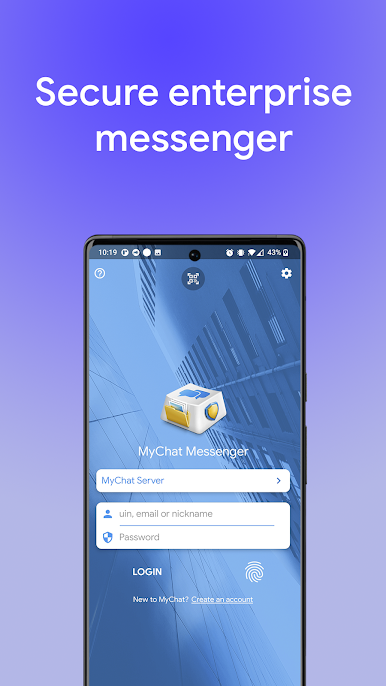
Because it stays off public chat systems, MyChat: messenger for office helps protect your information and keep sensitive office discussions, well, in the office. -
Easy Team Collaboration
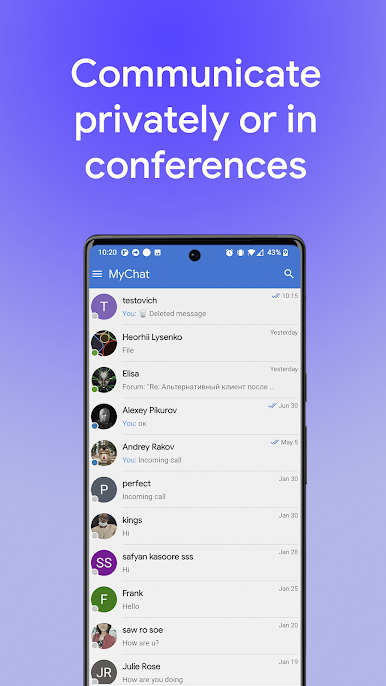
Jump into group chats or handle one-on-ones without a hitch, keeping projects and conversation threads on track.
And yes, you can even use MyChat: messenger for office with BlueStacks if you want to get that desktop feel right on your computer, making multitasking between your chats and workflow nice and easy.
Big screen. Bigger performance. Use BlueStacks on your PC or Mac to run your favorite apps.

Play MyChat: messenger for office on PC. It’s easy to get started.
-
Download and install BlueStacks on your PC
-
Complete Google sign-in to access the Play Store, or do it later
-
Look for MyChat: messenger for office in the search bar at the top right corner
-
Click to install MyChat: messenger for office from the search results
-
Complete Google sign-in (if you skipped step 2) to install MyChat: messenger for office
-
Click the MyChat: messenger for office icon on the home screen to start playing

