


IPTV Smarters Pro
Play on PC with BlueStacks – the Android Gaming Platform, trusted by 500M+ gamers.

Page Modified on: Nov 15, 2021
Overview
FEATURES OVERVIEW:
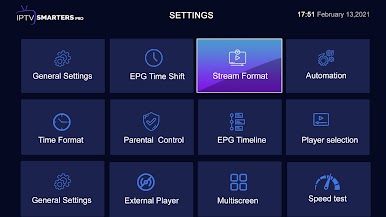
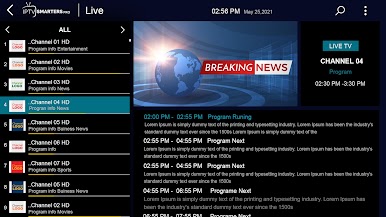
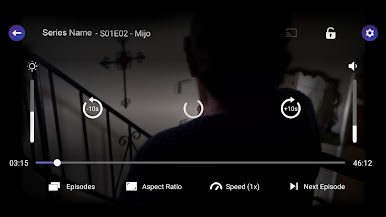
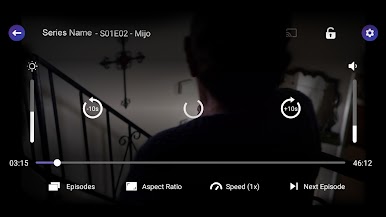
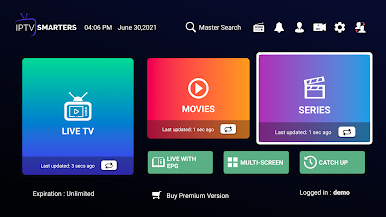
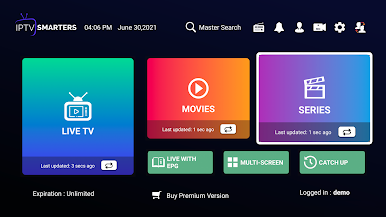
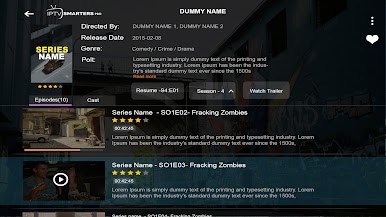
- Support: Live, Movies, and Series Streaming
- Master Search
- New Modern layout / UI Design
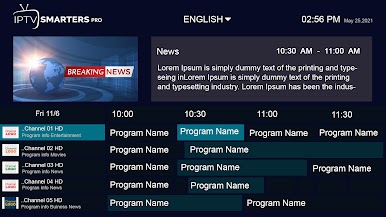
- Support for EPG ( TV Program Guide)
- Support: Chrome Casting
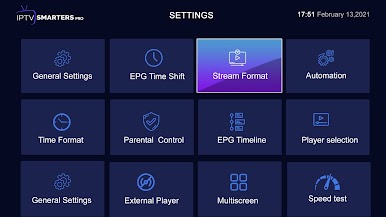
- Parental Controls
- Support: TV Catch Up Streaming
- Support: Continue Watching
- Support: Recently Added Movies & Series
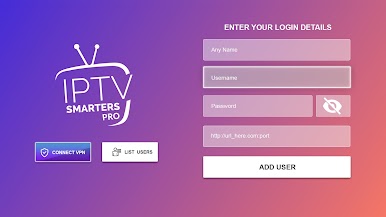
- Support: Multi-Screens and Multi-Users ( Improvements)
- Support: M3u File and URL ( Playlist)
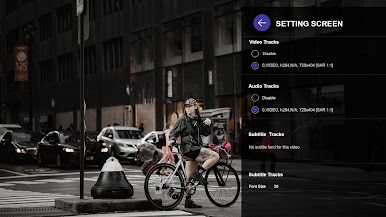
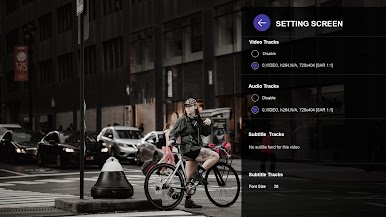
- Support: Local Audio / Video file Playing
- Support: Play a Single Stream
- Support: External Player.
- Speed Test facility Integrated and VPN Integration
- Support: Dynamic language switching
- Support: Picture-in-Picture
- Support: Recording Stream
- and much more
What are you waiting for?
Get the most downloaded IPTV Player Android App.
A fully customized and Brand-able version for OTT Providers.
More Info: https://www.whmcssmarters.com/android-app-for-xtream-codes-iptv-smarters/
Disclaimer:
- IPTV Smarters Pro does not supply or include any media or content
- Users must provide their own content
- IPTV Smarters Pro has no affiliation with any third-party provider whatsoever.
- We do not endorse the streaming of copyright-protected material without the permission of the copyright holder.
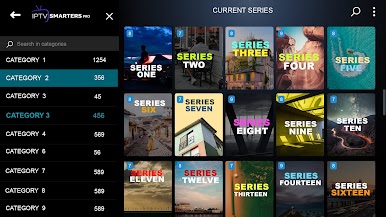
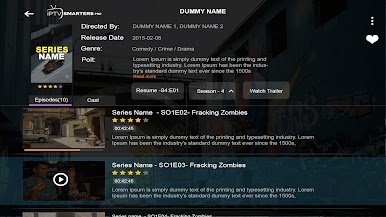
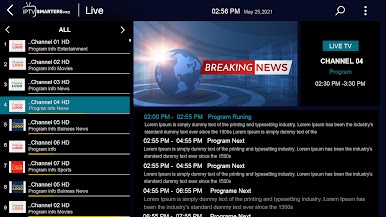
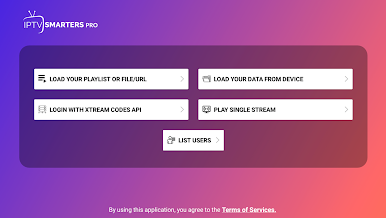
Play IPTV Smarters Pro on PC. It’s easy to get started.
-
Download and install BlueStacks on your PC
-
Complete Google sign-in to access the Play Store, or do it later
-
Look for IPTV Smarters Pro in the search bar at the top right corner
-
Click to install IPTV Smarters Pro from the search results
-
Complete Google sign-in (if you skipped step 2) to install IPTV Smarters Pro
-
Click the IPTV Smarters Pro icon on the home screen to start playing

