


ClubGG Poker
Play on PC with BlueStacks – the Android Gaming Platform, trusted by 500M+ gamers.

Page Modified on: Jul 21, 2026
Play ClubGG Poker on PC
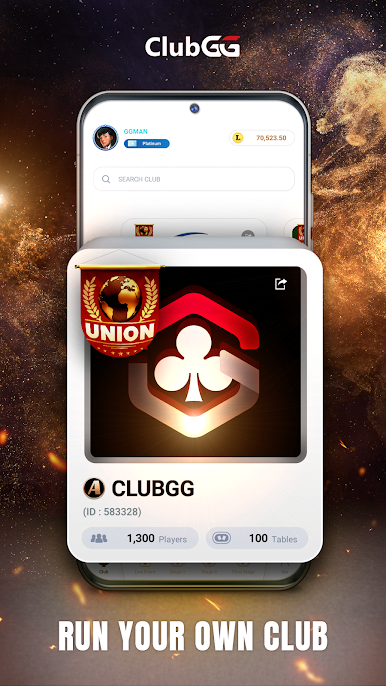
Create your own club and invite friends from all over the world to play it with them.
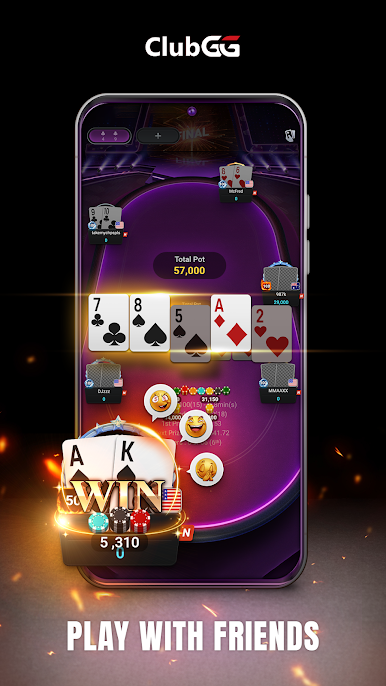
ClubGG allows all members with various skill levels to easily play and enjoy Hold'em.
Fun and engaging online experience of Hold'em game expressed in online game.
Experience ClubGG's powerful club features.
You can create your own club and create games to play with your friends.
You can create your own game with a variety of games such as Hold'em, Omaha, Tournament, and many more game options.
Statistical data of the game is provided for you to compare your skills with your friends.
Create a club now and start your unique experience at ClubGG game.
ClubGG's main features
[Various games]
Hold'em, Omaha, 5 Card Omaha, Tournament
[Multi Table]
Powerful multi-table function to play 4 games simultaneously
[Private Club]
Create your own room and tables
[Statistics]
Provides detailed game history and statistics for games played
[Stability and Fairness]
Provides strong security functions and functions to prevent in-game cheating
For inquiries about ClubGG
Please contact us at the address below.
support@clubgg.com



Play ClubGG Poker on PC. It’s easy to get started.
-
Download and install BlueStacks on your PC
-
Complete Google sign-in to access the Play Store, or do it later
-
Look for ClubGG Poker in the search bar at the top right corner
-
Click to install ClubGG Poker from the search results
-
Complete Google sign-in (if you skipped step 2) to install ClubGG Poker
-
Click the ClubGG Poker icon on the home screen to start playing

