


Nuclino
Play on PC with BlueStacks – the Android Gaming Platform, trusted by 500M+ gamers.

Page Modified on: Sep 5, 2024
Run Nuclino on PC or Mac
Upgrade your experience. Try Nuclino, the fantastic Productivity app from Nuclino GmbH, from the comfort of your laptop, PC, or Mac, only on BlueStacks.
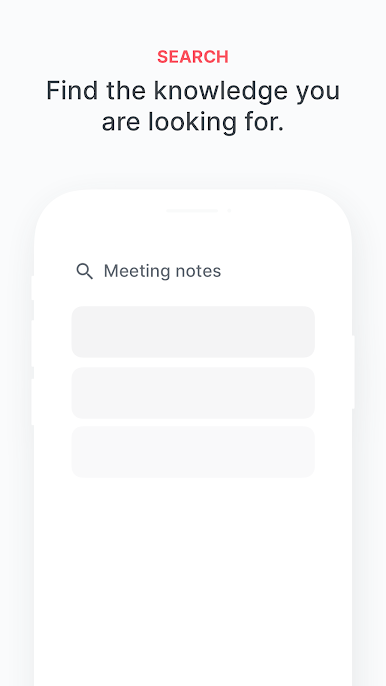
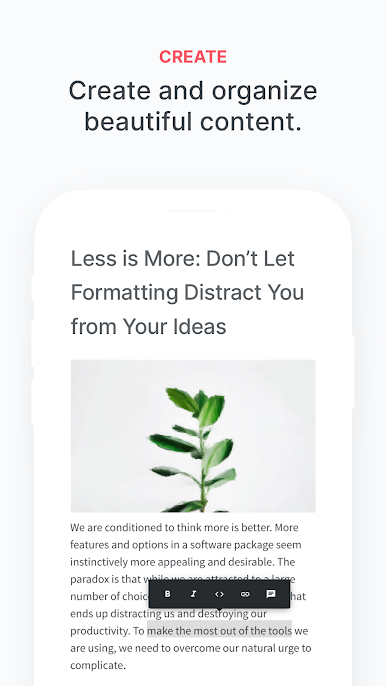
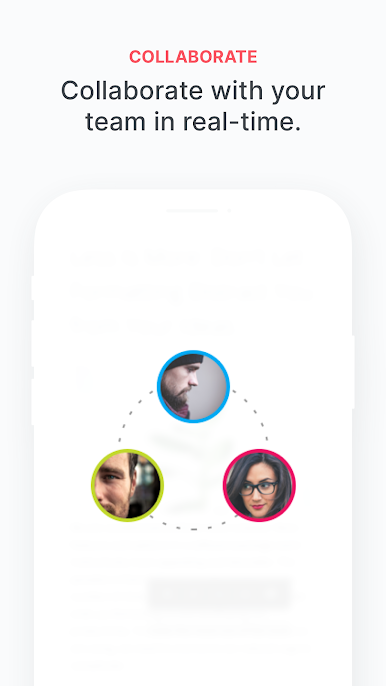
Nuclino feels like a clean, fast team wiki that grew up into a place for docs and projects without getting heavy. Everything lives in simple workspaces and items link together easily, so there is no digging through ten layers of folders or juggling three tools just to share a note. Typing is smooth, multiple people can edit at the same time, mentions and comments keep everyone looped in, and search finds stuff almost instantly. The layout is minimal on purpose, with just the basics for formatting, media, and checklists, which keeps pages tidy and stops the usual doc chaos before it starts. It already has alot of teams on it, which makes sense given how quick it loads and how little setup it asks for.
Running it on PC with BlueStacks makes it feel almost like a desktop app. The bigger screen helps when a workspace has dozens of pages, and using a full keyboard for long docs, quick links, or reorganizing items is way easier. Switching between notes, dragging things around, and cross-referencing pages side by side is less cramped, so planning sessions go smoother. Sync is fast, so updates show up right away across devices. It suits anyone who wants a shared brain for a team that stays lightweight and organized, though power users who want complex databases and wild page layouts may miss those knobs.
Eager to take your app experience to the next level? Start right away by downloading BlueStacks on your PC or Mac.
Play Nuclino on PC. It’s easy to get started.
-
Download and install BlueStacks on your PC
-
Complete Google sign-in to access the Play Store, or do it later
-
Look for Nuclino in the search bar at the top right corner
-
Click to install Nuclino from the search results
-
Complete Google sign-in (if you skipped step 2) to install Nuclino
-
Click the Nuclino icon on the home screen to start playing

