

Driving School 3D
Play on PC with BlueStacks – the Android Gaming Platform, trusted by 500M+ gamers.

Page Modified on: Feb 6, 2026
Play Driving School 3D on PC or Mac
Explore a whole new adventure with Driving School 3D, a Simulation game created by nullapp. Experience great gameplay with BlueStacks, the most popular gaming platform to play Android games on your PC or Mac.
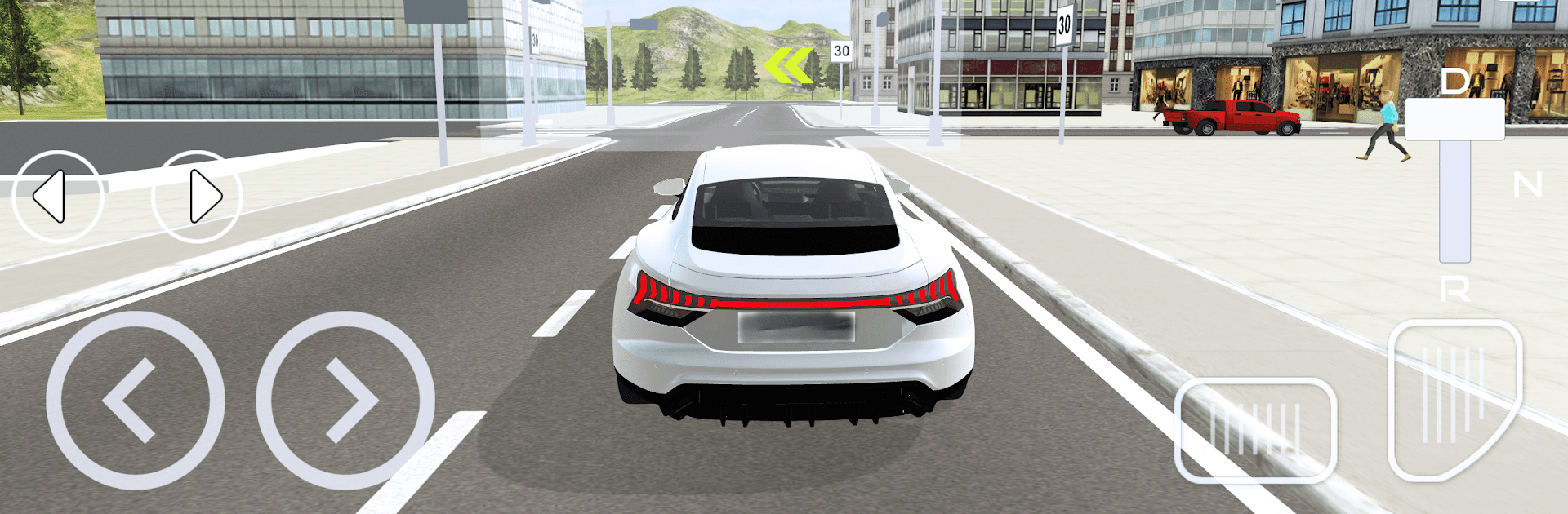
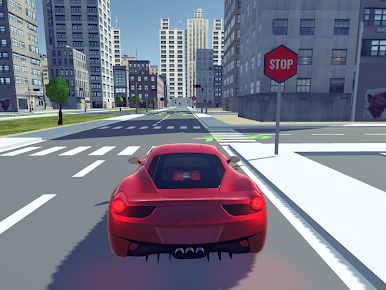
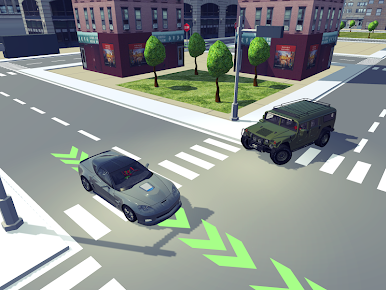
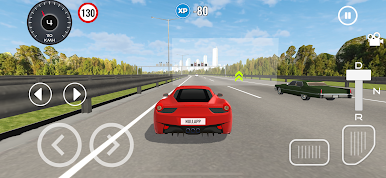
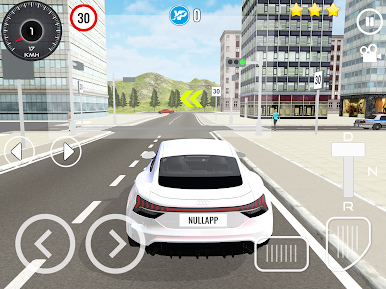
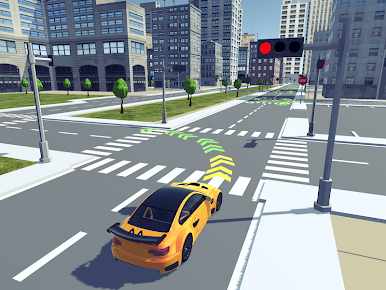
Driving School 3D is all about clean, careful driving rather than racing. It plays like a set of real lessons, with parking challenges, gear shifting, highway runs, and a lot of traffic rules to follow. The game actually grades that behavior, so rolling a stop or clipping a curb matters, and getting that virtual license after the practice tests feels like a small win. The pacing is calm, almost study-like, and that makes every smooth turn or perfect park feel satisfying instead of flashy.
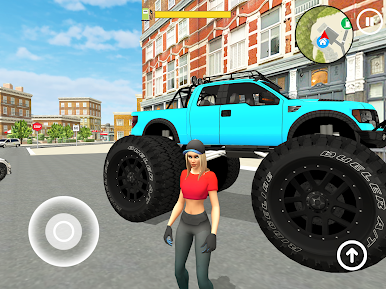
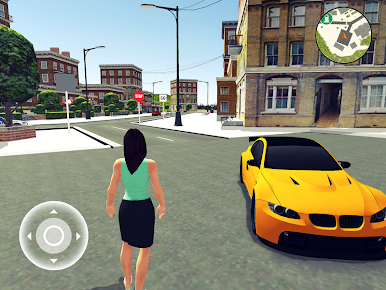
After the tests, there is a free drive mode where players can just cruise and even step out of the car to look around, which is unusual for a driving school game and kind of neat. Cars can be upgraded to suit how someone wants to drive, and there is a choice between automatic or manual transmission, so players who like rowing gears get their fix. Crashes are punished, so patience pays off, especially in tighter spots. It runs offline or online, which makes quick sessions easy. On PC through BlueStacks, the controls feel steady, with keyboard or a pad making manual shifting and precise parking less fussy. If someone enjoys a slower, rules-first style of driving, with clear goals and a relaxed rhythm, this scratches that itch nicely.
Ready to top the leaderboard? We bet you do. Let precise controls and sharp visuals optimized on BlueStacks lead you to victory.

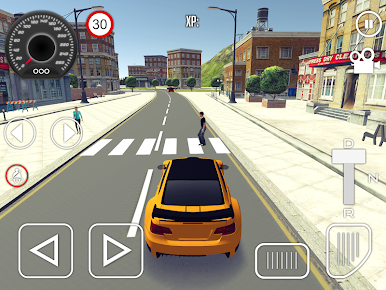
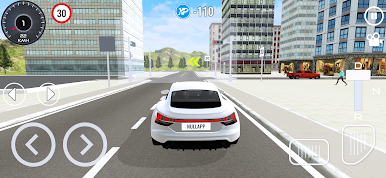
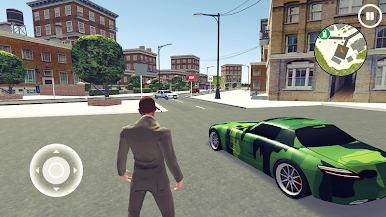
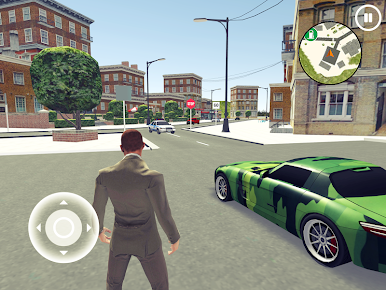



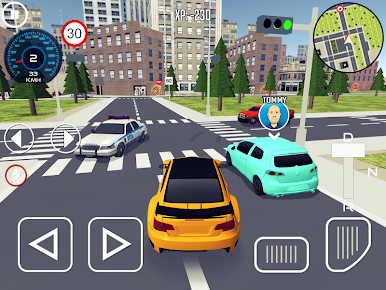
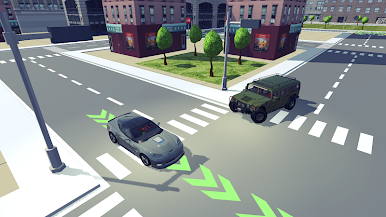
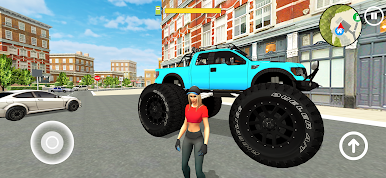
Play Driving School 3D on PC. It’s easy to get started.
-
Download and install BlueStacks on your PC
-
Complete Google sign-in to access the Play Store, or do it later
-
Look for Driving School 3D in the search bar at the top right corner
-
Click to install Driving School 3D from the search results
-
Complete Google sign-in (if you skipped step 2) to install Driving School 3D
-
Click the Driving School 3D icon on the home screen to start playing

