


IsoPix Pro - Pixel Art Editor
Play on PC with BlueStacks – the Android Gaming Platform, trusted by 500M+ gamers.

Page Modified on: Nov 29, 2025
Overview
This is the ad-free Pro version of IsoPix - a pixel art editor designed for... making pixel art!
Features:
- Intuitive image pan/zoom using 2-fingers gesture (pinch to zoom, drag to pan; zoom/pan buttons are also optionally available)
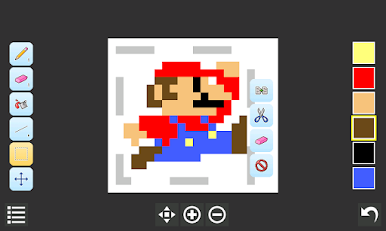
- Easy select, copy, cut, and paste (supports rotation and flipping)
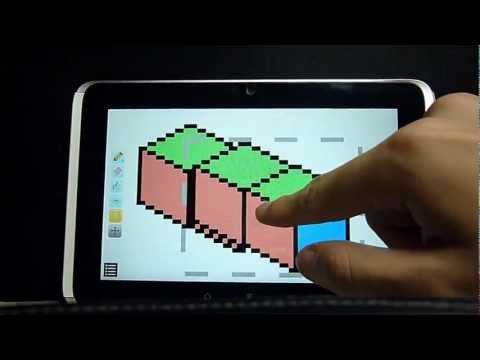
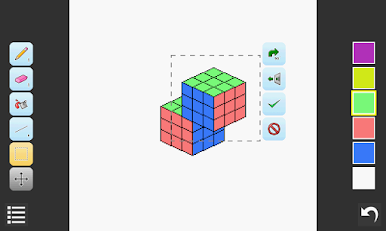
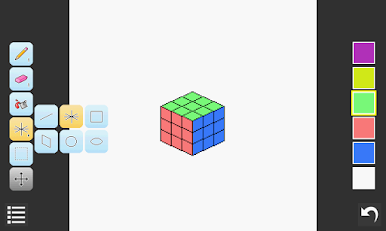
- Isometric tools for drawing isometric lines and rectangles easily
- Ability to precisely position individual lines and shapes
- Ability to save/load colors
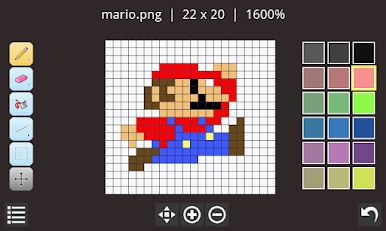
- Optional image pixel grid
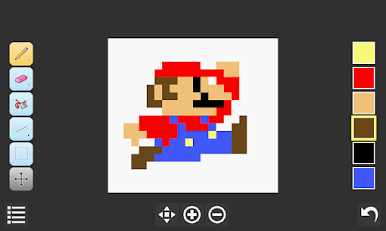
- Transparent image background option
- Loading from PNG/BMP/JPG/GIF files; Saving to PNG files
- Support for both landscape and portrait screen orientation
- Basic shapes, different pen/eraser sizes, flood filling, color dropper/picker, undo/redo
Pro features:
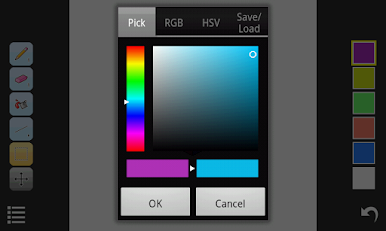
- Direct input of RGB / HSV color value for precise color specification
- Function to change image canvas size
- Ability to import / paste from another image file
- Option to have 18 color palettes slots instead of 6
- Option to show file/image info on the interface
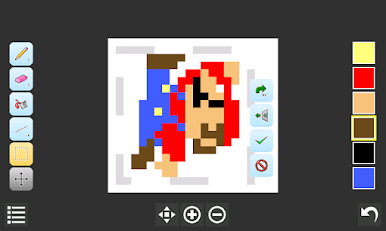
- Option to customize the grid size and color (great for sprite editing)
- Option to customize the app background color
- Ad-free
If you need help with IsoPix, you can check the FAQ and ask questions in our user forums. You are also welcome to suggest new features and talk about anything there:
http://forums.nullium.com

Play IsoPix Pro - Pixel Art Editor on PC. It’s easy to get started.
-
Download and install BlueStacks on your PC
-
Complete Google sign-in to access the Play Store, or do it later
-
Look for IsoPix Pro - Pixel Art Editor in the search bar at the top right corner
-
Click to install IsoPix Pro - Pixel Art Editor from the search results
-
Complete Google sign-in (if you skipped step 2) to install IsoPix Pro - Pixel Art Editor
-
Click the IsoPix Pro - Pixel Art Editor icon on the home screen to start playing

