


Nuvio
Play on PC with BlueStacks – the Android Gaming Platform, trusted by 500M+ gamers.

Page Modified on: Aug 20, 2026
Run Nuvio on PC or Mac
Let BlueStacks turn your PC, Mac, or laptop into the perfect home for Nuvio, a fun Entertainment app from Nuvio Media.
About the App
Nuvio makes keeping up with movies and TV shows simple and genuinely enjoyable. This Entertainment app helps you find what to watch, build a personal library, and keep your progress synced with Trakt without any fuss. It’s clean, quick, and made for bigger screens—and it even feels right on a desktop with BlueStacks if you like a roomier view.
App Features
- Big-screen friendly design: Navigate a clean, spacious interface with large artwork and clear menus built specifically for larger displays.
- Effortless discovery: Browse and search for movies and series, uncover new picks, and pin the ones that catch your eye.
- Your library, organized: Add titles to your collection and keep everything in one place so you always know what you’ve saved.
- Progress tracking that sticks: Mark episodes and movies as watched, see what’s next, and jump back in right where you left off.
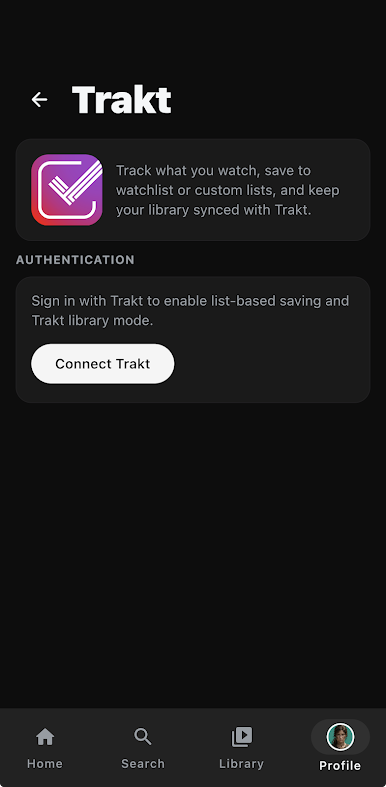
- Trakt sync, built in: Keep your watch history and progress synced with Trakt so your data stays consistent and up to date.
- Watch history at a glance: View what you’ve watched recently and revisit past favorites without digging around.
Big screen. Bigger performance. Use BlueStacks on your PC or Mac to run your favorite apps.

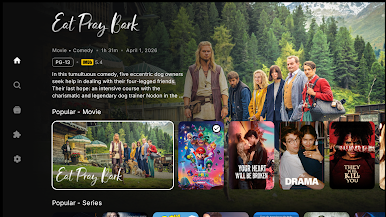
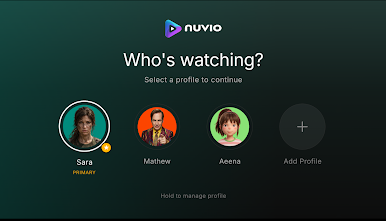
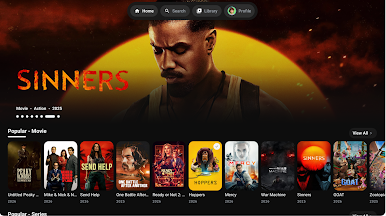
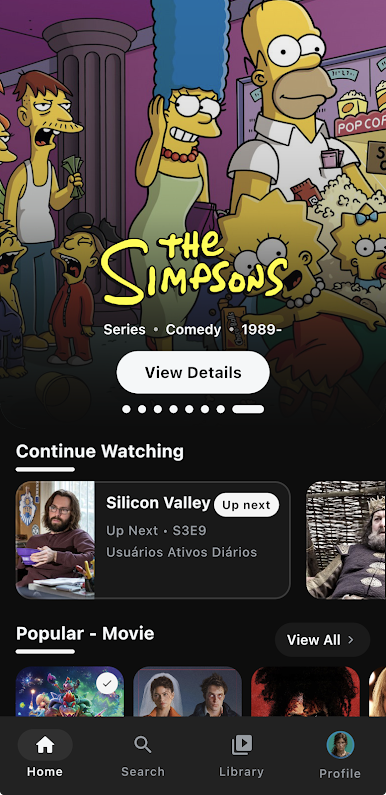

Play Nuvio on PC. It’s easy to get started.
-
Download and install BlueStacks on your PC
-
Complete Google sign-in to access the Play Store, or do it later
-
Look for Nuvio in the search bar at the top right corner
-
Click to install Nuvio from the search results
-
Complete Google sign-in (if you skipped step 2) to install Nuvio
-
Click the Nuvio icon on the home screen to start playing

