


Idle Turret
Play on PC with BlueStacks – the Android Gaming Platform, trusted by 500M+ gamers.

Page Modified on: Oct 25, 2026
Play Idle Turret on PC
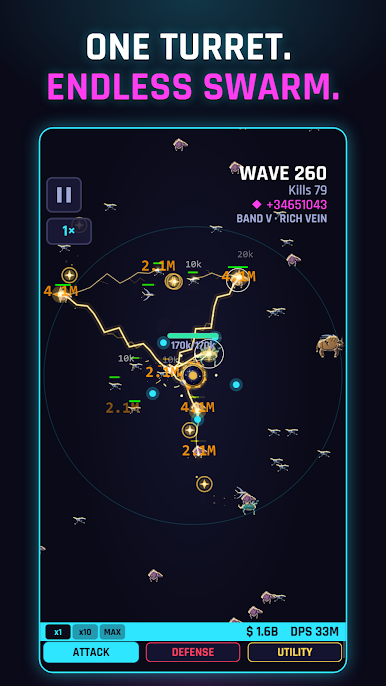
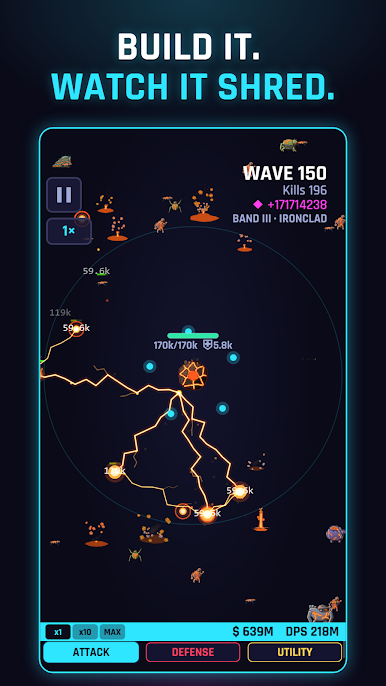
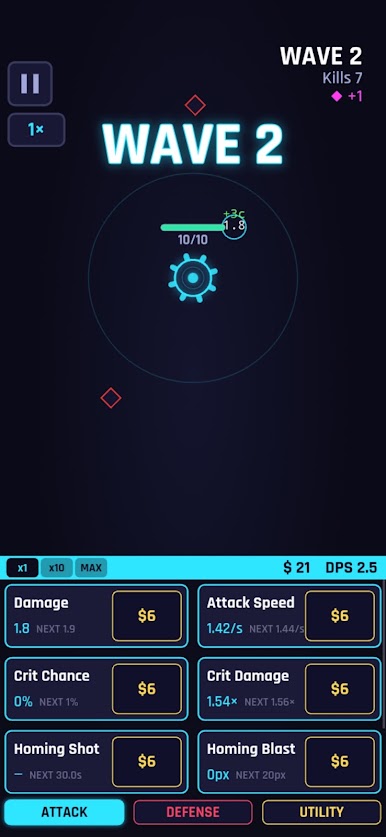
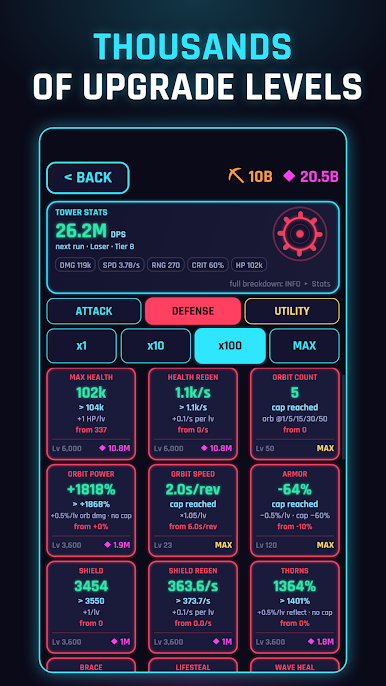
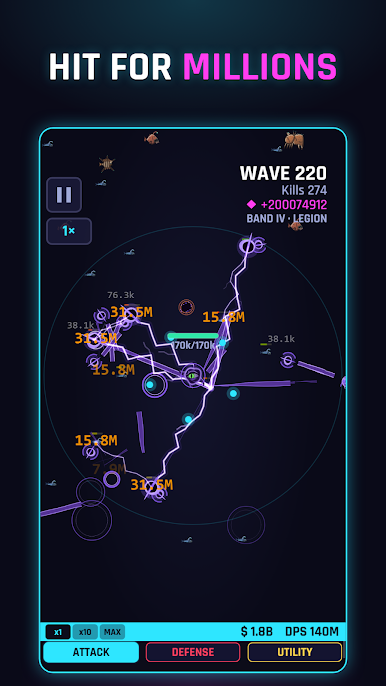
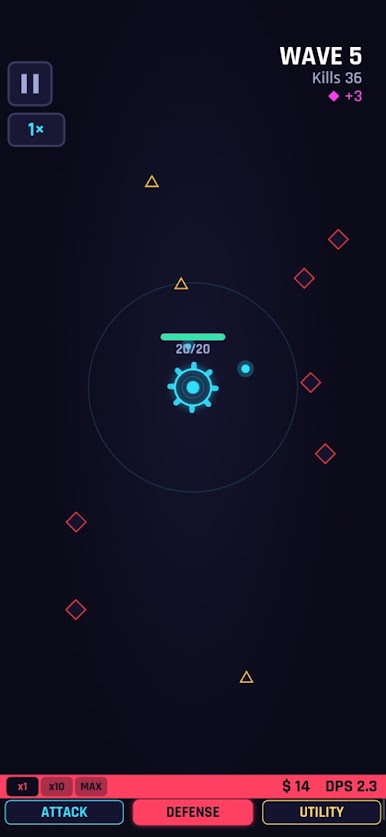
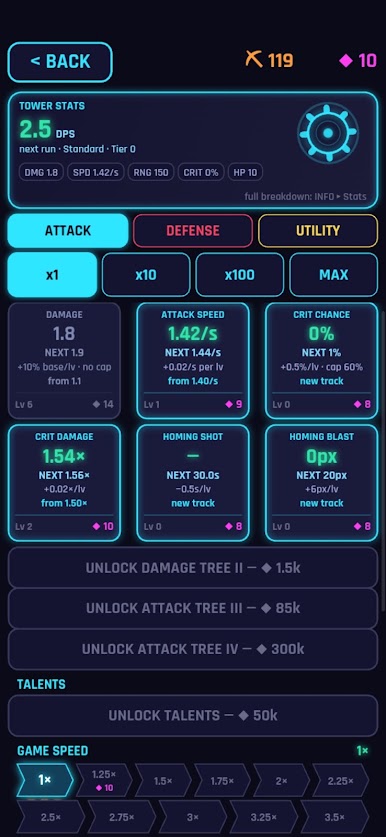
Idle Turret is an idle tower defense game built around a single turret in the middle of the map. It fires on its own. Your job is deciding what it turns into. Put levels into damage, fire rate, crits, splash, orbiting drones, homing shots, shields, lifesteal and a lot more. Most upgrade tracks run for thousands of levels, so there is always something to work toward.
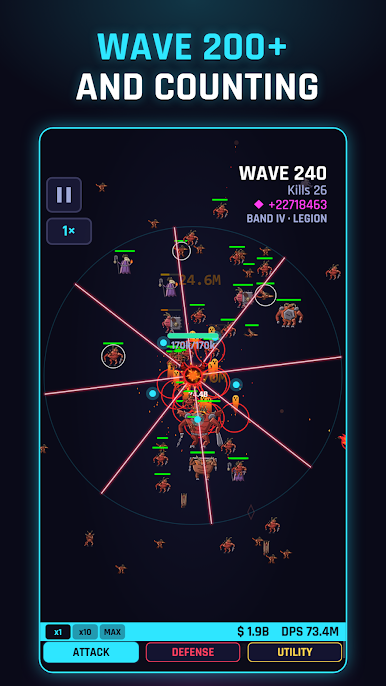
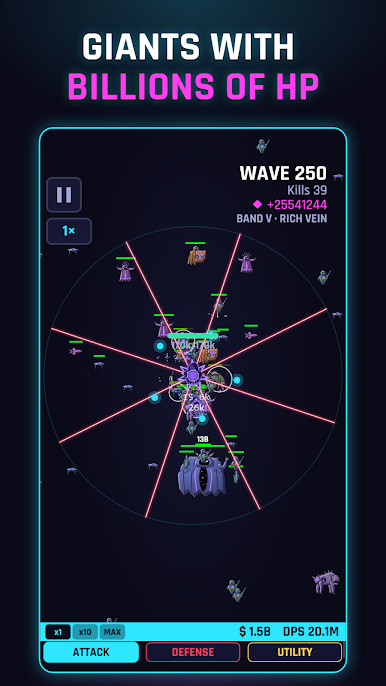
There are 20 enemy types and they all play differently. Tanks soak up small hits. Summoners bring backup. Phase enemies turn untouchable for a moment, burrowers pop up somewhere else, blinkers teleport, stingers shoot from range, and taxmen steal your coins if they get through. Bosses show up on a schedule, and every 50 waves a Deep Band changes the rules.
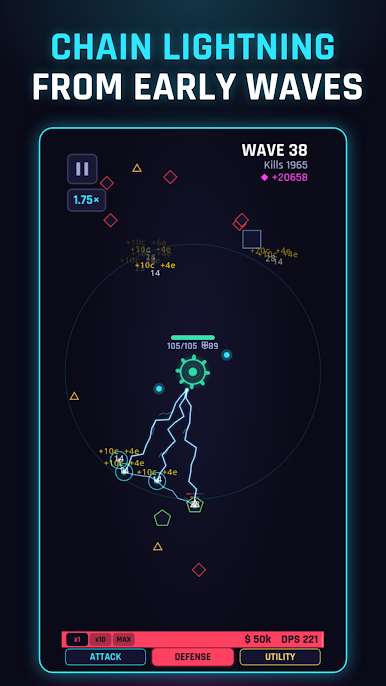
You can switch between 6 barrels: Standard, Twin with a lightning special, a slow and heavy Sniper that ricochets, a short range Scatter, a homing Pulsation barrel and a spinning 5 beam Laser. Each one plays in its own way.
The game keeps going when you put your phone down. The MINE earns while you are away and STUDY research finishes over real time. When you come back, one tap collects it all. Sign in with Google and your save is backed up to the cloud, so you can pick up on another device right where you left off.
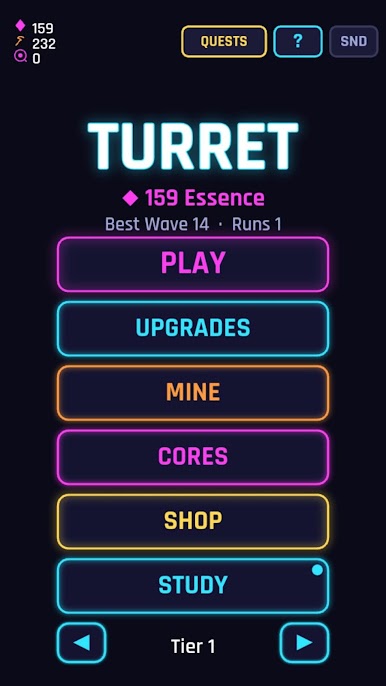
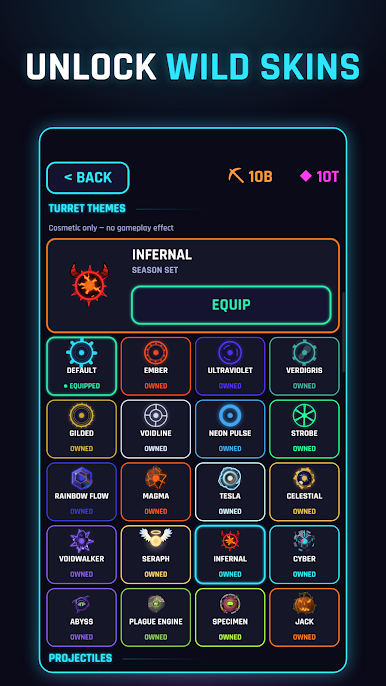
You can also climb tiers, finish daily quests and longer challenge series, earn trophies, and collect turret skins, projectile trails and kill effects.
Features
• One turret that fires on its own, with lots of upgrade choices
• Upgrade tracks that go thousands of levels deep
• 20 enemy types plus bosses
• 6 barrels with different fire modes
• Offline mine income and timed research
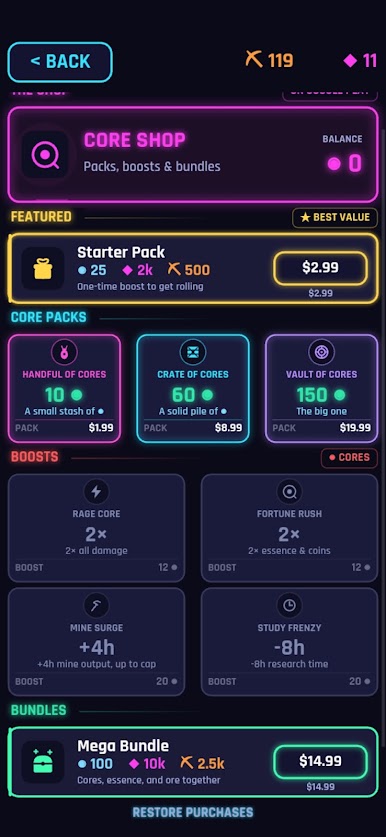
• Optional boosts: watch a short ad for x1.5 damage, coins or essence
• Cloud save with Google sign in
• Tiers, Deep Bands, daily quests and trophies
• Cosmetic skins, trails and kill effects
• No forced ads and no energy timers
Check in for a minute or play for an hour. Your turret keeps getting stronger either way.
Play Idle Turret on PC. It’s easy to get started.
-
Download and install BlueStacks on your PC
-
Complete Google sign-in to access the Play Store, or do it later
-
Look for Idle Turret in the search bar at the top right corner
-
Click to install Idle Turret from the search results
-
Complete Google sign-in (if you skipped step 2) to install Idle Turret
-
Click the Idle Turret icon on the home screen to start playing

