


Jigsawcard Solitaire Puzzle
Play on PC with BlueStacks – the Android Gaming Platform, trusted by 500M+ gamers.

Page Modified on: Oct 9, 2026
Main Jigsawcard Solitaire Puzzle on PC
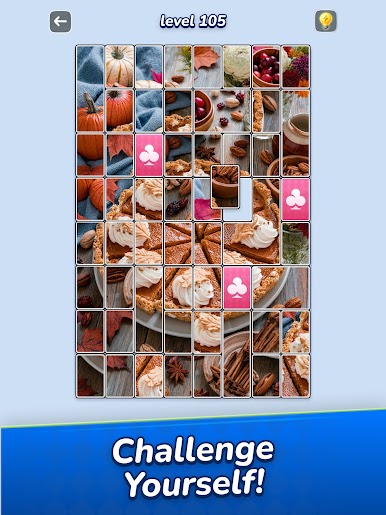
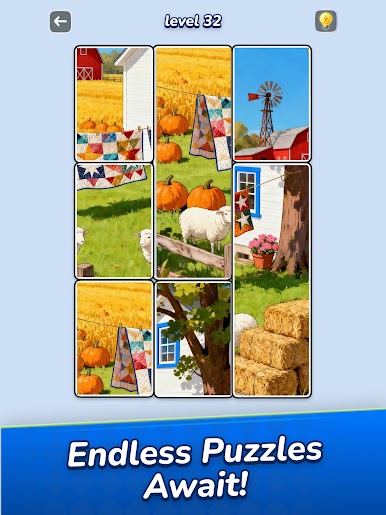
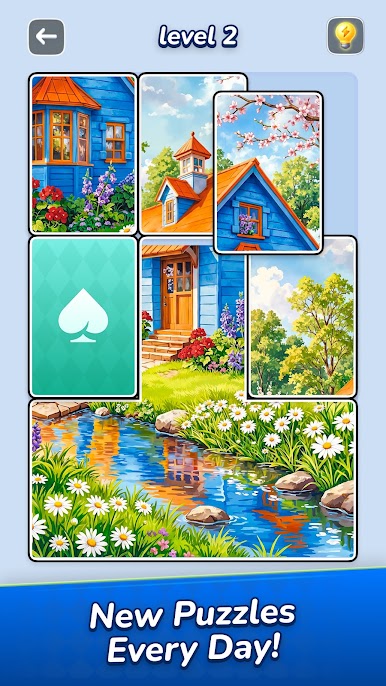
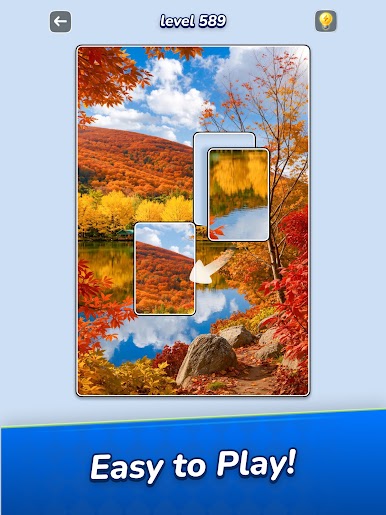
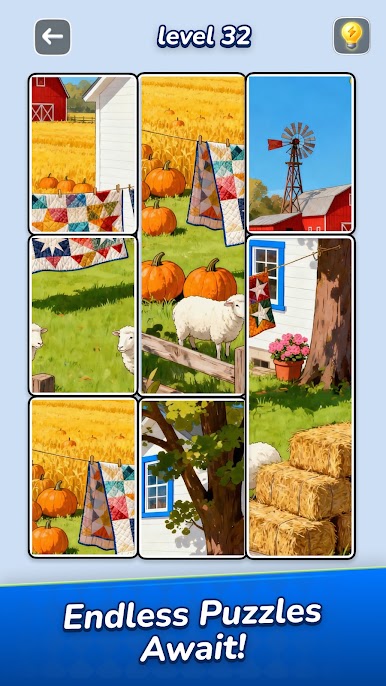
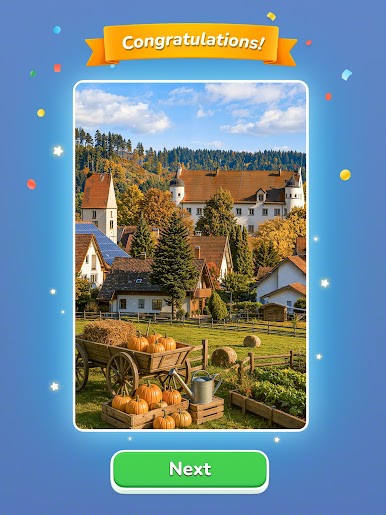
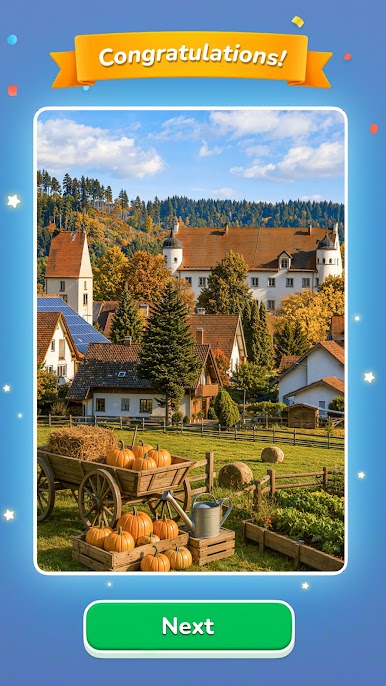
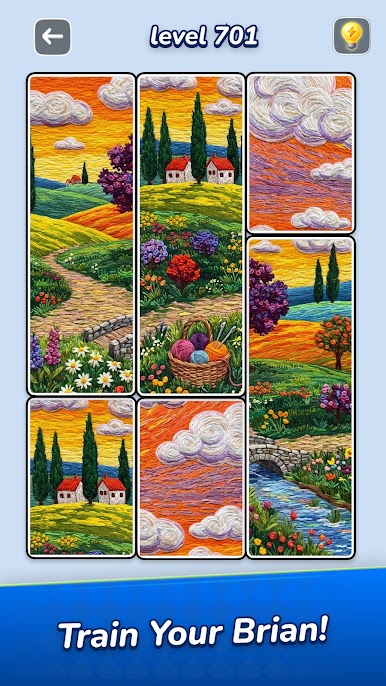
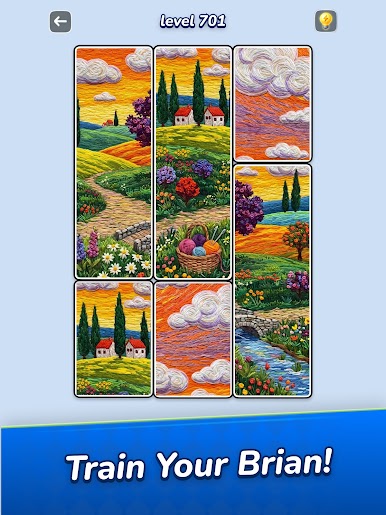
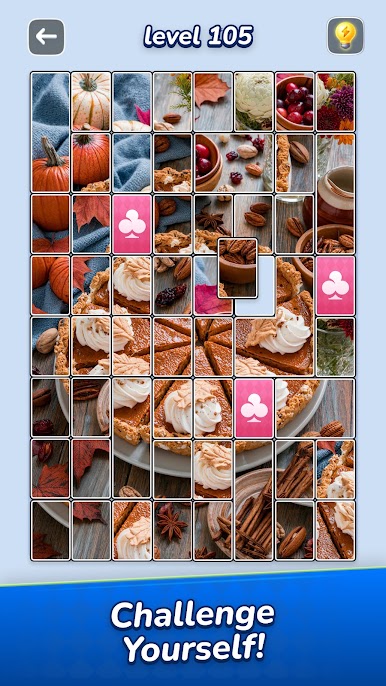
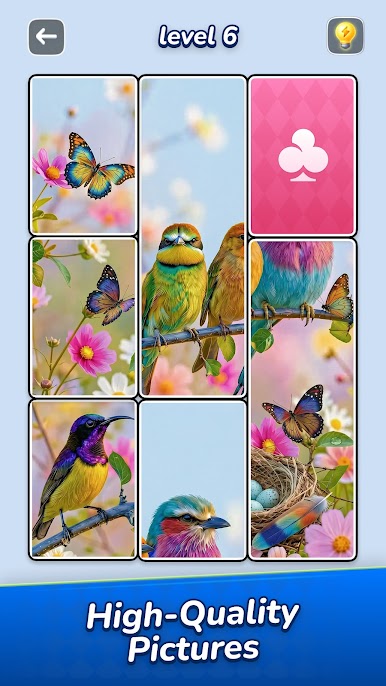
Experience an exciting new way to enjoy jigsaw puzzles! In Jigsawcard, you’ll flip, slide, match, and snap puzzle cards to reveal breathtaking HD images. The game seamlessly blends classic jigsaw satisfaction with smooth solitaire card-sliding mechanics and mysterious face-down cards that await your revealing flip, creating a relaxing yet addictive, surprising, and truly memory‑challenging adventure.
How to Play
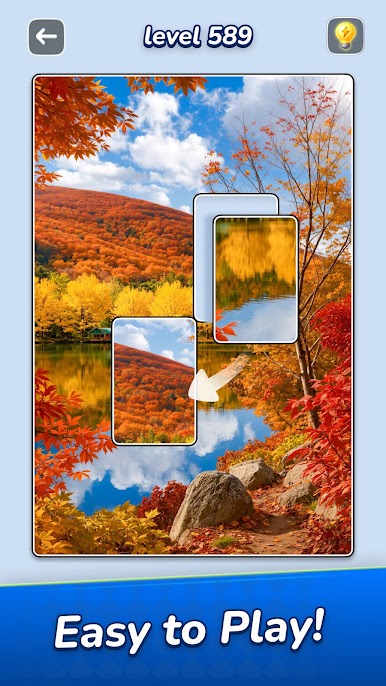
- Slide cards into place with easy, intuitive swipes
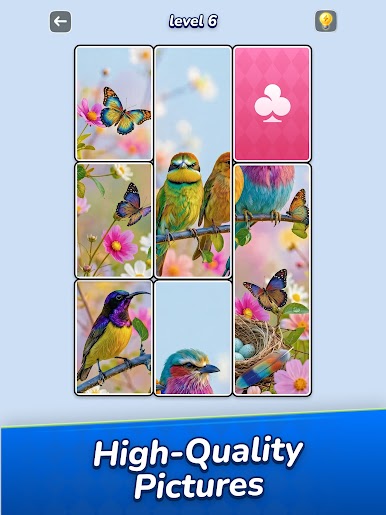
- Strategically flip face-down cards to uncover their image and reveal vital clues.
- Match & snap pieces to finish puzzles faster
- Plan moves carefully to keep sets intact and clear the board efficiently
Key Features
- Stunning HD jigsaw pictures: nature, art, animals & more
- Satisfying snap & chain reactions when multiple cards connect
- Mysterious face-down cards — expect unpredictable reveals and a genuine memory challenge
- No timers, no pressure — perfect for all ages and skill levels
- From quick casual puzzles to complex challenges for dedicated players
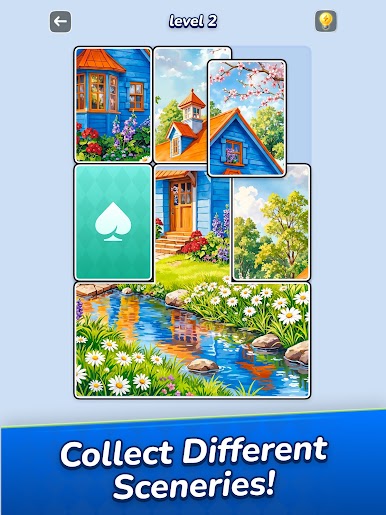
- Unlock different sceneries to keep your puzzle journey fresh
Perfect For
- Fans of jigsaw puzzles, sliding puzzles, card matching, or unique blend of jigsaw and solitaire gameplay
- Players seeking a relaxing yet rewarding puzzle experience
- Those who love beautiful, high‑quality visuals while training their brain
Jigsawcard is more than a jigsaw puzzle game — it’s your daily escape, your moment of calm, and a celebration of creativity. Flip, slide, match, and watch stunning HD puzzle cards come to life one satisfying snap at a time.
Download now and join jigsaw puzzle lovers worldwide in the beautiful and rewarding fusion of jigsaw and solitaire card puzzle experience!
Play Jigsawcard Solitaire Puzzle on PC. It’s easy to get started.
-
Download and install BlueStacks on your PC
-
Complete Google sign-in to access the Play Store, or do it later
-
Look for Jigsawcard Solitaire Puzzle in the search bar at the top right corner
-
Click to install Jigsawcard Solitaire Puzzle from the search results
-
Complete Google sign-in (if you skipped step 2) to install Jigsawcard Solitaire Puzzle
-
Click the Jigsawcard Solitaire Puzzle icon on the home screen to start playing

