


Jigsawcard Solitaire Puzzle
Play on PC with BlueStacks – the Android Gaming Platform, trusted by 500M+ gamers.

Page Modified on: Sep 14, 2026
Play Jigsawcard Solitaire Puzzle on PC or Mac
Join millions to experience Jigsawcard Solitaire Puzzle, an exciting Puzzle game from Oakever Games. With BlueStacks App Player, you are always a step ahead of your opponent, ready to outplay them with faster gameplay and better control with the mouse and keyboard on your PC or Mac.
About the Game
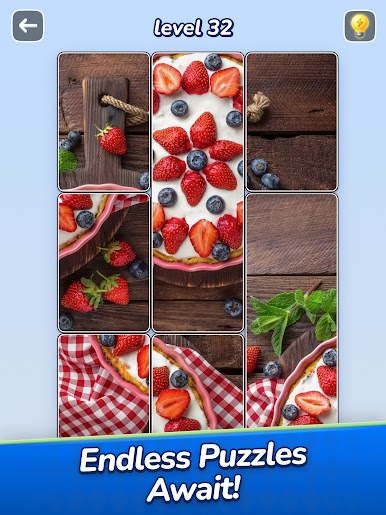
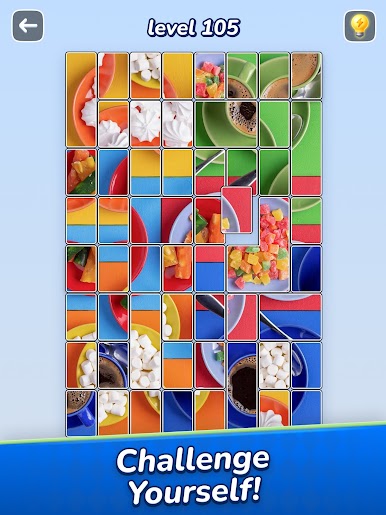
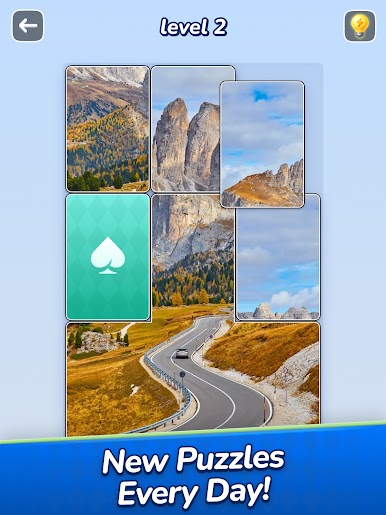
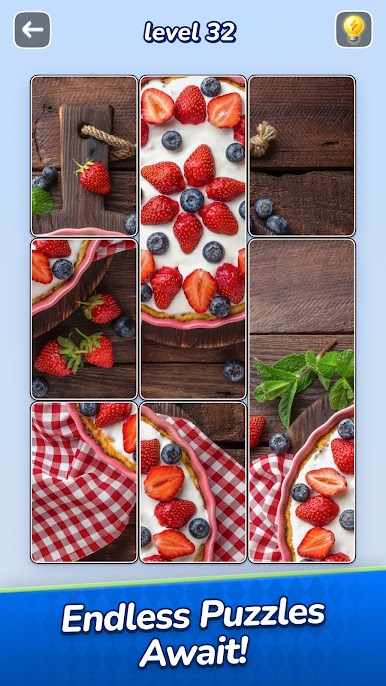
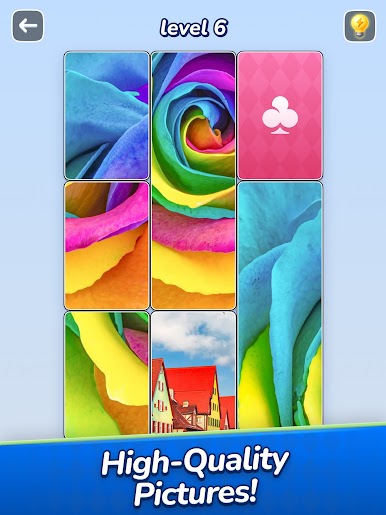
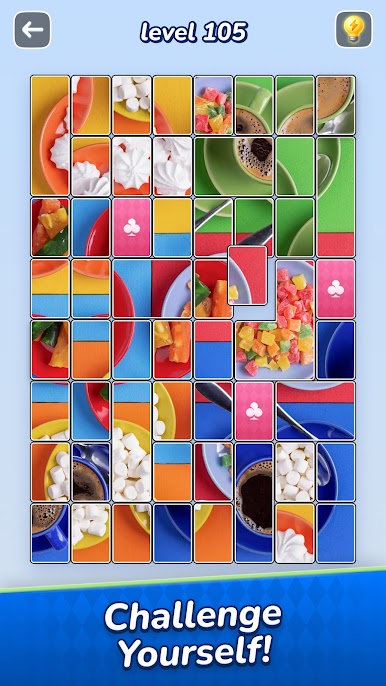
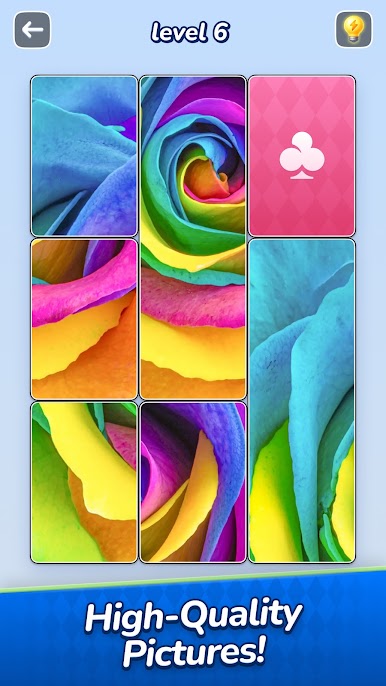
Jigsawcard Solitaire Puzzle is a relaxed, clever Puzzle mash-up from Oakever Games that mixes picture-building with card-style movement. You slide card-like pieces around the board, line up what fits, and slowly reveal stunning images as everything clicks into place. It’s calm, strategic, and strangely satisfying—perfect when you want something thoughtful without the stress.
Game Features
-
Hybrid Gameplay
A smart blend of jigsaw assembly and solitaire-style sliding. Move cards to open space, keep useful sets together, and complete each image piece by piece. -
Smooth, Intuitive Controls
Simple swipes do the job. Every move feels deliberate, and each good placement rewards you with that “yep, that’s it” feeling. -
Gorgeous HD Galleries
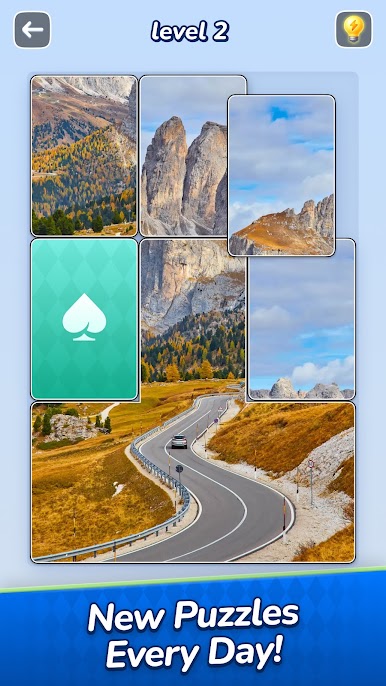
Crisp photos across nature, art, animals, and more. The final picture is worth the planning. -
Cascades That Feel Great
Place one card just right and watch multiple pieces connect in a satisfying chain of progress. -
No Timers, No Pressure
Play at your pace. Take a quick puzzle break or settle in for a longer, more involved board. -
Fits Any Mood
Short and breezy layouts for casual sessions, plus trickier challenges when you want a deeper mental stretch. -
Regular New Themes
Fresh sets roll in so you always have something new to uncover and assemble. -
Gentle Brain Training
Improve planning, spatial reasoning, and pattern recognition while staying relaxed. -
Easy PC Play with BlueStacks
Prefer a bigger screen and steady controls? Jigsawcard Solitaire Puzzle runs nicely on BlueStacks without changing how the game feels.
Get ready for a buttery smooth, high-performance gaming action only on BlueStacks.




Play Jigsawcard Solitaire Puzzle on PC. It’s easy to get started.
-
Download and install BlueStacks on your PC
-
Complete Google sign-in to access the Play Store, or do it later
-
Look for Jigsawcard Solitaire Puzzle in the search bar at the top right corner
-
Click to install Jigsawcard Solitaire Puzzle from the search results
-
Complete Google sign-in (if you skipped step 2) to install Jigsawcard Solitaire Puzzle
-
Click the Jigsawcard Solitaire Puzzle icon on the home screen to start playing

