


BravoBravo
Play on PC with BlueStacks – the Android Gaming Platform, trusted by 500M+ gamers.

Page Modified on: Mar 17, 2026
Run BravoBravo on PC or Mac
Why limit yourself to your small screen on the phone? Run BravoBravo, an app by BRAVO SOFTWARE FZ-LLC, best experienced on your PC or Mac with BlueStacks, the world’s #1 Android emulator.
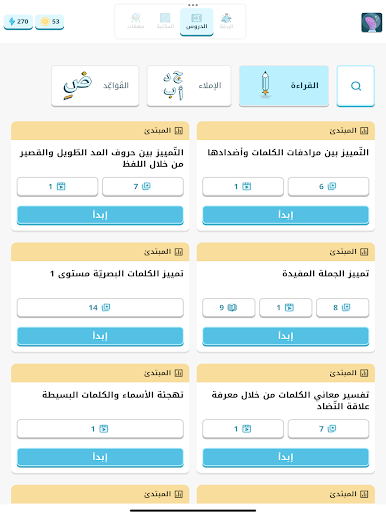
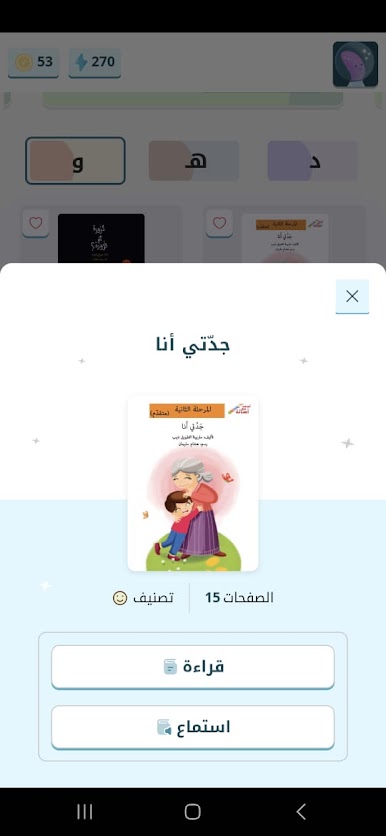
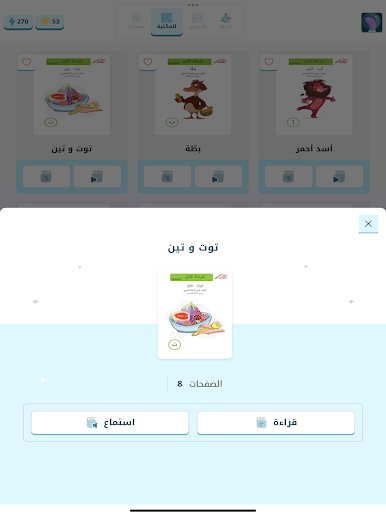
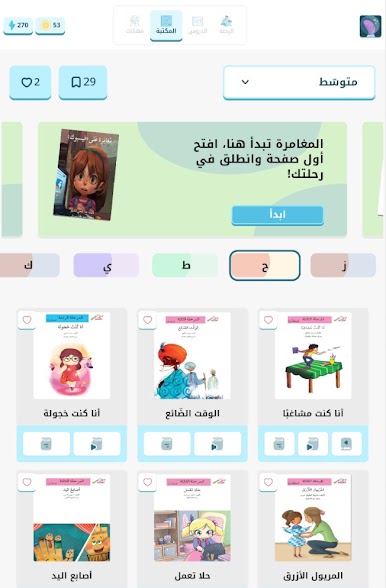
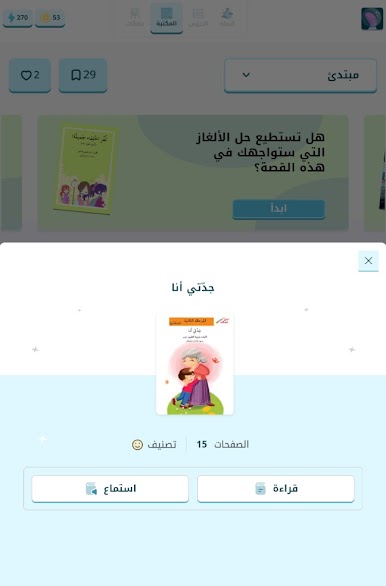
BravoBravo feels like a classroom helper dressed up as a game. It is made for primary grades, with a strong focus on Arabic right now and a plan to expand into Math, Math in Arabic, and more. Learners move through short activities that look gamey, with rewards and small upgrades that nudge them forward without stress. Difficulty shifts based on how the student is doing, so it neither gets boring nor brutal. There are tons of question styles, not just multiple choice. Expect drawing, audio prompts, drag and drop, number lines, matching lines, fill the blank, pictures, the lot. The content pool is huge, more than 100k items per subject and per grade, which keeps it feeling fresh. It runs fine on a PC with BlueStacks, and the mouse makes the drag and drop stuff smoother, plus the audio questions come through clearer on speakers.
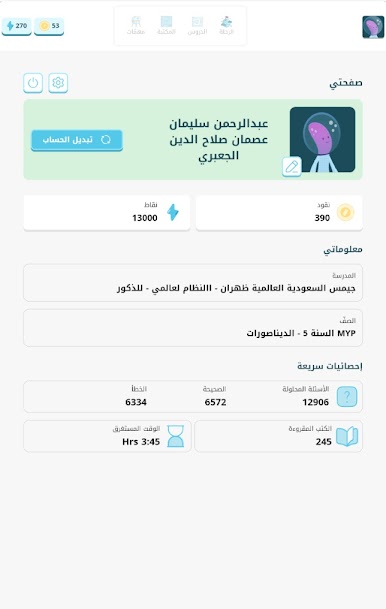
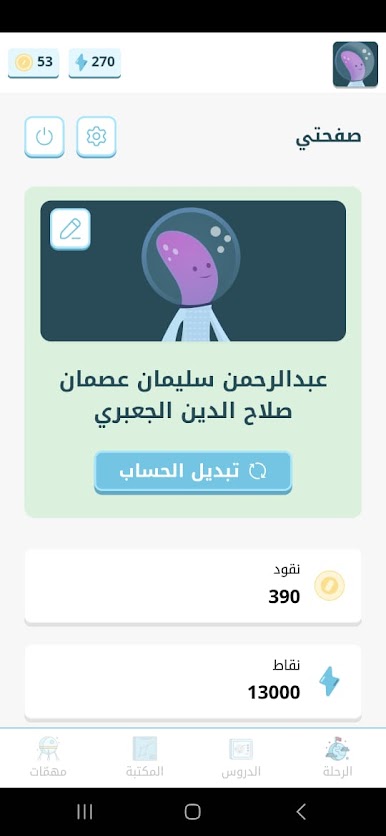
Teachers get the practical side. Fast setup for assessments, clean reports, and data that actually shows where a student is slipping or flying. It supports varied learning paths, so stronger kids can be challenged and anyone who needs support is spotted early. School admins, teachers, and parents are connected in one system, so everyone sees the same picture. Parents are not stuck on the sidelines either, they can check progress and encourage without guesswork. The subject breakdown is mapped by skills, which lines up well with international curricula, and the grading feels fair and consistent. It works in Arabic and in English, and it keeps students engaged without turning it into a noisy arcade.
Eager to take your app experience to the next level? Start right away by downloading BlueStacks on your PC or Mac.









Play BravoBravo on PC. It’s easy to get started.
-
Download and install BlueStacks on your PC
-
Complete Google sign-in to access the Play Store, or do it later
-
Look for BravoBravo in the search bar at the top right corner
-
Click to install BravoBravo from the search results
-
Complete Google sign-in (if you skipped step 2) to install BravoBravo
-
Click the BravoBravo icon on the home screen to start playing

