


Ocean Block Shoot
Play on PC with BlueStacks – the Android Gaming Platform, trusted by 500M+ gamers.

Page Modified on: Sep 30, 2026
Main Ocean Block Shoot on PC
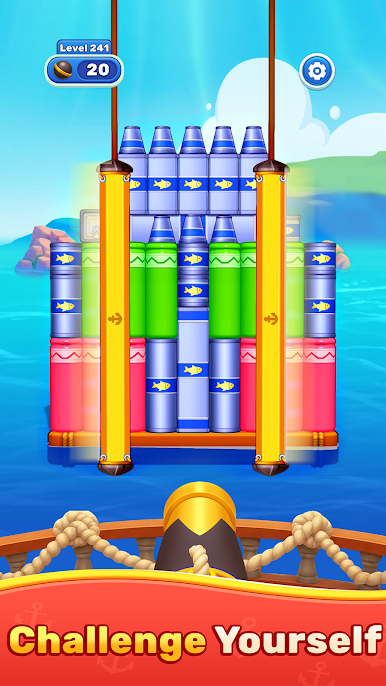
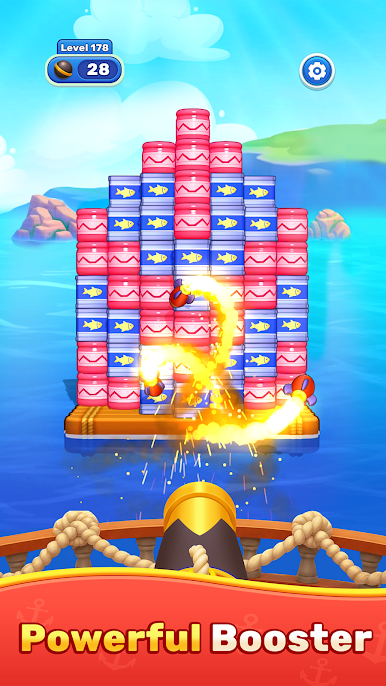
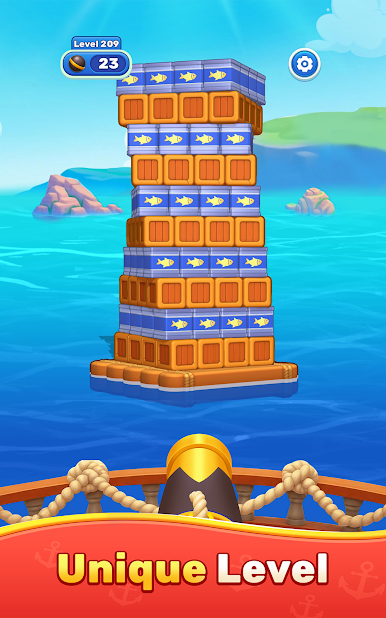
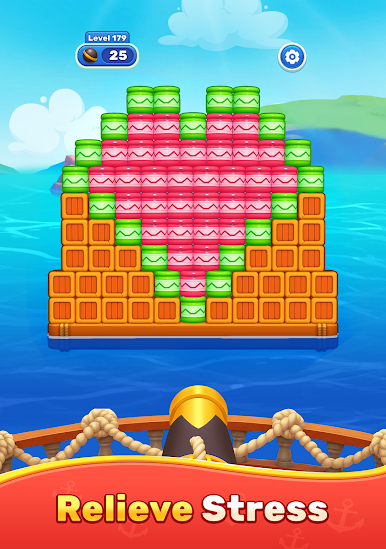
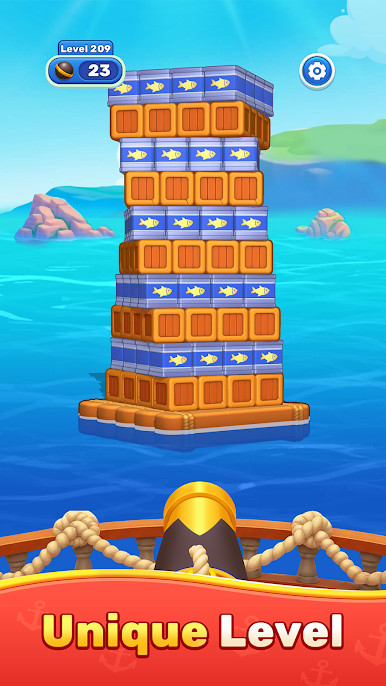
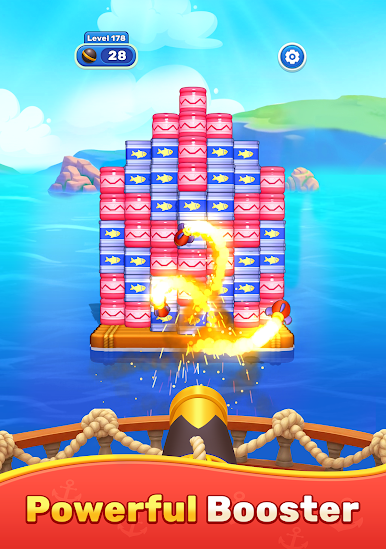
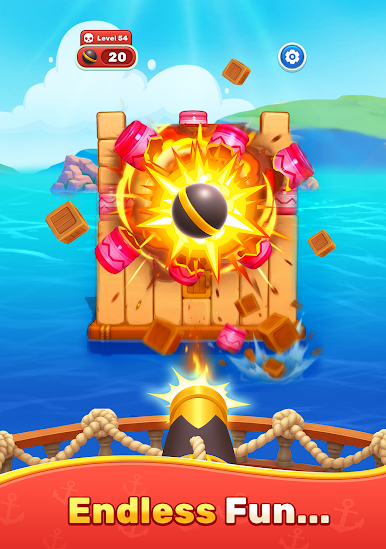
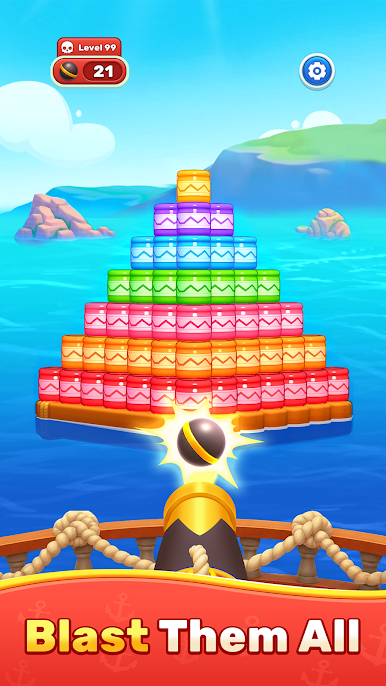
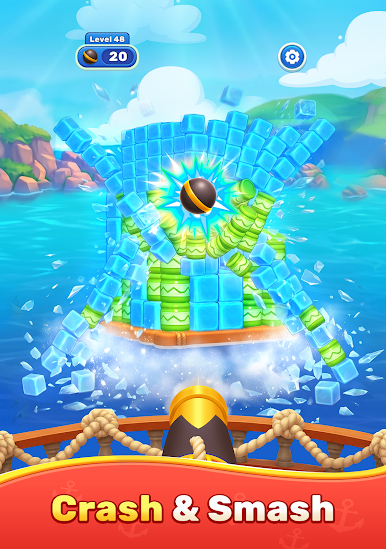
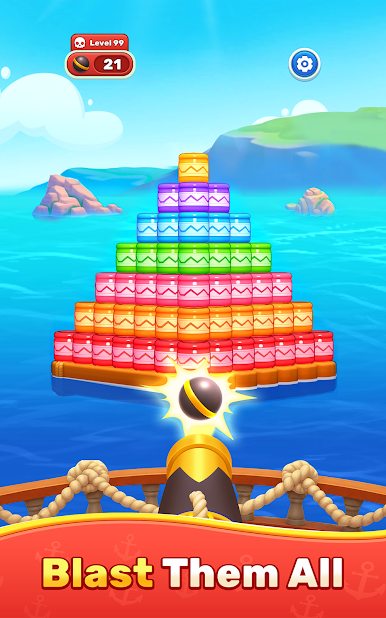
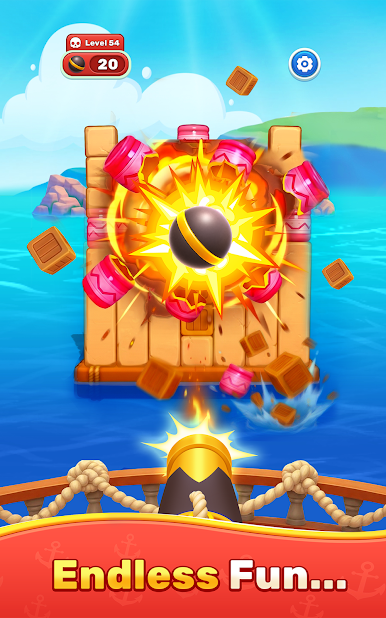
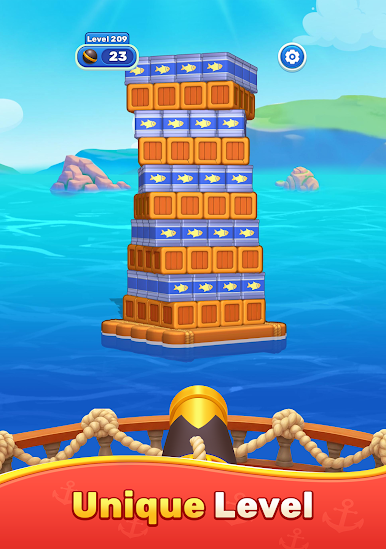
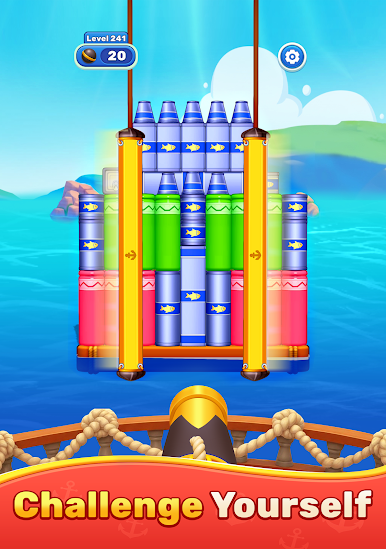
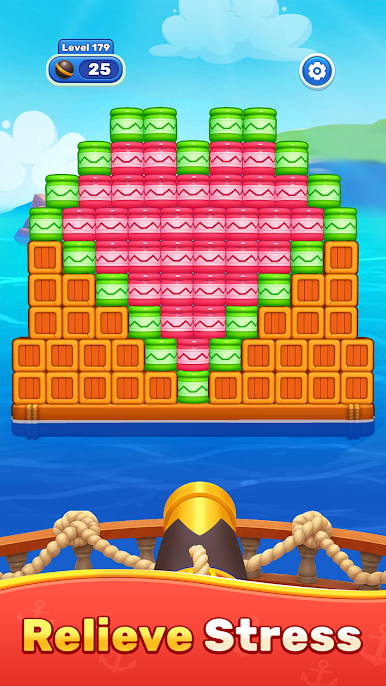
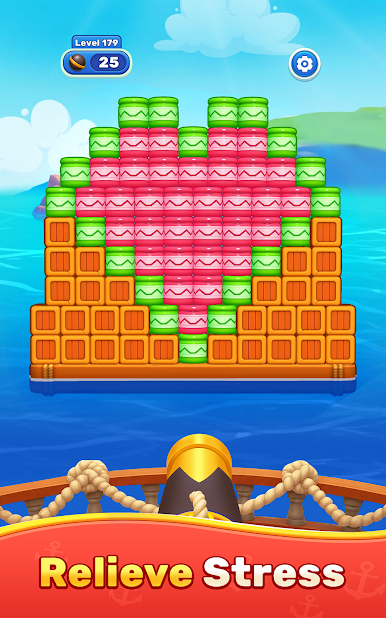
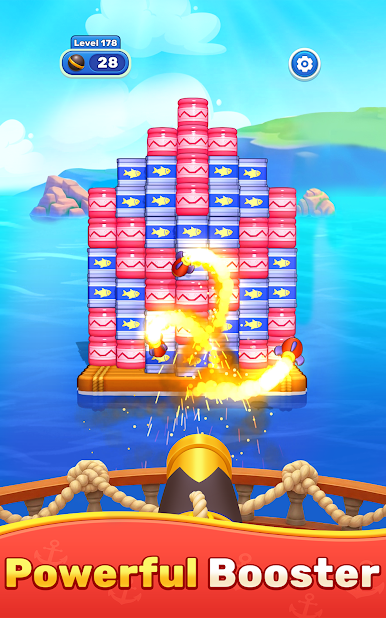
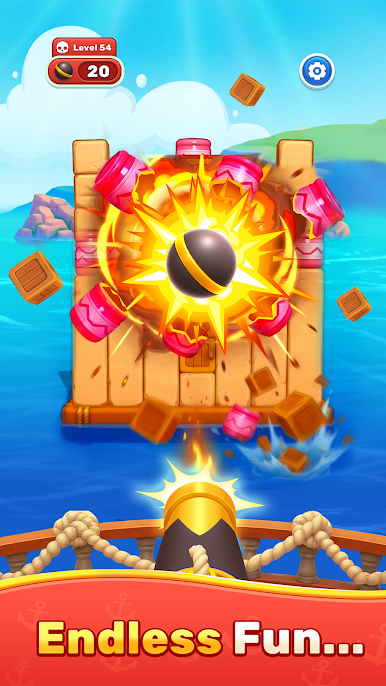
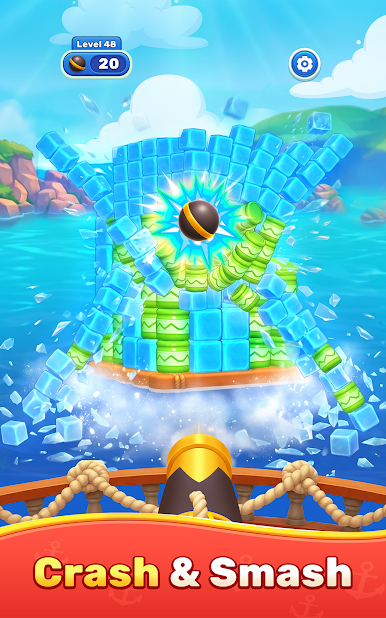
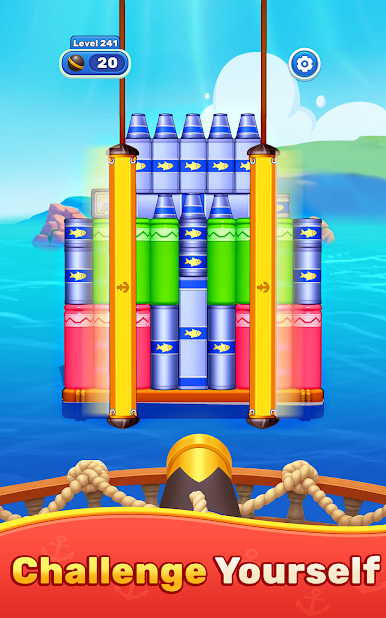
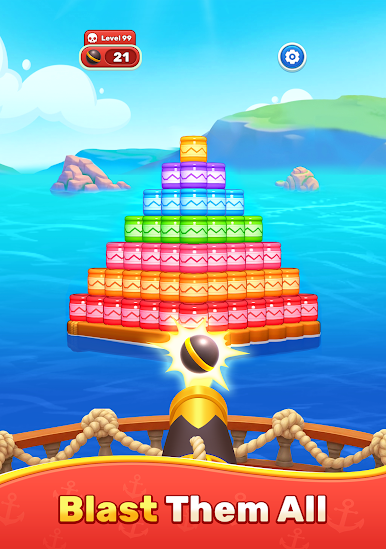
Get ready for an action-packed block shooting adventure where every shot can change the outcome. Aim carefully, fire with precision, and blast through colorful blocks in a series of exciting puzzle challenges.
Every level presents a fresh layout that rewards smart planning and accurate shots. Discover the best angles, create satisfying chain reactions, and clear the board with as few moves as possible. Simple controls make it easy to pick up, while increasingly creative levels provide a rewarding challenge for players who love mastering skill-based gameplay.
Play Ocean Block Shoot on PC. It’s easy to get started.
-
Download and install BlueStacks on your PC
-
Complete Google sign-in to access the Play Store, or do it later
-
Look for Ocean Block Shoot in the search bar at the top right corner
-
Click to install Ocean Block Shoot from the search results
-
Complete Google sign-in (if you skipped step 2) to install Ocean Block Shoot
-
Click the Ocean Block Shoot icon on the home screen to start playing

