


eufy Life
Play on PC with BlueStacks – the Android Gaming Platform, trusted by 500M+ gamers.

Page Modified on: Oct 28, 2025
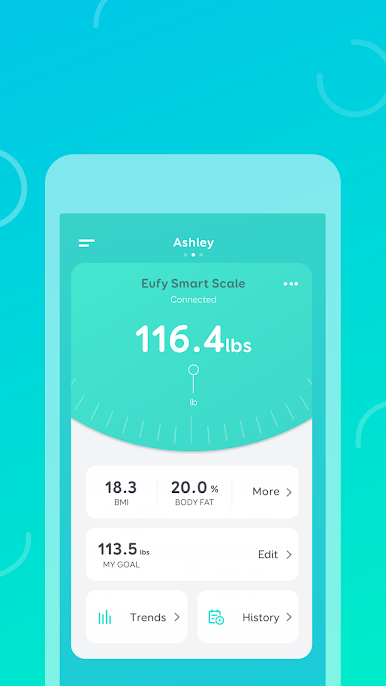
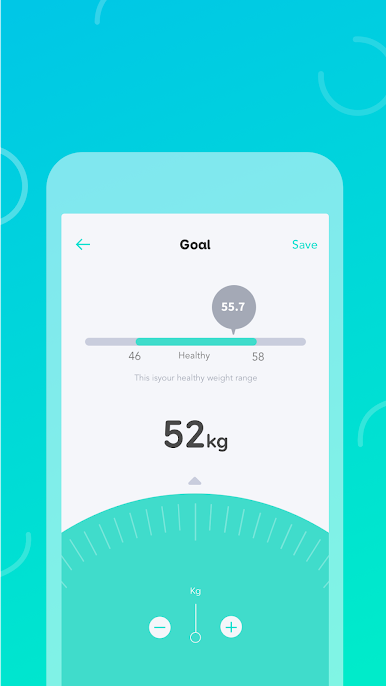
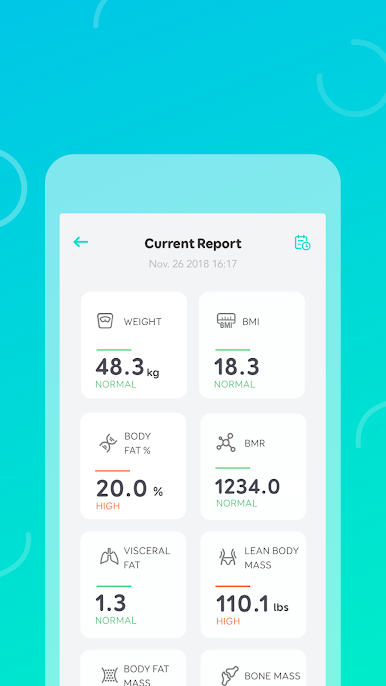
Play eufy Life on PC
HOW THE APP WORKS
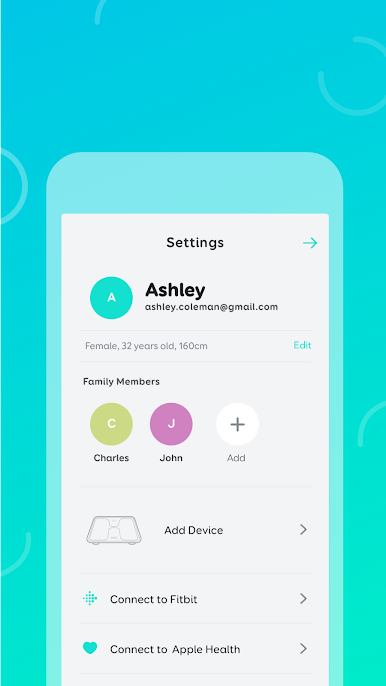
A eufy Life account is needed to use this app. You only need to provide an email address and registration takes two steps and only a minute to complete.
To get started, download eufy Life to your mobile device and register your email address to create an acco unt.
HOW TO PAIR DEVICES
Eufy products are designed to be user friendly. Pairing devices is as simple as enabling Wi-Fi and/or Bluetooth on your mobile device, turning on the Eufy product, and following the on-screen instructions to complete pairing. That's it!
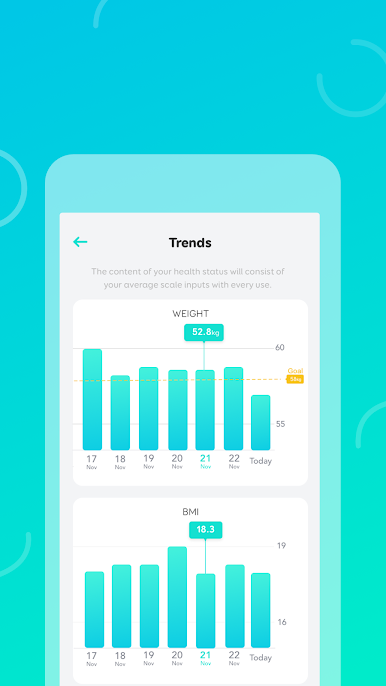
Eufy’s BodySense line of health and wellness-focused products are currently available for use with EufyLife: BodySense Smart Scale, BodySense Blood Pressure Monitor, and BodySense Ear Thermometer.
CONNECT WITH US
• Email: support@eufylife.com
• Website: eufylife.com
• Facebook: @EufyOfficial
Play eufy Life on PC. It’s easy to get started.
-
Download and install BlueStacks on your PC
-
Complete Google sign-in to access the Play Store, or do it later
-
Look for eufy Life in the search bar at the top right corner
-
Click to install eufy Life from the search results
-
Complete Google sign-in (if you skipped step 2) to install eufy Life
-
Click the eufy Life icon on the home screen to start playing

