


Sea Muncher-Big Bite Fish
Play on PC with BlueStacks – the Android Gaming Platform, trusted by 500M+ gamers.

Page Modified on: Sep 30, 2026
Play Sea Muncher-Big Bite Fish on PC
Silent waves slowly devour the dark night, stretching all the way to the horizon where sea meets sky.
Giant fish glide through deep‑sea fissures, gazing afar at your frail, tiny figure.
Right now, you are merely an unremarkable young fish in the vast ocean.
This sea abides by cruel laws of nature: the strong survive, and the weak become prey.
To stay alive, you must constantly devour smaller beings and grow stronger step by step.
What will you do to escape if you run head‑on into a massive dense school of fish in this life‑or‑death trial?
Strain every ounce of your strength and march toward the apex of the ocean.
Yet even atop the food chain, you cannot escape the threat of death.
Dangers never fade beneath the waves, and countless unknown seas await your exploration.
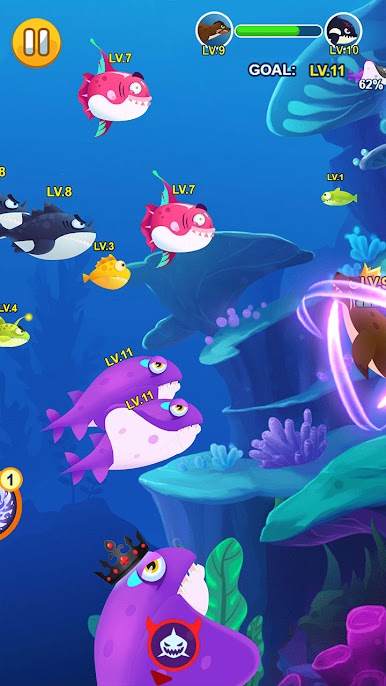
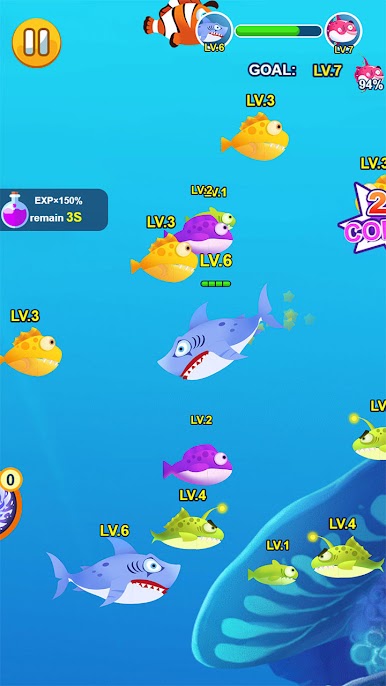
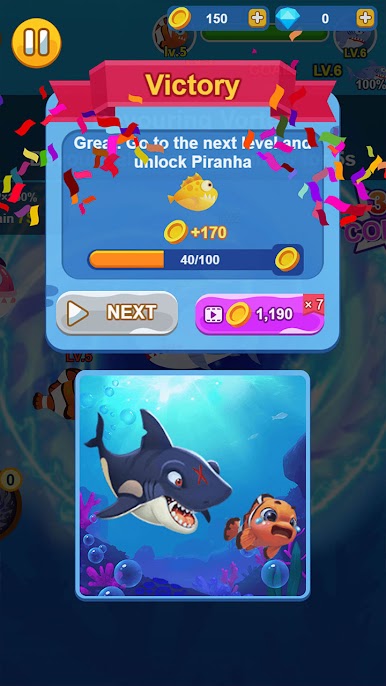
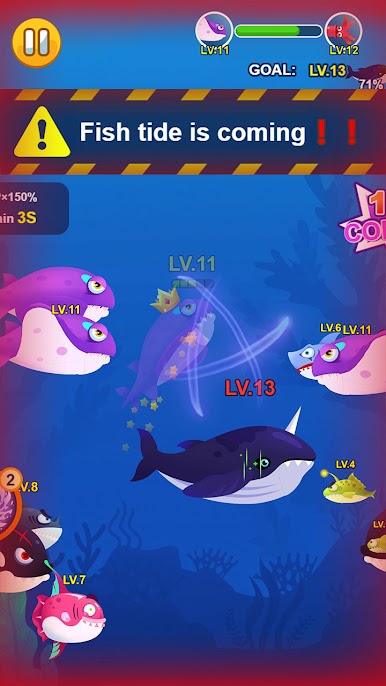
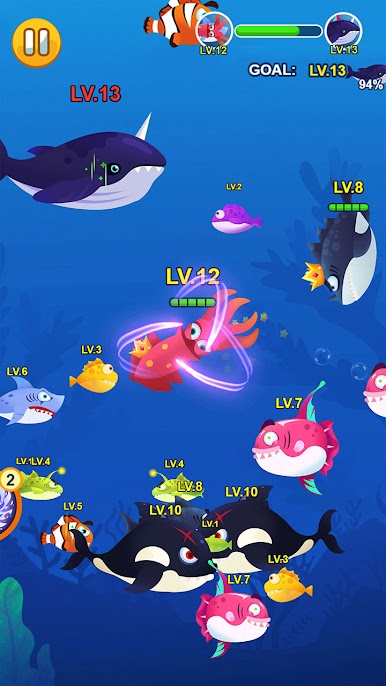
Play Sea Muncher-Big Bite Fish on PC. It’s easy to get started.
-
Download and install BlueStacks on your PC
-
Complete Google sign-in to access the Play Store, or do it later
-
Look for Sea Muncher-Big Bite Fish in the search bar at the top right corner
-
Click to install Sea Muncher-Big Bite Fish from the search results
-
Complete Google sign-in (if you skipped step 2) to install Sea Muncher-Big Bite Fish
-
Click the Sea Muncher-Big Bite Fish icon on the home screen to start playing

