


GameDuo - Party Game 4 Couples
Play on PC with BlueStacks – the Android Gaming Platform, trusted by 500M+ gamers.

Page Modified on: May 27, 2024
Play GameDuo - Party Game 4 Couples on PC
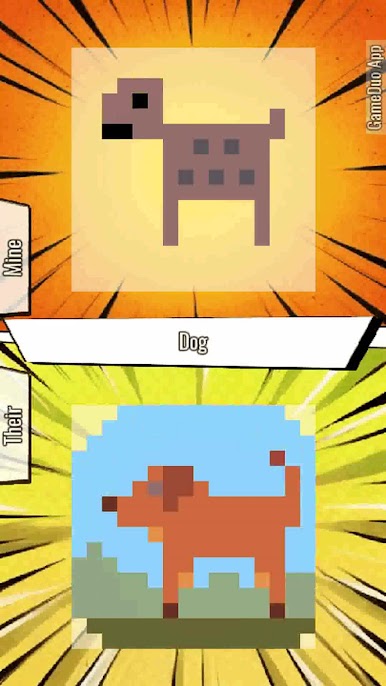
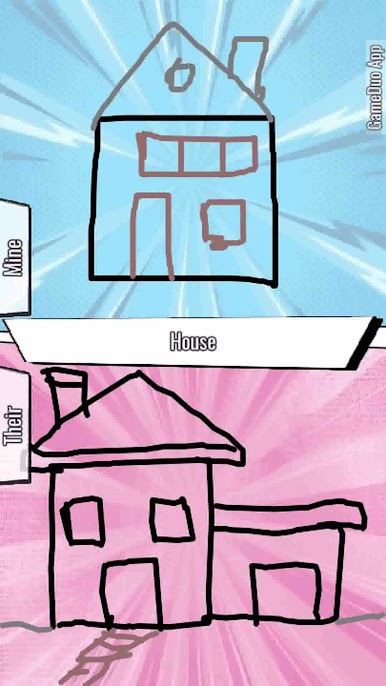
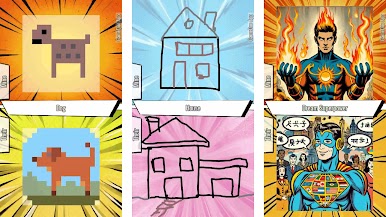
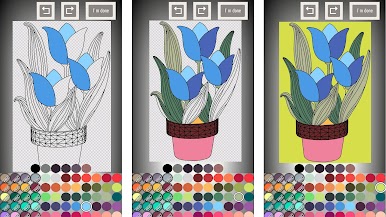
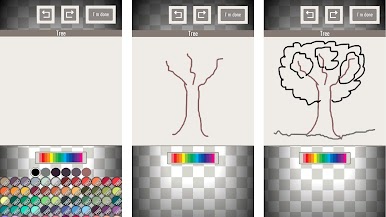
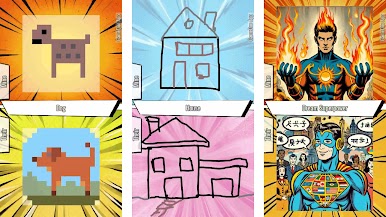
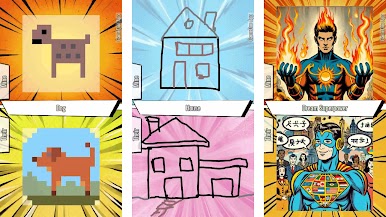
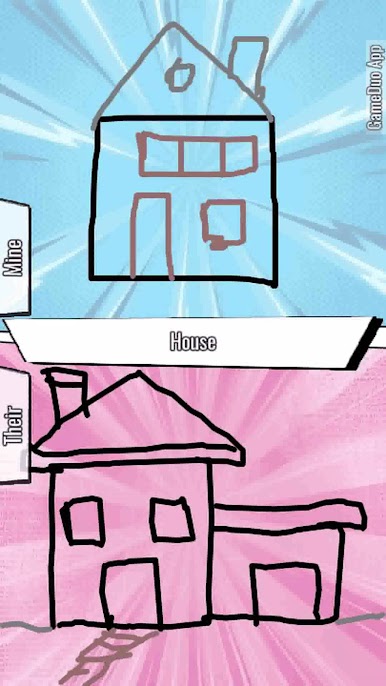
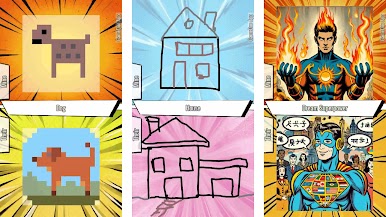
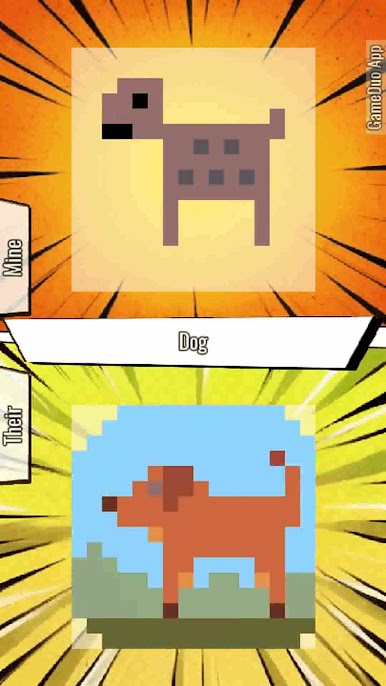
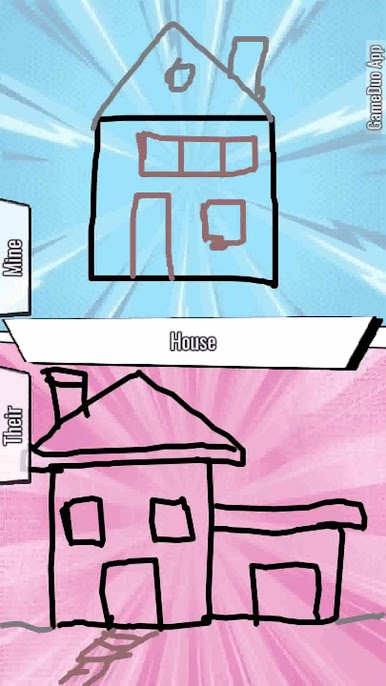
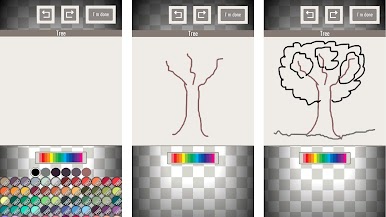
With GameDuo, you get the unique feature of gameplay comparison. After you and your friend complete your respective games, our app generates a side-by-side video comparison. This allows you to share these moments on social networks. Ideal as a couple and party game.
Features:
- Async Gaming: Enjoy games at your own pace with friends.
- Perfect as a party game for couples.
- Multiplayer Flexibility: Play the same game duo remotely or locally with asynchronous options.
- Gameplay Sharing: Share your Game Duo comparisons on social media for a fun and interactive experience.
- Video Game Comparison: Compare each other's gameplays.




Play GameDuo - Party Game 4 Couples on PC. It’s easy to get started.
-
Download and install BlueStacks on your PC
-
Complete Google sign-in to access the Play Store, or do it later
-
Look for GameDuo - Party Game 4 Couples in the search bar at the top right corner
-
Click to install GameDuo - Party Game 4 Couples from the search results
-
Complete Google sign-in (if you skipped step 2) to install GameDuo - Party Game 4 Couples
-
Click the GameDuo - Party Game 4 Couples icon on the home screen to start playing

