


English Story with audios - Au
Play on PC with BlueStacks – the Android Gaming Platform, trusted by 500M+ gamers.

Page Modified on: Aug 11, 2025
Play English Story with audios - Au on PC
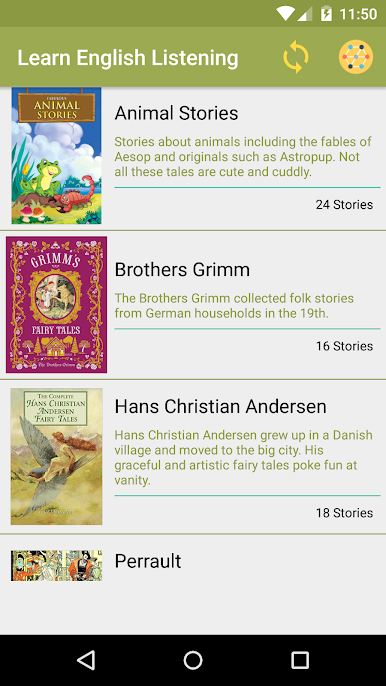
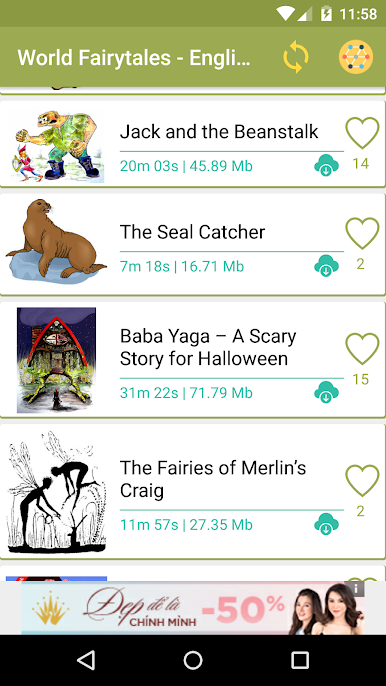
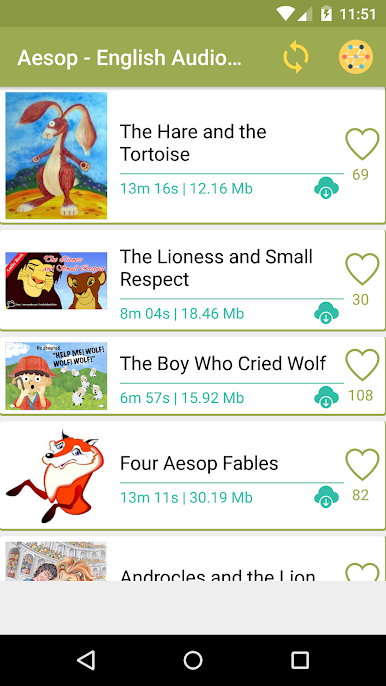
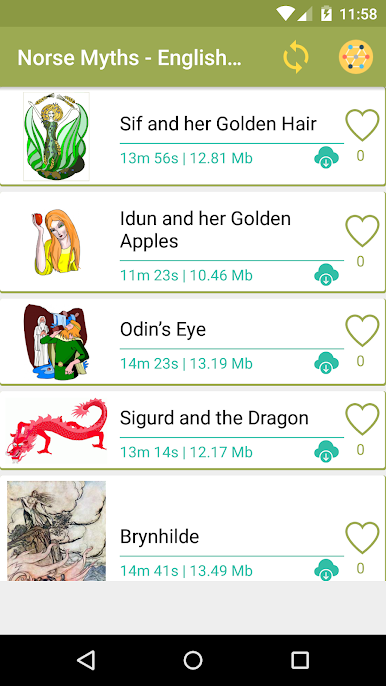
English Story with Audios will help you relax after a work hard day. You can let your child listen to this app with many fairy tail story.
If you are a English learner, you can use this app to learn.
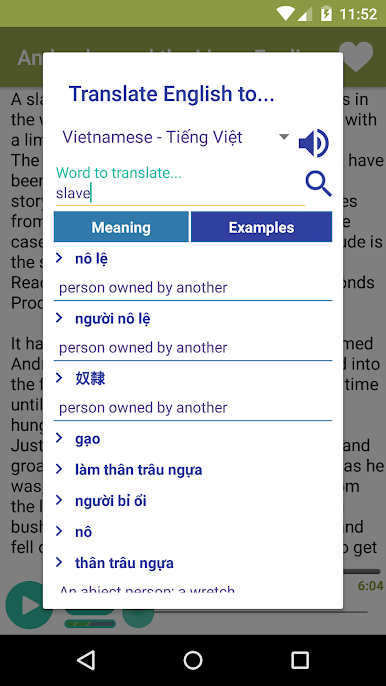
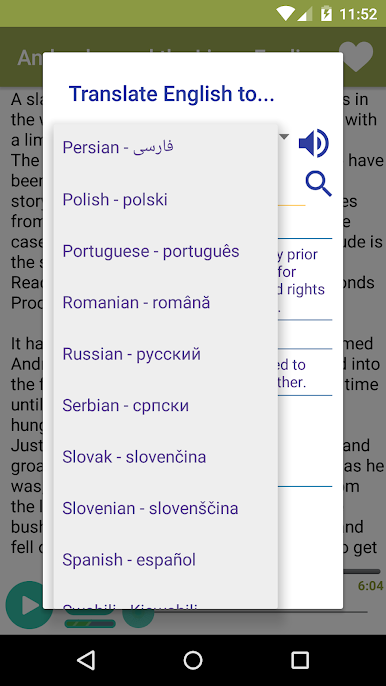
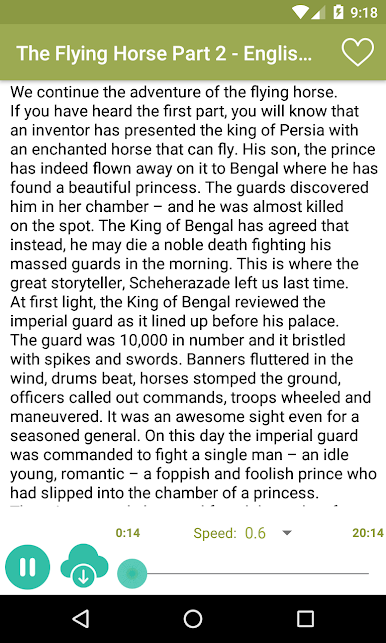
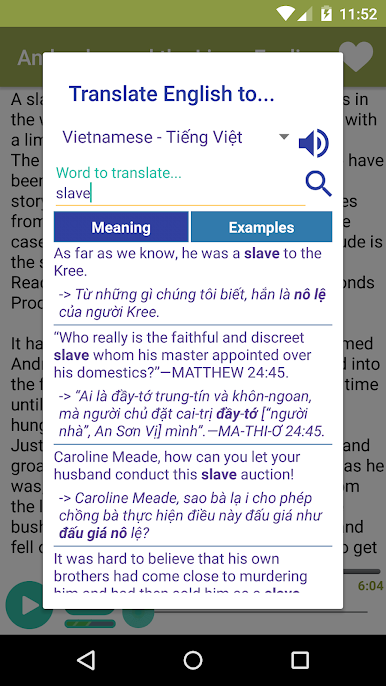
We provide transcript to help you to follow speaker and dictionary function to help you to understand which word you do not understand clearly.
Hope that you love this app.
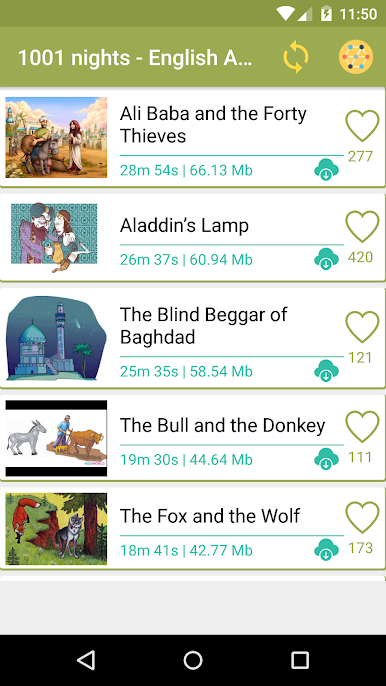
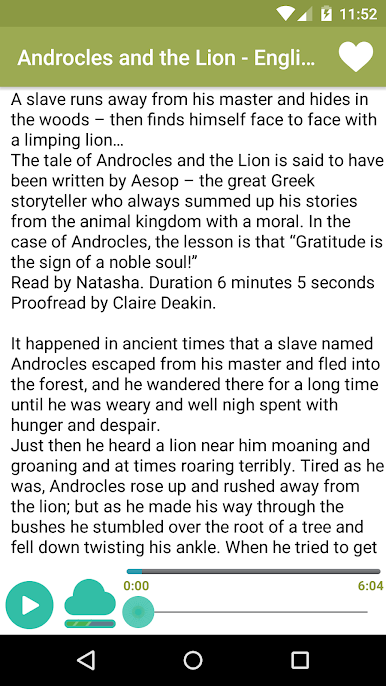
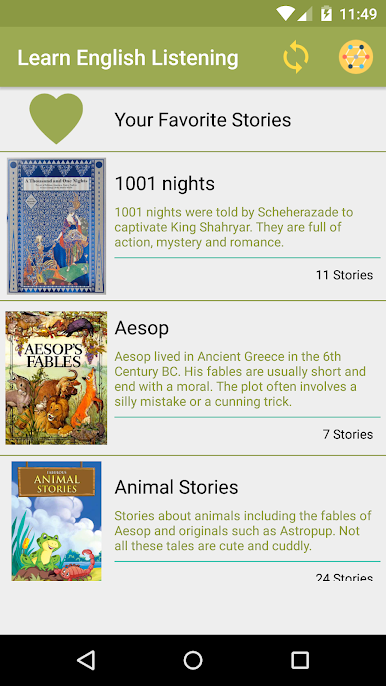
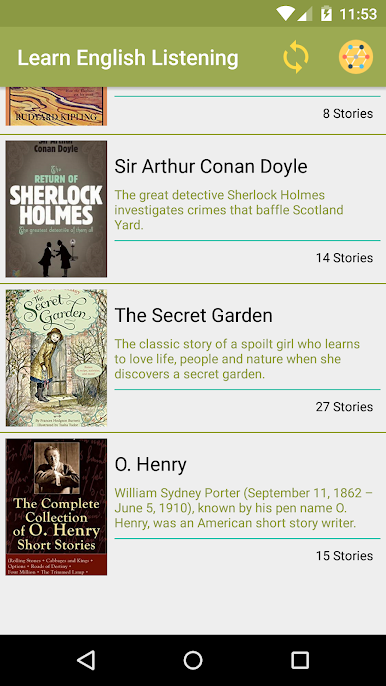
Play English Story with audios - Au on PC. It’s easy to get started.
-
Download and install BlueStacks on your PC
-
Complete Google sign-in to access the Play Store, or do it later
-
Look for English Story with audios - Au in the search bar at the top right corner
-
Click to install English Story with audios - Au from the search results
-
Complete Google sign-in (if you skipped step 2) to install English Story with audios - Au
-
Click the English Story with audios - Au icon on the home screen to start playing

