


Meta Horizon
Play on PC with BlueStacks – the Android Gaming Platform, trusted by 500M+ gamers.

Page Modified on: Sep 14, 2026
Main Meta Horizon on PC
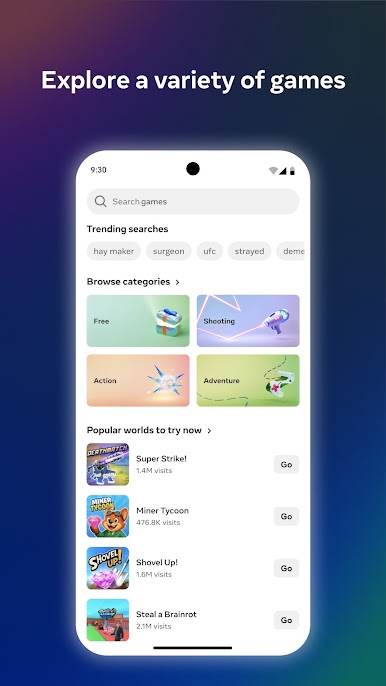
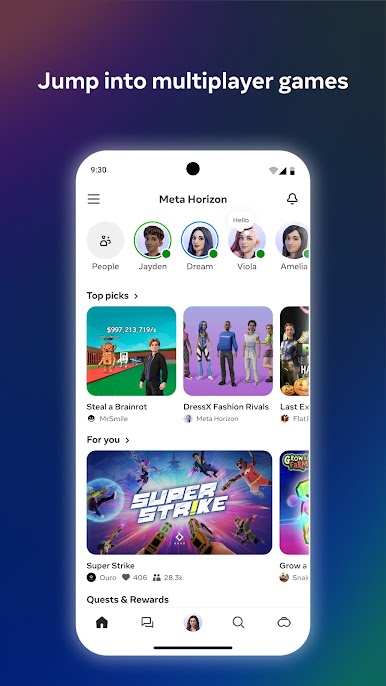
*Jump into hundreds of free multiplayer games*
Adventure, action, strategy, puzzle - there’s something for everyone. Play solo or team up with friends, anytime, anywhere.
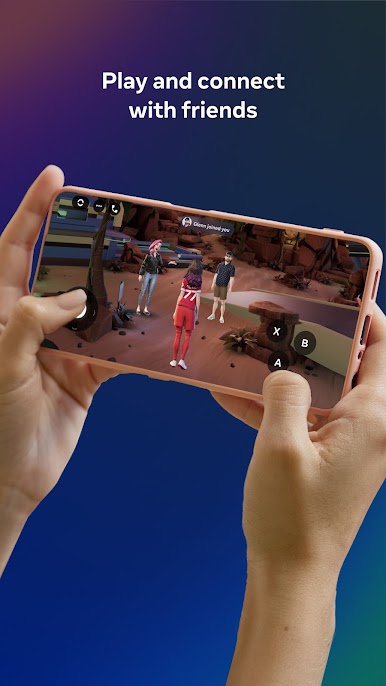
*Play and Connect*
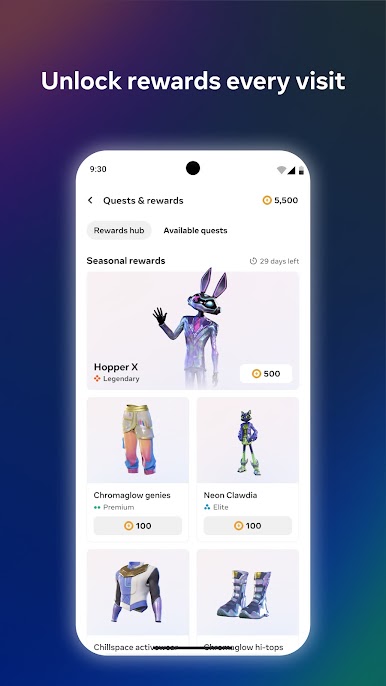
Meet new friends or invite your crew. Join live games, chat, and share moments as you play together. Complete quests, unlock rewards, and climb leaderboards.
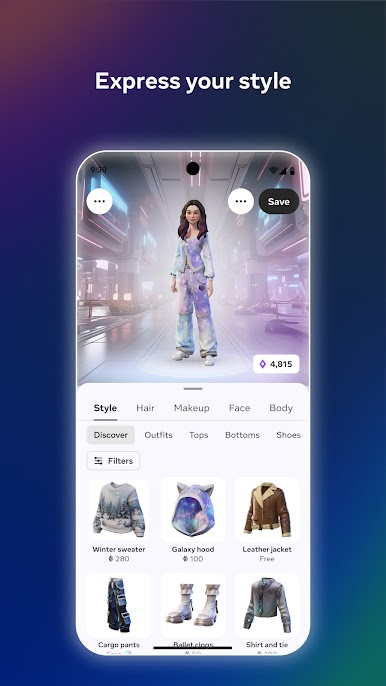
*Show Your Style*
Personalize your avatar with fresh outfits, hairstyles, and emotes. Make your look as bold or chill as you want.
*Share Your Moments*
Express yourself and relive your favorite moments by sharing photos and videos, including spatial media and cloud content, with your friends.
Ready to jump in? Download Meta Horizon and start exploring, playing, and connecting today.
Play Meta Horizon on PC. It’s easy to get started.
-
Download and install BlueStacks on your PC
-
Complete Google sign-in to access the Play Store, or do it later
-
Look for Meta Horizon in the search bar at the top right corner
-
Click to install Meta Horizon from the search results
-
Complete Google sign-in (if you skipped step 2) to install Meta Horizon
-
Click the Meta Horizon icon on the home screen to start playing

