


Orbit Dodge
Play on PC with BlueStacks – the Android Gaming Platform, trusted by 500M+ gamers.

Page Modified on: Jun 2, 2026
Play Orbit Dodge on PC
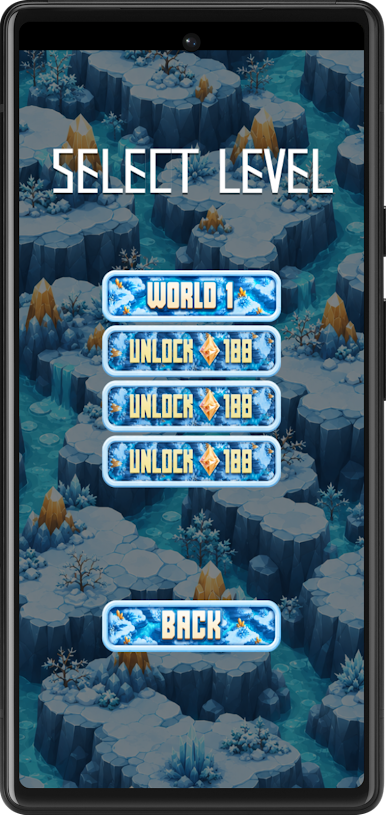
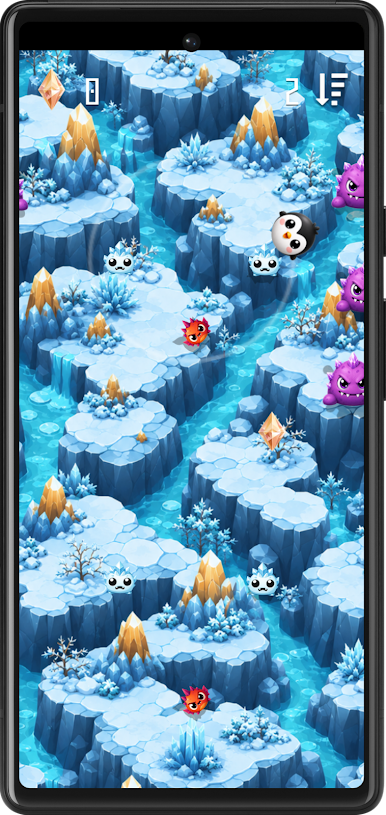
Your character moves around a fixed orbit. Tap the screen to switch direction, avoid monsters, and collect gems along the way. The deeper you travel, the higher your score becomes, so every quick reaction can help you survive a little longer.
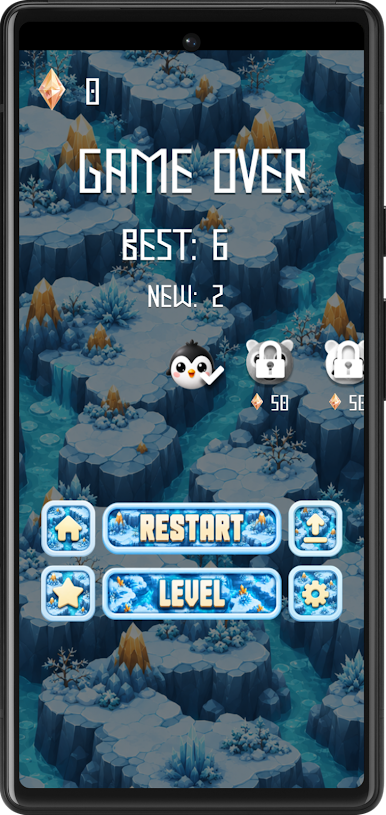
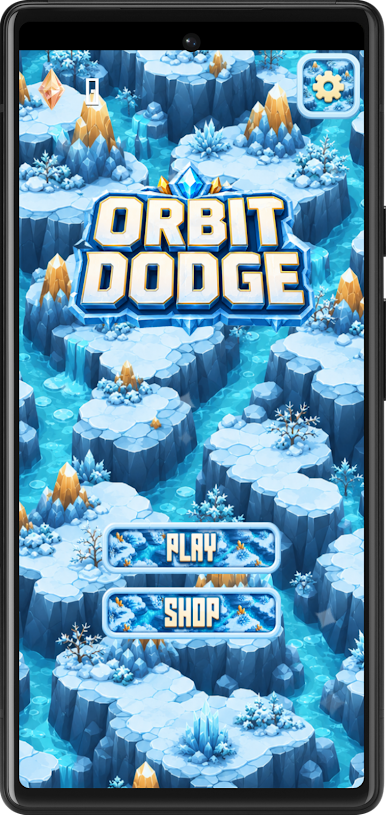
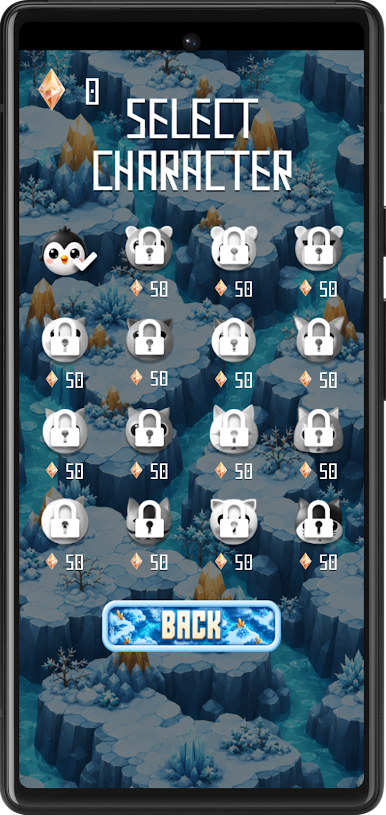
Move carefully through an icy fantasy world filled with cute monsters, and shiny gems. Use collected gems to unlock more characters and keep improving your best score.
Game features:
🐧 One-touch control
🔄 Tap to change orbit direction
👾 Avoid cute monsters
💎 Collect gems during gameplay
⭐ Unlock new characters
🏔️ Icy fantasy visual style
📈 Try to beat your best score
🎮 Short, quick, and easy-to-understand runs
Orbit Dodge is made for players who enjoy simple controls, quick reactions, and score-based challenges. Stay focused, dodge at the right moment, collect gems, and see how deep you can travel.
Play Orbit Dodge on PC. It’s easy to get started.
-
Download and install BlueStacks on your PC
-
Complete Google sign-in to access the Play Store, or do it later
-
Look for Orbit Dodge in the search bar at the top right corner
-
Click to install Orbit Dodge from the search results
-
Complete Google sign-in (if you skipped step 2) to install Orbit Dodge
-
Click the Orbit Dodge icon on the home screen to start playing

