


PDF Reader - PDF Viewer
Play on PC with BlueStacks – the Android Gaming Platform, trusted by 500M+ gamers.

Page Modified on: Sep 11, 2025
Play PDF Reader - PDF Viewer on PC
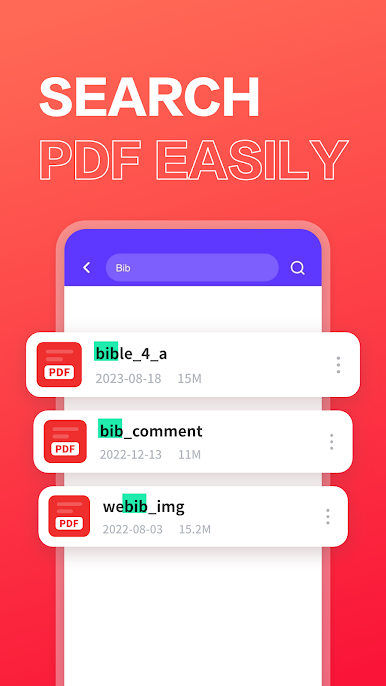
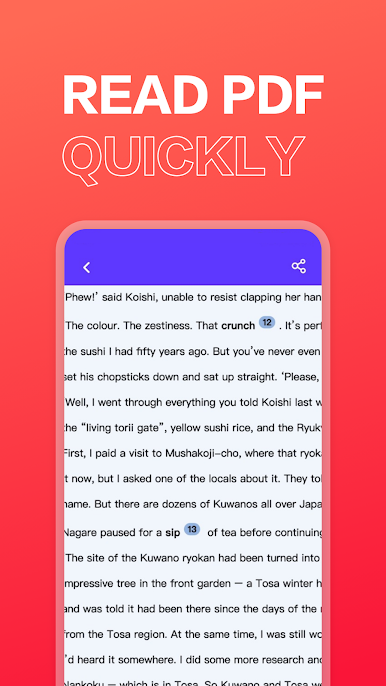
PDF Reader📖
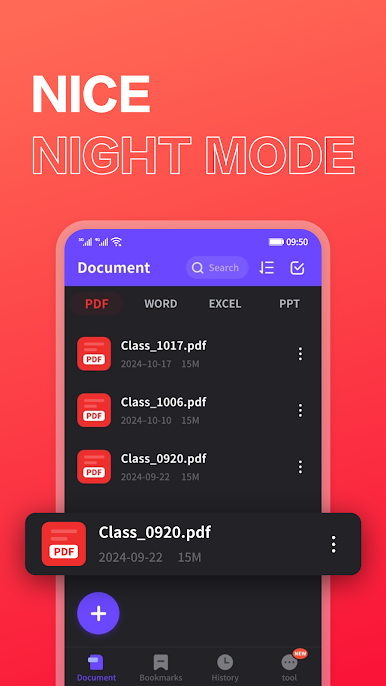
Full screen immersive reading
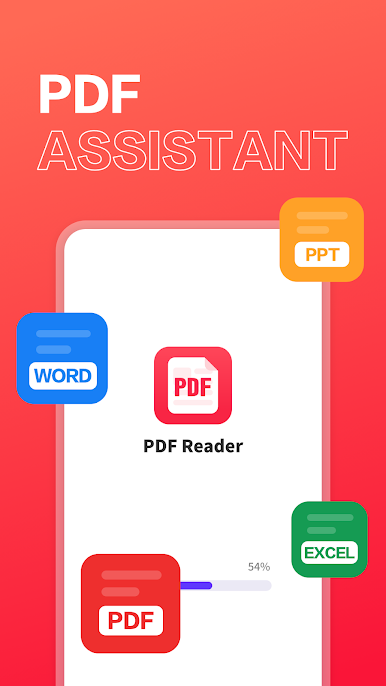
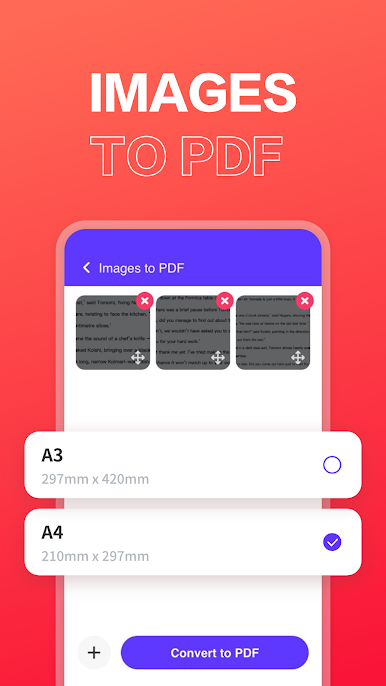
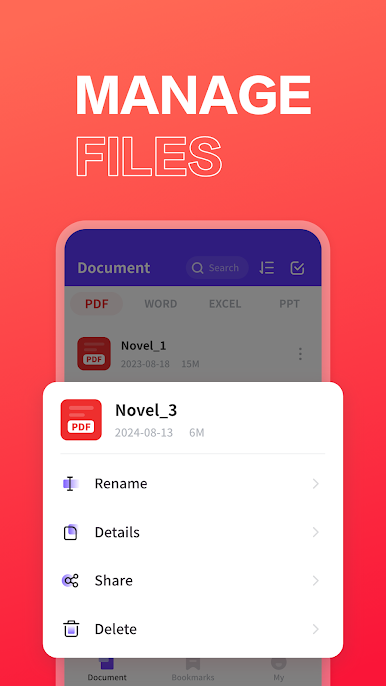
View multiple file types📚
Support viewing a variety of office documents: pdf, word, excel, ppt, quickly view files
Other Features📝
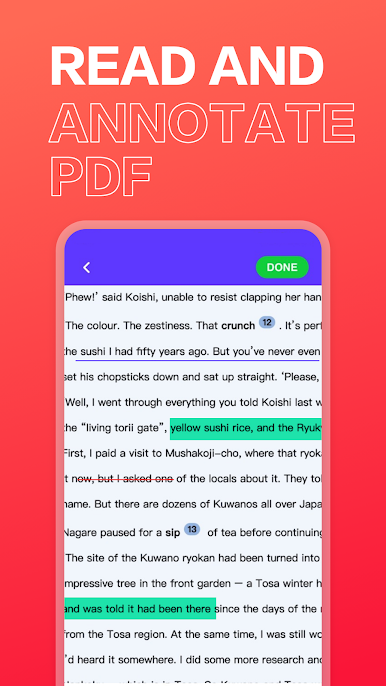
Highlight the key points
Add strikethrough
Add underline
Brush marking and signature
Get permission to read system files
Allows open access to system files, making it easier to view PDF files on your system. Read PDF books and PDF notes on the go with this fast PDF reader.
Play PDF Reader - PDF Viewer on PC. It’s easy to get started.
-
Download and install BlueStacks on your PC
-
Complete Google sign-in to access the Play Store, or do it later
-
Look for PDF Reader - PDF Viewer in the search bar at the top right corner
-
Click to install PDF Reader - PDF Viewer from the search results
-
Complete Google sign-in (if you skipped step 2) to install PDF Reader - PDF Viewer
-
Click the PDF Reader - PDF Viewer icon on the home screen to start playing

