


Offsuit: Texas Holdem Poker
Play on PC with BlueStacks – the Android Gaming Platform, trusted by 500M+ gamers.

Page Modified on: Sep 11, 2025
Main Offsuit: Texas Holdem Poker on PC
Key Features:
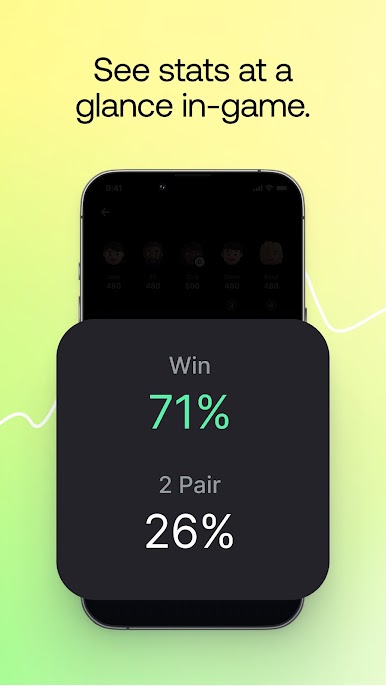
• Track Your Progress: Use advanced in-game poker tools and analytics to monitor and enhance your performance.
• Social Gameplay: Discover, add, and play with new friends, expanding your poker network.
• Private Tables: Host exclusive private games for you and your friends.
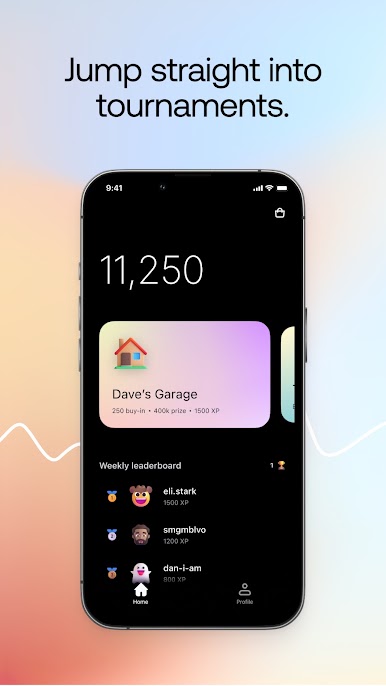
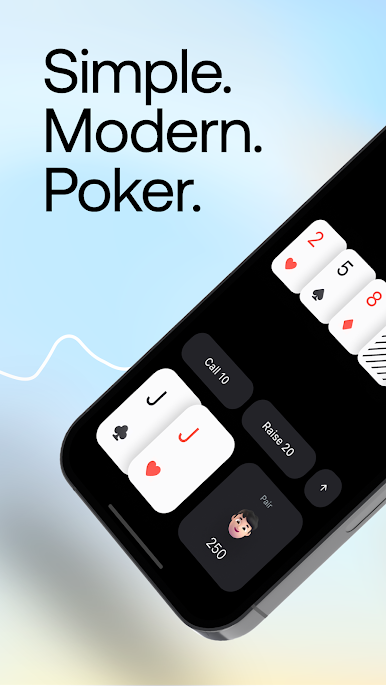
• Variety of Games: Enjoy a wide range of cash games and tournaments with random opponents for endless excitement.
• Customization: Personalize your gameplay with a variety of cool cosmetic items.
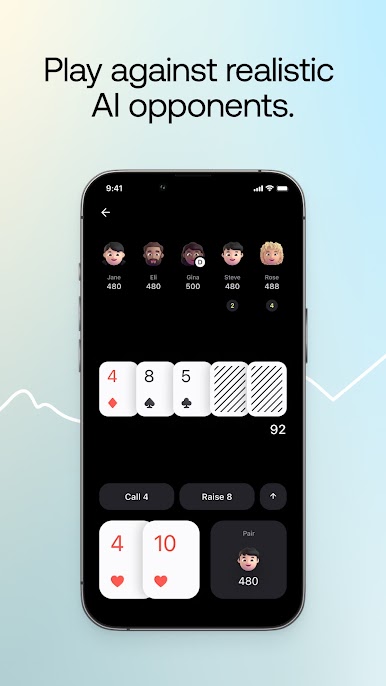
• Realistic AI Opponents: Challenge yourself against AI players who simulate real poker strategies in both cash games and tournaments.
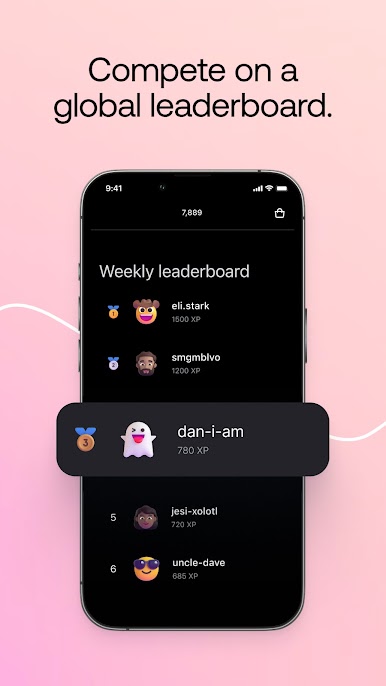
• Global Leaderboards: Compete with players worldwide, climb the leaderboards, and win exciting prizes.
Built by poker fans for poker fans, Offsuit is dedicated to delivering a fair and thrilling poker experience. Our AI opponents are designed to mimic real-life poker play, ensuring a genuine and challenging gameplay environment. We never manipulate cards or game outcomes, ensuring every hand is dealt fairly.
Offsuit is intended for entertainment purposes only and does not offer real money gambling or any opportunity to win real money or physical prizes based on poker gameplay. Success in this game does not imply or guarantee future success at real money gambling.
While Offsuit is free to download and play, you have the option to purchase virtual items with real money within the game.
Terms of Service: https://www.offsuit.app/terms
Privacy Policy: https://www.offsuit.app/privacy
Play Offsuit: Texas Holdem Poker on PC. It’s easy to get started.
-
Download and install BlueStacks on your PC
-
Complete Google sign-in to access the Play Store, or do it later
-
Look for Offsuit: Texas Holdem Poker in the search bar at the top right corner
-
Click to install Offsuit: Texas Holdem Poker from the search results
-
Complete Google sign-in (if you skipped step 2) to install Offsuit: Texas Holdem Poker
-
Click the Offsuit: Texas Holdem Poker icon on the home screen to start playing

