


RedMobile
Play on PC with BlueStacks – the Android Gaming Platform, trusted by 500M+ gamers.

Page Modified on: Aug 17, 2024
Play RedMobile on PC
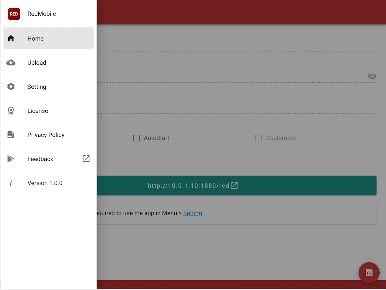
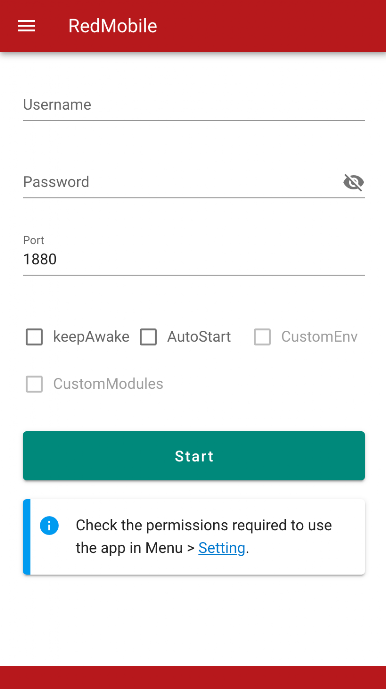
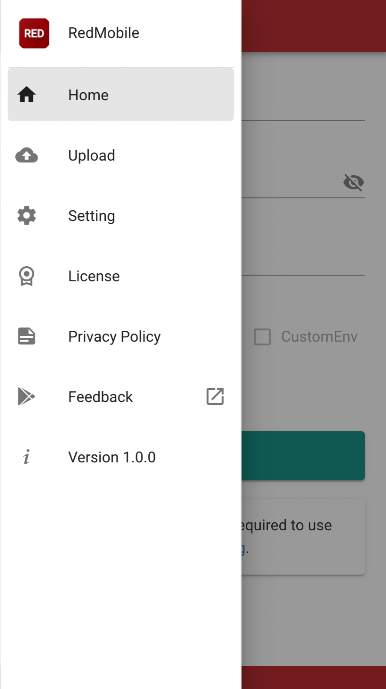
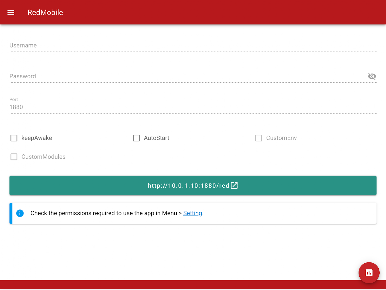
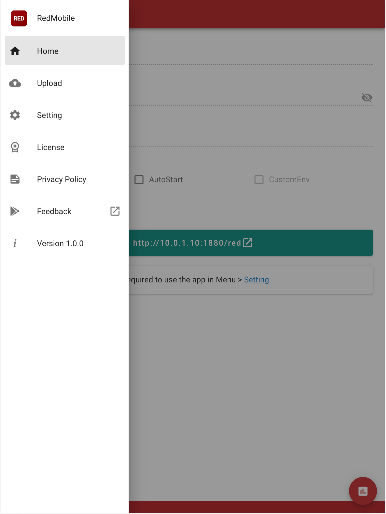
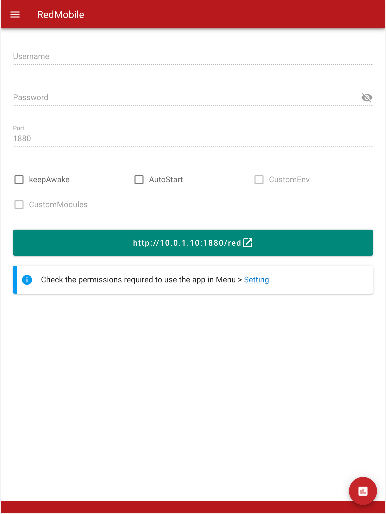
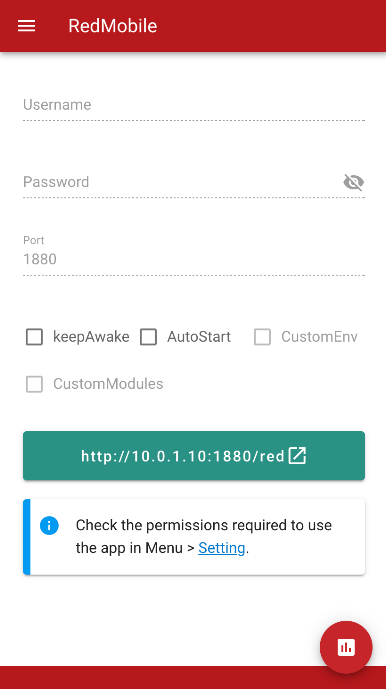
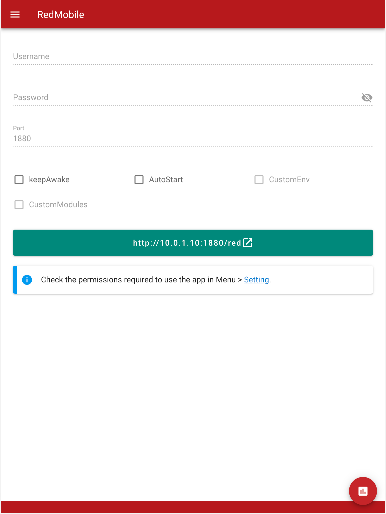
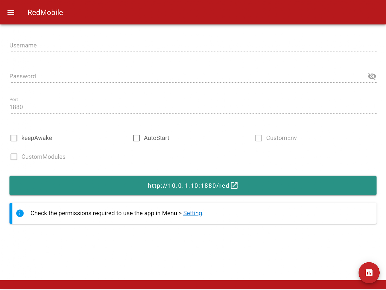
Just press the start button. If necessary, you can also set the BASIC authentication at port switching and Node-RED login. When setting up BASIC authentication, please enter both username and password.
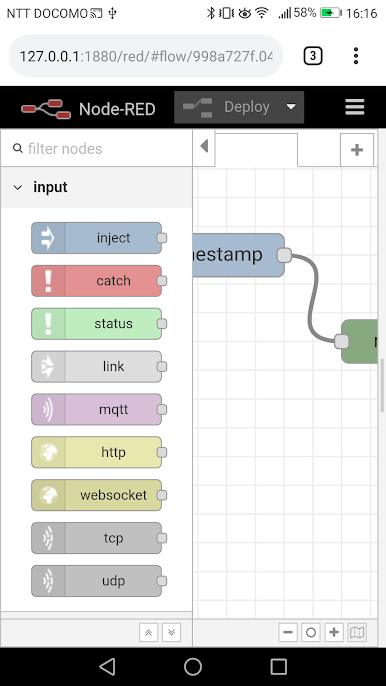
When Node-RED starts up, the URL will be displayed, so please access the browser or local PC of that device.
Feature
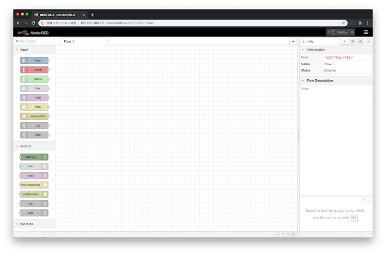
- Node-RED + Dashboard (Node@12.19.0)
- Simple Start (one click)
- Basic authentication can be set.
- Port changeable
- Access from the local network
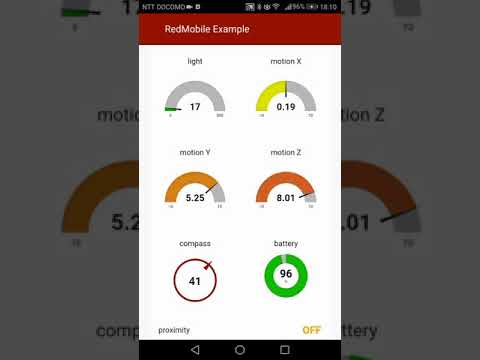
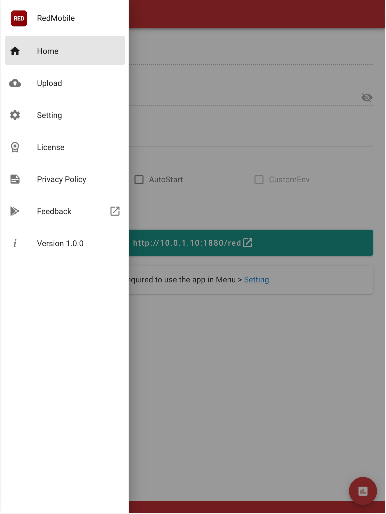
- Launch dashboard quickly within the app
- Support App Shortcuts ( > android 8.0)
- Supports URL scheme (redmobile://)
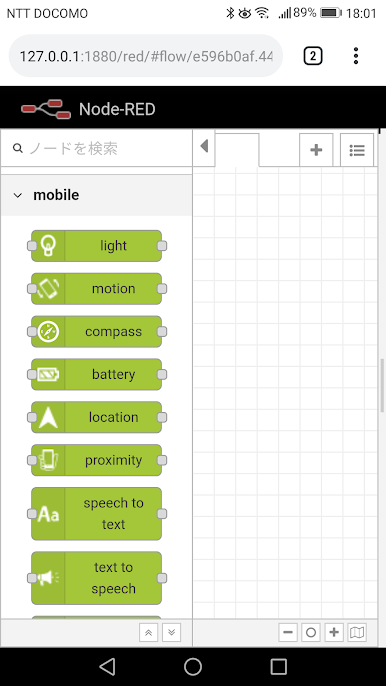
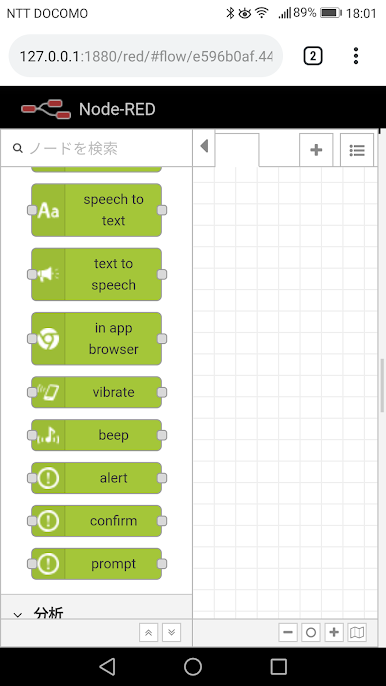
- Original nodes specialized for Android
Original nodes
- motion
- gyroscope sensor
- light sensor
- geolocation
- compass
- magnetic sensor
- voice recognition
- speech synthesis
- InAppBrower
- dialogs (alert, confirm, prompt)
- vibrate
- beep
- camera
- USB serial
- Firebase Cloud Message
- MLKit (beta)
Note
a palette manager can not be used.
Play RedMobile on PC. It’s easy to get started.
-
Download and install BlueStacks on your PC
-
Complete Google sign-in to access the Play Store, or do it later
-
Look for RedMobile in the search bar at the top right corner
-
Click to install RedMobile from the search results
-
Complete Google sign-in (if you skipped step 2) to install RedMobile
-
Click the RedMobile icon on the home screen to start playing

