


Car Parking Multiplayer 2
Play on PC with BlueStacks – the Android Gaming Platform, trusted by 500M+ gamers.

Page Modified on: Sep 2, 2026
Main Car Parking Multiplayer 2 on PC
Multiplayer open world mode
• Free walking.
• Free open world with real gas stations and car services.
• Compete against real players in the multiplayer racing.
• Exchange cars with real players.
• Thousands of real players every day.
• Friend list.
• Voice Chat.
• Police mode
• Drone mode
• Taxi mode
• Drag Racing mode
• Car livery mode
• Massive environment
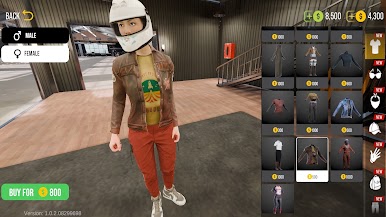
• Character customization
• Animation and emoji
• Car livery mode
• Mechanic transmission with clutch
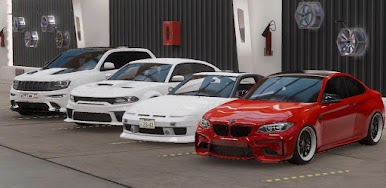
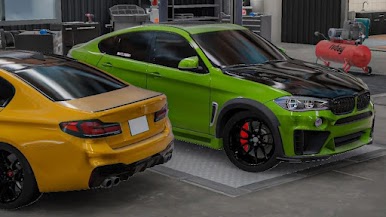
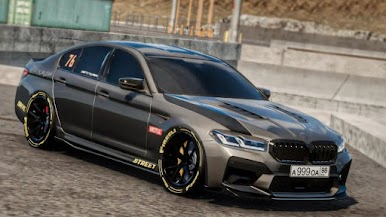
• Car Tunings
• Fuel system
• Adjustable suspension
• Highly-detailed environments
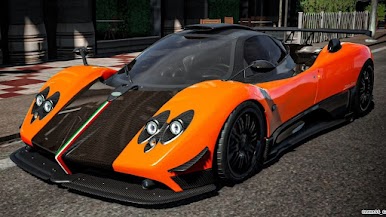
• 160 cars with the real interior.
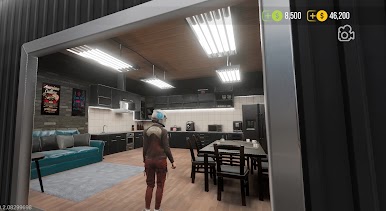
• Buildings with interior
•. 82 real-life parking and driving challenges.
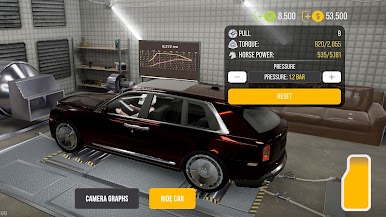
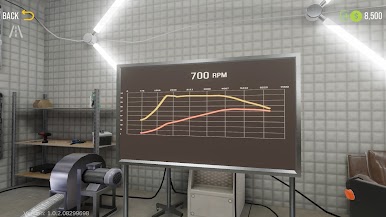
•. Dyno Run.
Play Car Parking Multiplayer 2 on PC. It’s easy to get started.
-
Download and install BlueStacks on your PC
-
Complete Google sign-in to access the Play Store, or do it later
-
Look for Car Parking Multiplayer 2 in the search bar at the top right corner
-
Click to install Car Parking Multiplayer 2 from the search results
-
Complete Google sign-in (if you skipped step 2) to install Car Parking Multiplayer 2
-
Click the Car Parking Multiplayer 2 icon on the home screen to start playing

