


Dancing Line
Play on PC with BlueStacks – the Android Gaming Platform, trusted by 500M+ gamers.

Page Modified on: Dec 31, 2025
Play Dancing Line on PC or Mac
Play Dancing Line by Omega Arcade on PC or Mac with BlueStacks. Use a bigger screen, mouse and keyboard controls, and smoother performance while you play.
About the Game
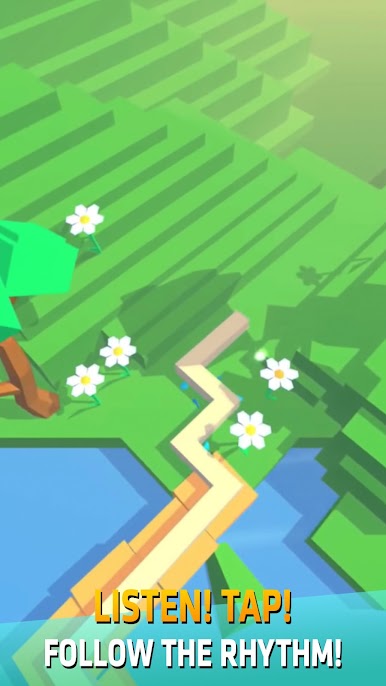
Dancing Line is a Music game where your taps follow the beat and your instincts lead the way. Guide a glowing line through shifting paths and sudden turns, trusting what you hear even when the route ahead looks risky. It’s easy to start, surprisingly tough to master, and super satisfying when your timing clicks.
Game Features
- Beat-Driven Controls: Tap in rhythm to swing the line around sharp corners while audio cues hint at what’s coming next.
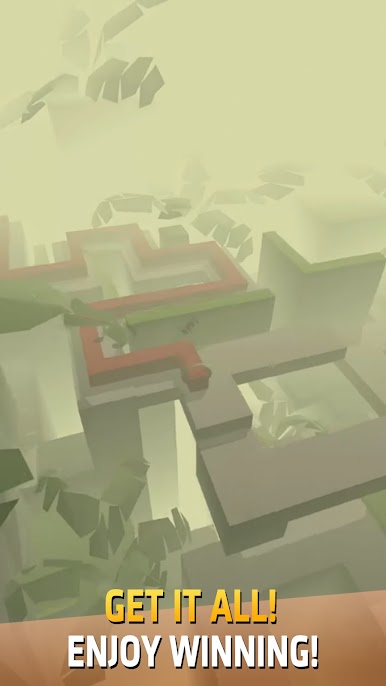
- Reactive Worlds: Stages grow, shift, and reveal paths in sync with the soundtrack, from quiet stretches to rapid-fire sequences.
- One-Touch Precision: Simple taps control everything—clip a wall and it’s over, but fast restarts keep you in the zone.
- Clean 3D Style: Minimalist scenes, smooth animations, and crisp effects make every turn feel sharp and readable.
- Instrumental Variety: Piano, guitar, and drums blend into catchy songs, giving each level its own feel and flow.
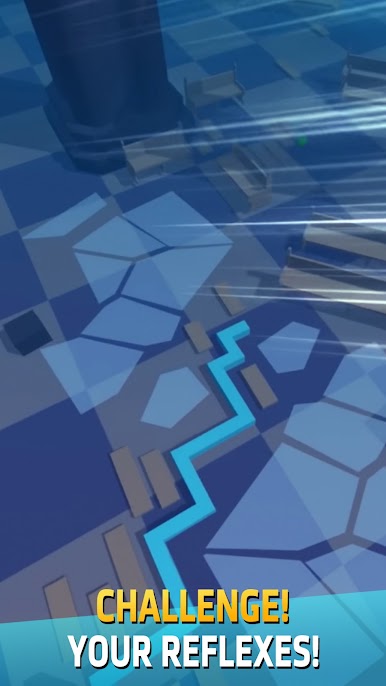
- Tricky Patterns: Expect zigzags, sudden pivots, and tight corridors that test timing, focus, and nerve.
- Sensory Challenge: Hone your hearing, reflexes, and visual attention as the line responds instantly to your taps.
- Friendly Competition: Chase higher scores and challenge friends to see who holds the steadiest rhythm.
- BlueStacks Ready: Plays great on BlueStacks, with optional key mapping for crisp, reliable turns if that’s your style.
BlueStacks gives you more room to focus on the game and less time adjusting around mobile limitations.

Play Dancing Line on PC. It’s easy to get started.
-
Download and install BlueStacks on your PC
-
Complete Google sign-in to access the Play Store, or do it later
-
Look for Dancing Line in the search bar at the top right corner
-
Click to install Dancing Line from the search results
-
Complete Google sign-in (if you skipped step 2) to install Dancing Line
-
Click the Dancing Line icon on the home screen to start playing

