


Blast Rebound
Play on PC with BlueStacks – the Android Gaming Platform, trusted by 500M+ gamers.

Page Modified on: Apr 13, 2026
Play Blast Rebound on PC
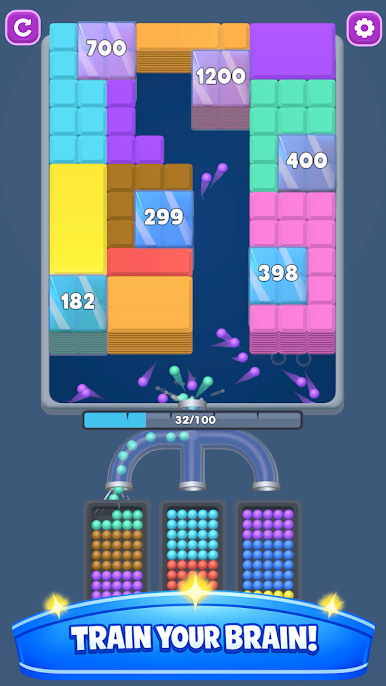
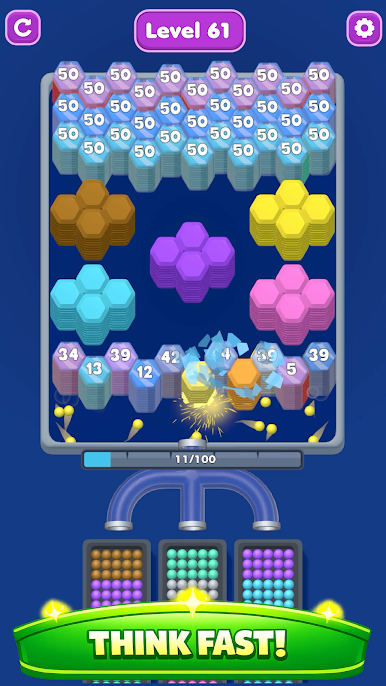
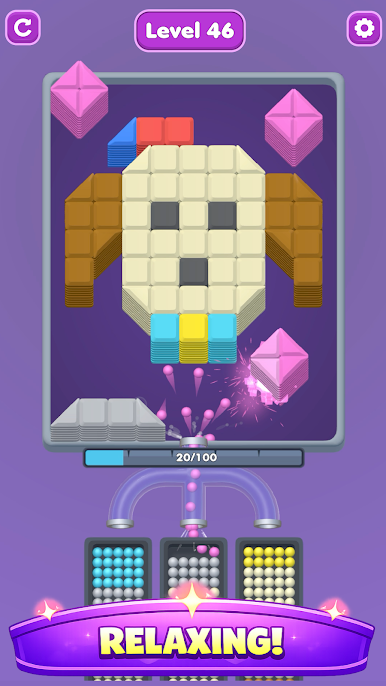
Fast, colorful, and addictive! Blast Rebound is a ball-shooting puzzle game where strategy meets satisfying destruction. Pick balls, match colors, and clear every stack of blocks until nothing remains.
⚡ How It Works
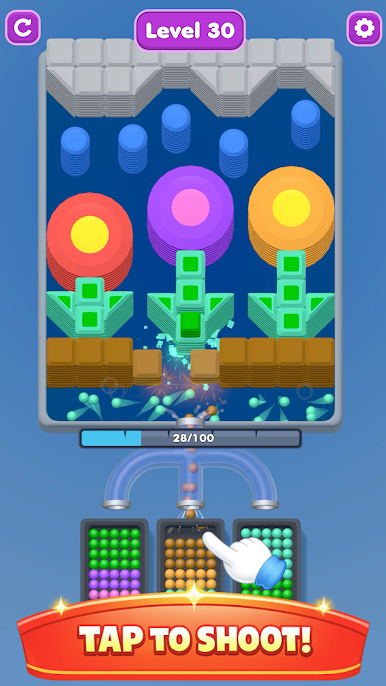
* Tap balls to shoot and match their color with the blocks.
* Break wooden and moving blocks with smart choices.
* Manage your capacity—choose wisely to open the path.
* Use boosters to smash through obstacles and keep the stacks falling.
🧠 Features
* 🪵 Wooden Blocks – Classic stacking challenges.
* 🔄 Moving Blocks – Dynamic puzzles that keep you on your toes.
* 🎯 Pick Any Ball – Freedom to choose your strategy.
* 📈 Add Capacity – Expand your options and plan ahead.
💥 Boosters
* 💣 Bomb – Explosive clears for tricky stacks.
* 🎨 Pick Any Ball – Match any color instantly.
* ➕ Add Capacity – Increase your shooting power.
✨ Why You’ll Love It
* Satisfying gameplay with smashing effects.
* Addictive ball-shooting mechanics—shoot them all to nothing!
* Lovely block art with playful stacking visuals.
* Strategic depth: choose balls smartly, beware of capacity, and clear the path.
Blast Rebound is more than just shooting—it’s about timing, strategy, and the thrill of clearing everything down to zero.
Play Blast Rebound on PC. It’s easy to get started.
-
Download and install BlueStacks on your PC
-
Complete Google sign-in to access the Play Store, or do it later
-
Look for Blast Rebound in the search bar at the top right corner
-
Click to install Blast Rebound from the search results
-
Complete Google sign-in (if you skipped step 2) to install Blast Rebound
-
Click the Blast Rebound icon on the home screen to start playing

