


On Raft
Play on PC with BlueStacks – the Android Gaming Platform, trusted by 500M+ gamers.

Page Modified on: Oct 5, 2026
Play On Raft on PC
Jake disappears during the crash. Riley and Marcus are separated, and Riley wakes up alone on a strange island with no way back.
Now she must survive.
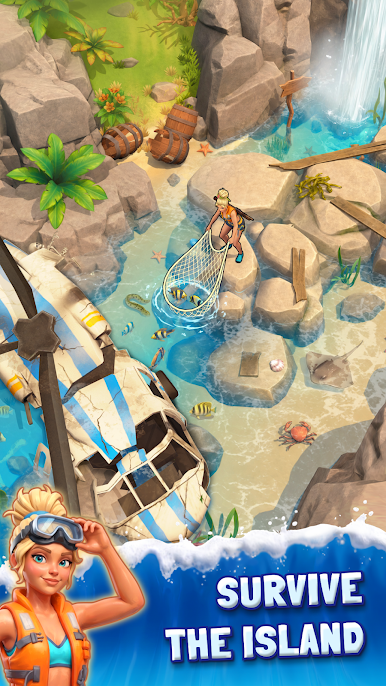
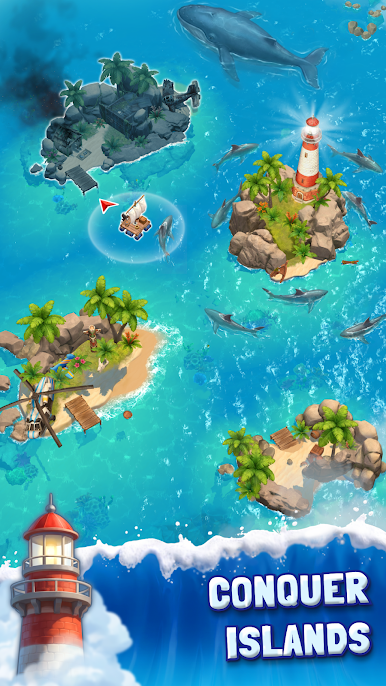
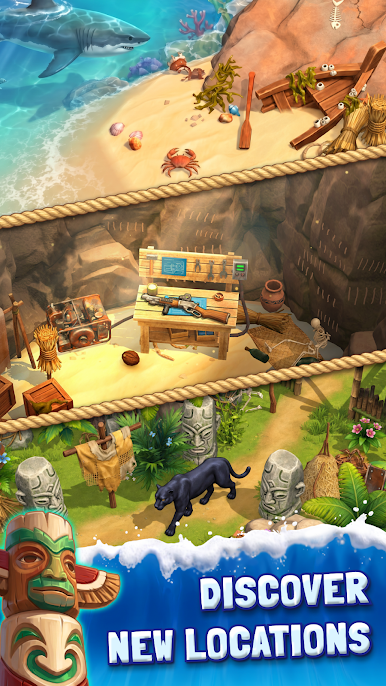
Explore mysterious islands, break objects, gather valuable resources, and use everything you find to stay alive. Upgrade Riley’s tools to destroy tougher obstacles and unlock new resources, then craft and improve powerful weapons to face the dangerous enemies lurking across the islands.
But survival is only the beginning.
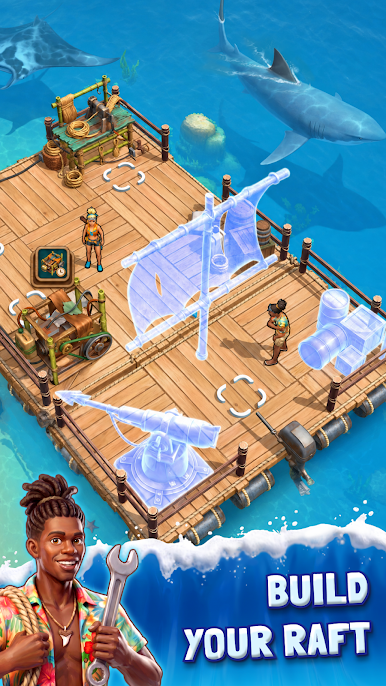
Build and upgrade your raft to travel between islands and search for a way out of the Triangle. The journey won’t be easy — hostile rafts patrol the waters, and enemy crews will attack when you try to reach new islands. Defeat them in combat and keep moving forward to discover what lies beyond the next horizon.
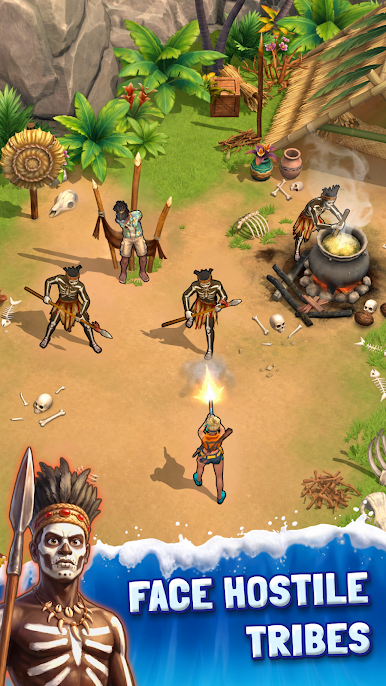
As Riley’s adventure starts, she encounters traces of an ancient tribe, a mysterious Long Fire, and a secret that has kept these islands isolated from the outside world for generations.
Gather resources. Upgrade your tools. Craft powerful weapons. Defeat enemies. Explore this adventure game!
Can Riley survive the Bermuda Triangle and find a way home? 🌊🔥🏝️
Play On Raft on PC. It’s easy to get started.
-
Download and install BlueStacks on your PC
-
Complete Google sign-in to access the Play Store, or do it later
-
Look for On Raft in the search bar at the top right corner
-
Click to install On Raft from the search results
-
Complete Google sign-in (if you skipped step 2) to install On Raft
-
Click the On Raft icon on the home screen to start playing

