


This is Tennis
Play on PC with BlueStacks – the Android Gaming Platform, trusted by 500M+ gamers.

Page Modified on: Oct 26, 2026
Play This is Tennis on PC
How to play
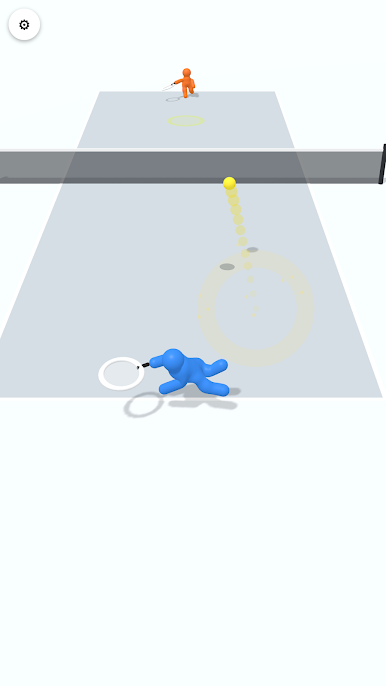
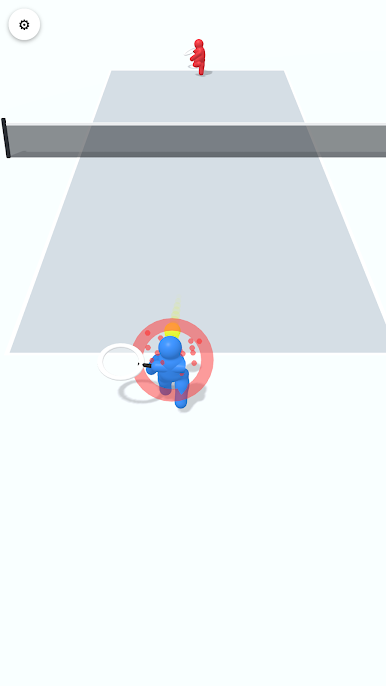
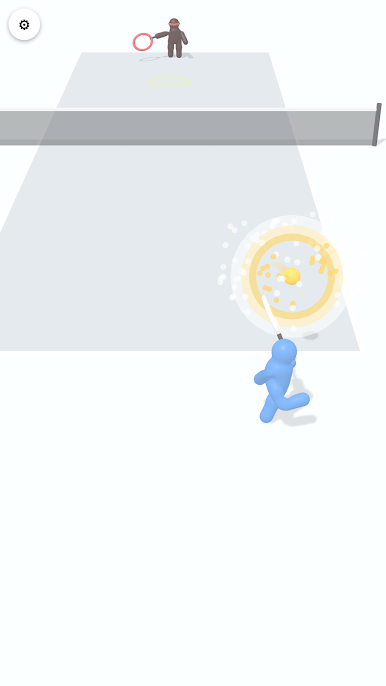
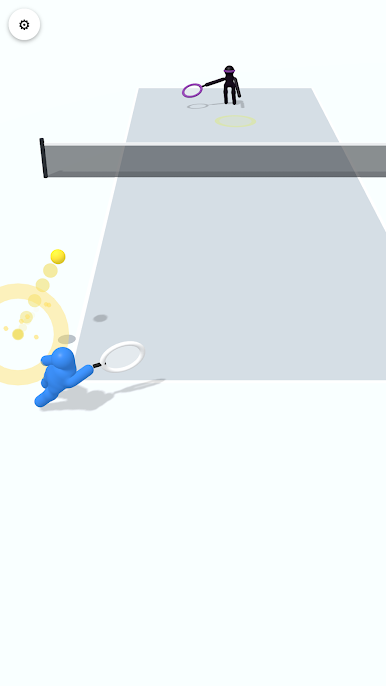
• Drag anywhere on the screen to move.
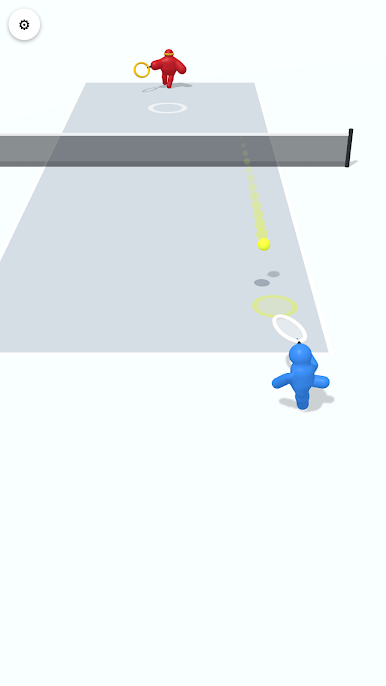
• When the ball reaches your racket, you hit it automatically.
• Tilt the stick just before the hit to choose where the ball goes.
• A marker shows where the ball will bounce.
Game flow
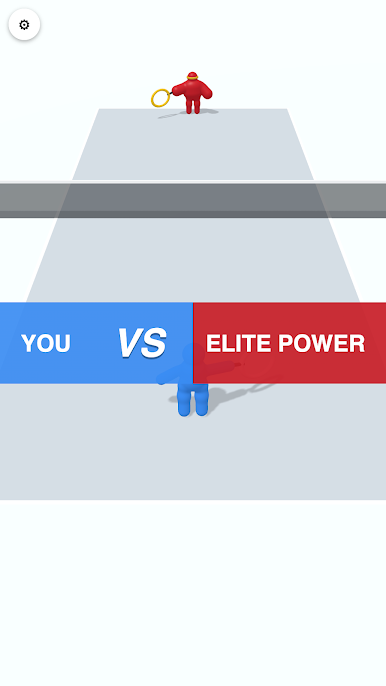
• Win 2 games to win the match.
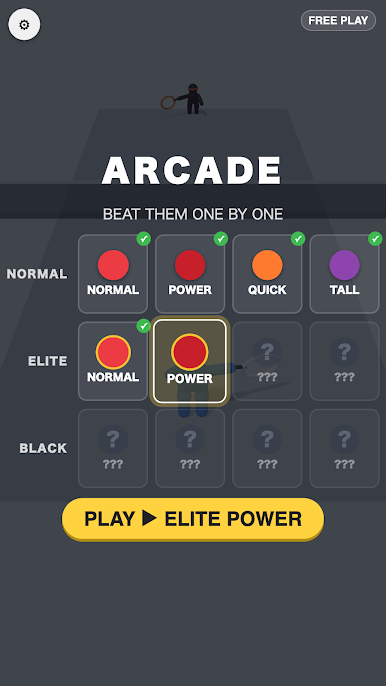
• In Arcade mode, beat 12 opponents one by one. Each win unlocks the next opponent.
Play This is Tennis on PC. It’s easy to get started.
-
Download and install BlueStacks on your PC
-
Complete Google sign-in to access the Play Store, or do it later
-
Look for This is Tennis in the search bar at the top right corner
-
Click to install This is Tennis from the search results
-
Complete Google sign-in (if you skipped step 2) to install This is Tennis
-
Click the This is Tennis icon on the home screen to start playing

