


Just Draw
Play on PC with BlueStacks – the Android Gaming Platform, trusted by 500M+ gamers.

Page Modified on: Mar 10, 2026
Play Just Draw on PC or Mac
From the innovators and creators at Lion Studios, Just Draw is another fun addition to the World of Puzzle games. Go beyond your mobile screen and play it bigger and better on your PC or Mac. An immersive experience awaits you.
About the Game
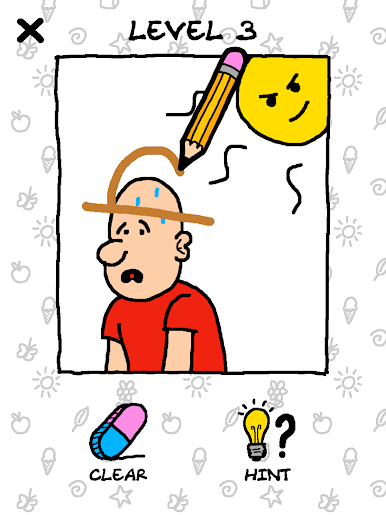
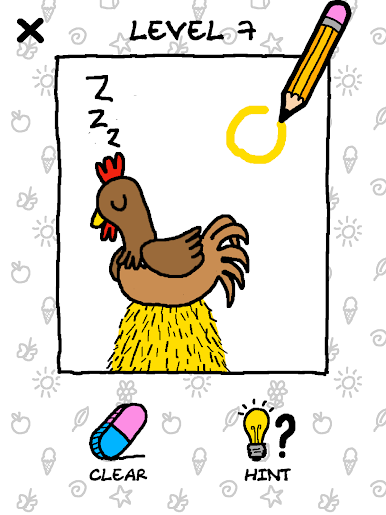
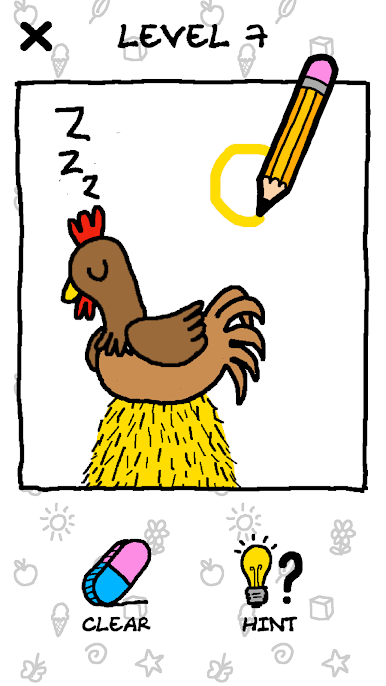
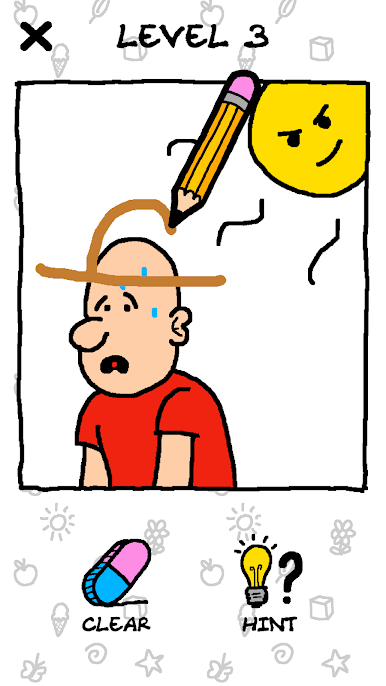
If you’ve ever wanted to fix the quirky little problems in cartoon scenes with nothing but your imagination and a doodle, Just Draw from Lion Studios might be your next favorite puzzle. Each level starts with a silly or puzzling situation and challenges you to doodle in what’s missing. You don’t have to be a professional artist—your quick sketches are what move the stories forward, and sometimes it’s the roughest doodles that get the job done.
Game Features
-
Interactive Drawing Puzzles
Solve hilarious and sometimes mind-boggling conundrums by simply sketching right on the screen. Your finger is your pencil, and every line counts. -
Loads of Whimsical Levels
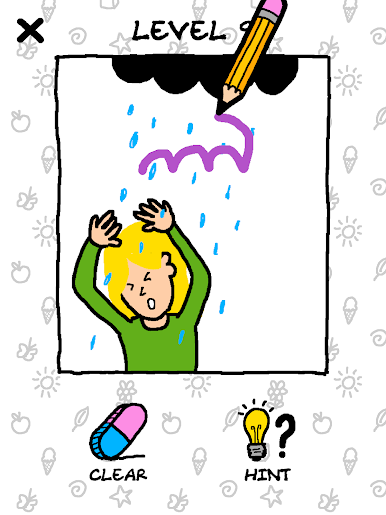
Each stage throws a new scene at you—maybe someone’s stuck in the rain, or a character looks hungry. It’s up to you to figure out what’s needed and draw it into the picture. -
No Need for Artistic Skills
The drawing recognition is very forgiving. Wobbly lines, doodles that barely look like the real thing—it’s all good. The game gets what you’re going for. -
Short Stories in Every Scene
Every puzzle is its own little comic moment, with characters reacting to your quick fixes in unexpected (and often funny) ways. -
Easy Pick-Up-and-Play Mechanics
All you do is touch and sketch. There’s nothing complicated here, which makes it great for killing time or showing off your creative side in bursts. -
Play on BlueStacks
If you want to give your doodle-solving skills some extra space, it works smoothly on BlueStacks for those who like playing Puzzle games on a bigger screen.
Get ready for a buttery smooth, high-performance gaming action only on BlueStacks.

Play Just Draw on PC. It’s easy to get started.
-
Download and install BlueStacks on your PC
-
Complete Google sign-in to access the Play Store, or do it later
-
Look for Just Draw in the search bar at the top right corner
-
Click to install Just Draw from the search results
-
Complete Google sign-in (if you skipped step 2) to install Just Draw
-
Click the Just Draw icon on the home screen to start playing

