


8bit Painter
Play on PC with BlueStacks – the Android Gaming Platform, trusted by 500M+ gamers.

Page Modified on: Aug 3, 2025
Play 8bit Painter on PC
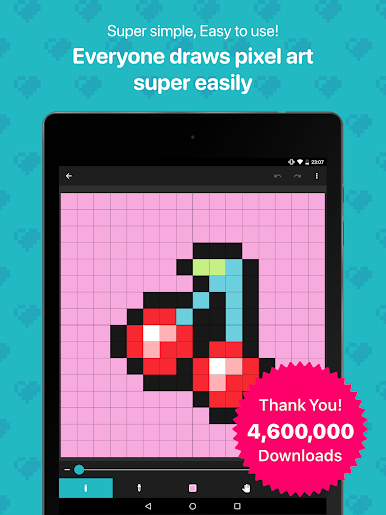
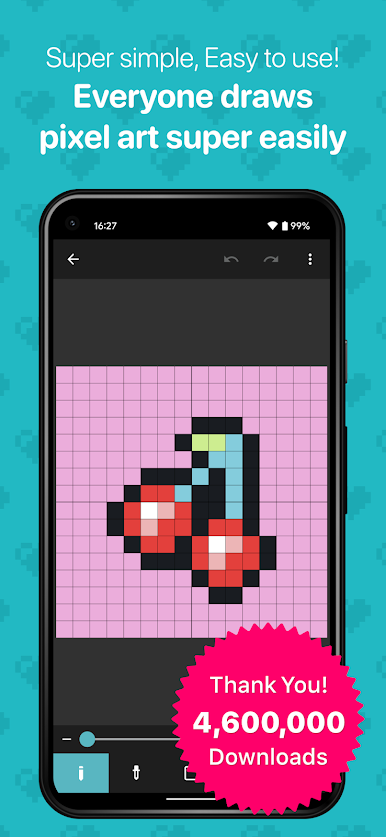
8bit Painter is easy to remember because it is narrowed down to intuitive operation methods and the minimum functions necessary for creating pixel art, so you will not get lost in operation. 8bit Painter focuses on ease of use rather than feature richness.
Great for creating NFT art.
[Recommended for people like this]
* Pixel art beginner
* Creating your SNS icon
* Designing bead pattern
* Designing Cross-stitch pattern
* Creating player skins for games
* Creating NFT art
[Canvas can be customized in size]
In addition to the fixed aspect ratio sizes below, the canvas can be created in any size by specifying the width and height. The canvas size can be changed during the creation of the artwork.
* 16 x 16
* 24 x 24
* 32 x 32
* 48 x 48
* 64 x 64
* 96 x 96
* 128 x 128
* 160 x 160
* 192 x 192
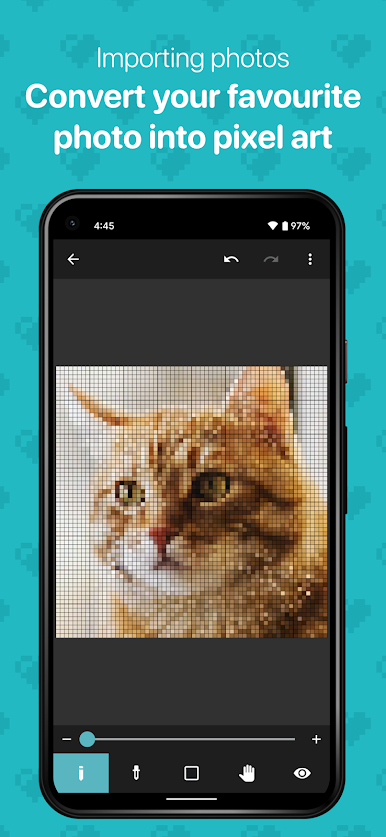
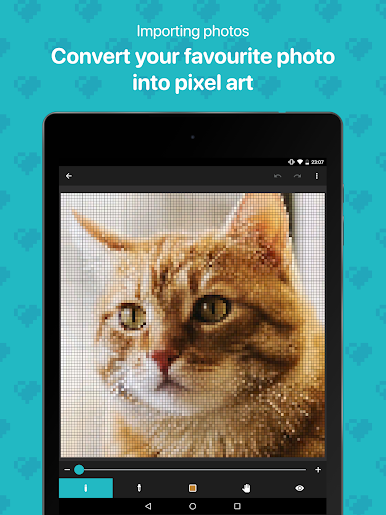
[Convert your favorite images to pixel art]
Import your favorite images into the app and easily convert them to pixel art.
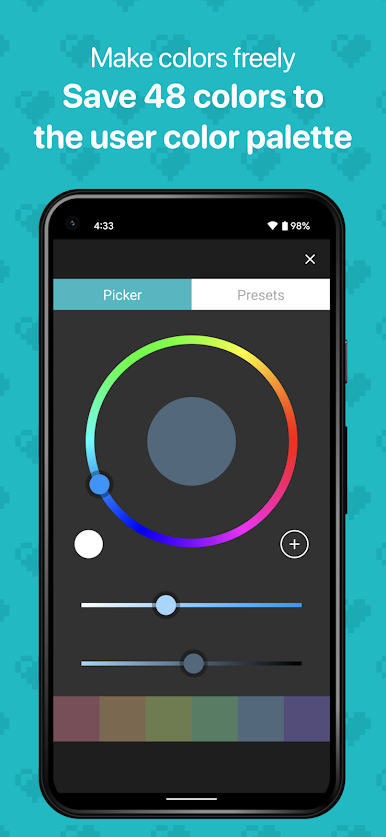
[Create any color and save 48 colors]
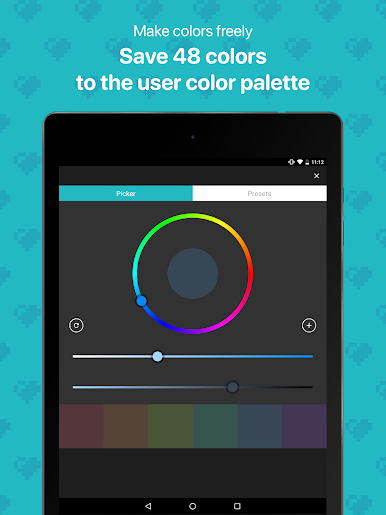
Save up to 48 colors in the “User Color Palette”. The “Preset Color Palette”, which has 96 colors, is also useful.
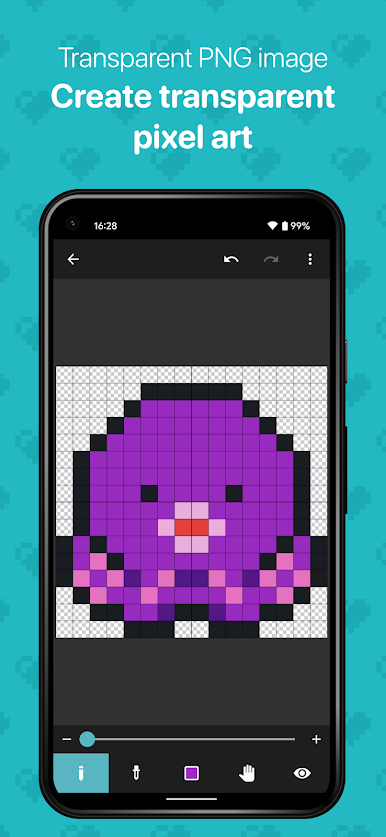
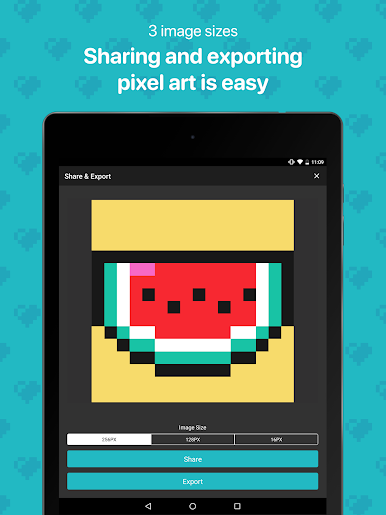
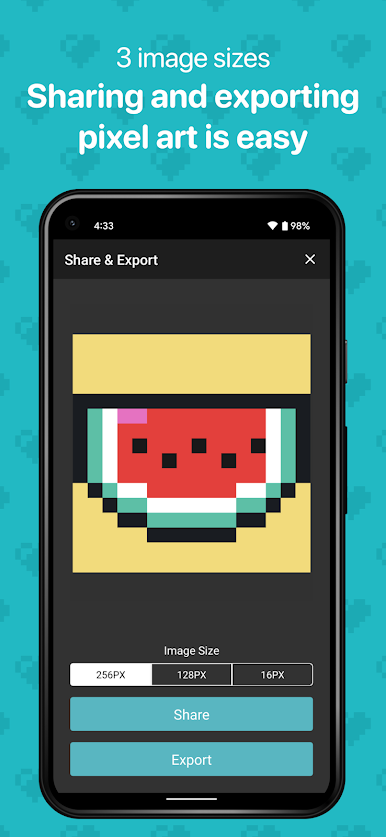
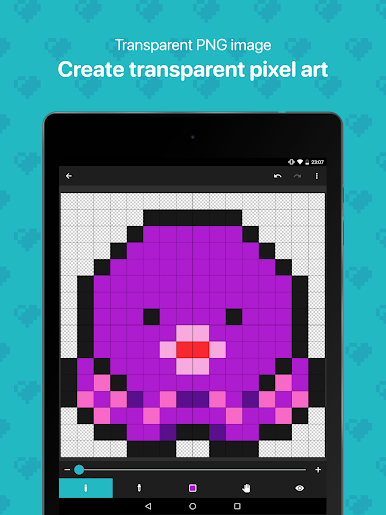
[Export your artwork in transparent PNG]
Choose from three different sizes of images to export. The image file format is PNG, and transparent PNG is supported. It is also possible to export an image with the canvas grid lines displayed.
[Export artwork data]
Export your artwork data to external storage such as Google Drive, Dropbox, SD card, etc. The exported artwork data can be imported to other smartphones and tablets that have 8bit Painter installed.
By exporting and backing up your artwork data, you can easily transfer your artwork data to another device if your device is damaged, lost, or upgraded, so you can rest assured.
[Remove ads]
Purchase “Ad Remover” to remove ads. “Ad Remover” does not need to be purchased many times because once purchased, it can be restored at the time of reinstallation even if the app is uninstalled.
Play 8bit Painter on PC. It’s easy to get started.
-
Download and install BlueStacks on your PC
-
Complete Google sign-in to access the Play Store, or do it later
-
Look for 8bit Painter in the search bar at the top right corner
-
Click to install 8bit Painter from the search results
-
Complete Google sign-in (if you skipped step 2) to install 8bit Painter
-
Click the 8bit Painter icon on the home screen to start playing

