


Oopsie Croco
Play on PC with BlueStacks – the Android Gaming Platform, trusted by 500M+ gamers.

Page Modified on: Jun 9, 2026
Main Oopsie Croco on PC
Oopsie Croco is an epic adventure game that blends roguelike exploration, auto-battler strategy gameplay, and real-time competitive battles. It's easy to pick up, yet offers near-endless strategic depth.
Build your ultimate survival squad and conquer every challenge ahead!
How to Play
[In-Battle Decisions]
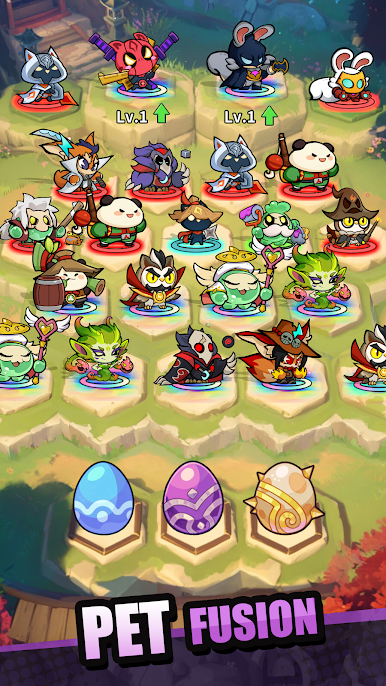
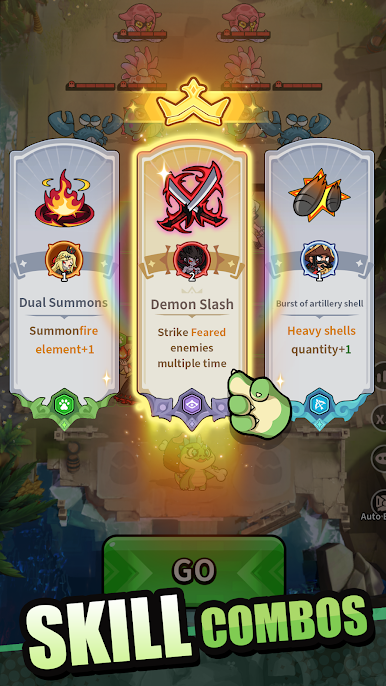
Choose your favorite starting hero, then make choices with every level-up by selecting blessings and heroes to create powerful synergies. Every decision can shape the outcome of battle!
[Team Building]
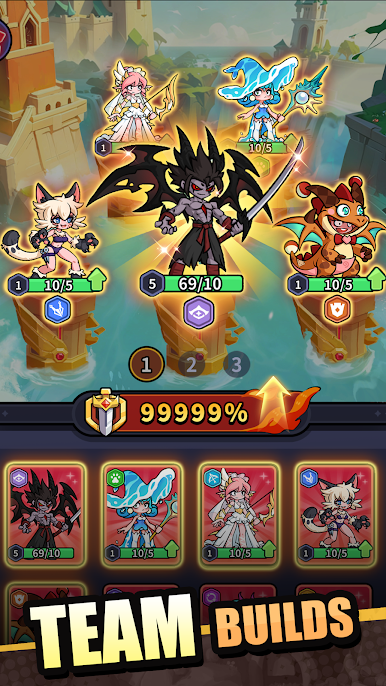
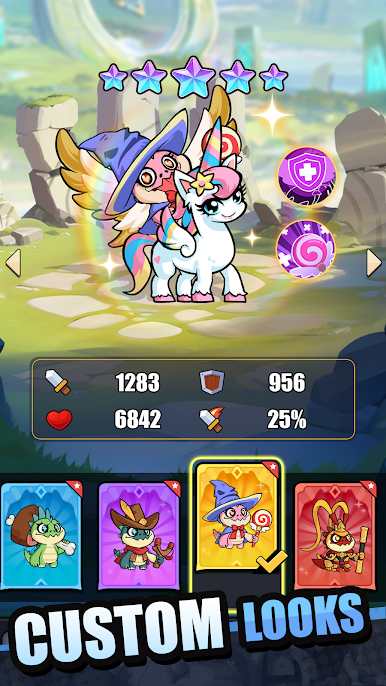
Start with a custom lineup. Heroes can level up, evolve, and break their limits. Unlock dozens of strategic combinations to dominate the battlefield.
[Co-op Spire]
Challenge stages together with friends or guild members, test your teamwork, and journey forward side by side with your companions.
[1v1 Arena Battles]
Face players from around the world in real-time 1v1 duels. Put your skills and strategic thinking to the test in intense and exciting battles.
[Boss Challenges]
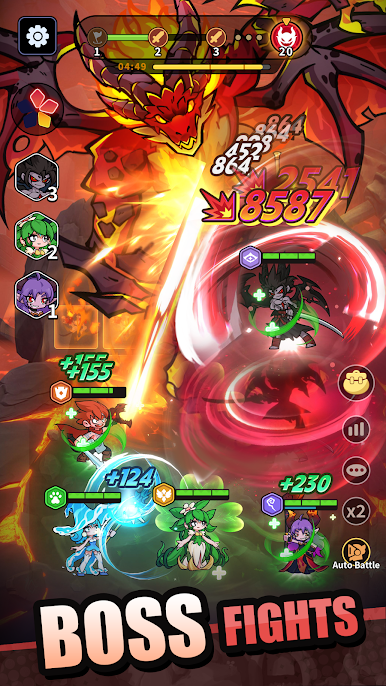
Customize your lineup and blessings to defeat mighty bosses. Earn rare resources and powerful items!
Why Choose Us?
- Easy to learn: Simple controls let you jump right into the action.
- Deep strategy: A clever blend of roguelike adventure and auto-battler strategy.
- Diverse heroes: Build your dream team from dozens of unique heroes.
- Stunning 3D visuals: Enjoy high-quality graphics and dazzling battle effects.
Play Oopsie Croco on PC. It’s easy to get started.
-
Download and install BlueStacks on your PC
-
Complete Google sign-in to access the Play Store, or do it later
-
Look for Oopsie Croco in the search bar at the top right corner
-
Click to install Oopsie Croco from the search results
-
Complete Google sign-in (if you skipped step 2) to install Oopsie Croco
-
Click the Oopsie Croco icon on the home screen to start playing

