


Victory Lap: Racing Manager
Play on PC with BlueStacks – the Android Gaming Platform, trusted by 500M+ gamers.

Page Modified on: Nov 2, 2026
Play Victory Lap: Racing Manager on PC
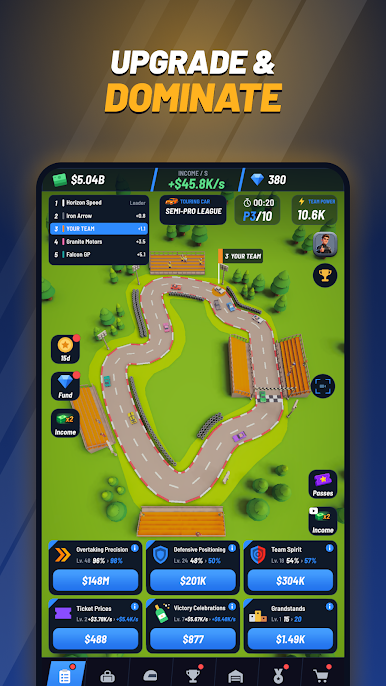
Every race runs on its own: watch your squad line up against nine rival teams, push for the lead and cross the finish line. Win coins and trophies, invest them in your team, and come back stronger for the next race.
MANAGE YOUR TEAM
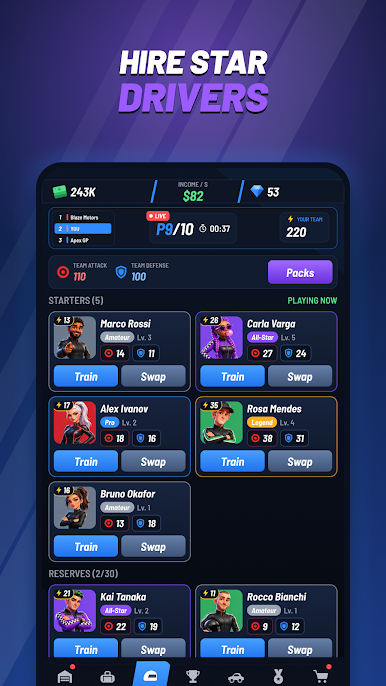
• Sign drivers and build the strongest line-up
• Upgrade your team with coins and trophies
• Earn income even while you are away
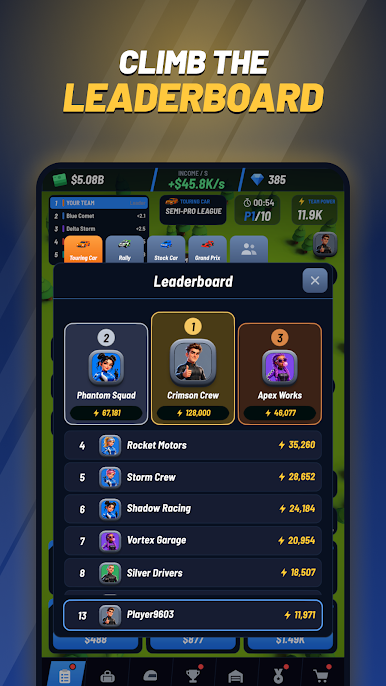
CLIMB THE LEAGUES
• Beat rival teams and finish on the podium
• Get promoted league after league
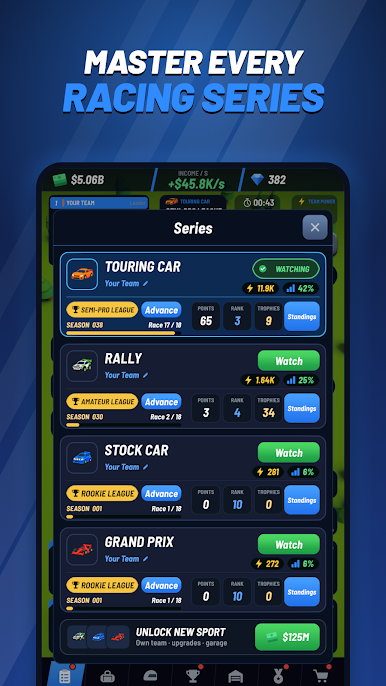
• Unlock new racing series as your team grows
BUILD YOUR GARAGE
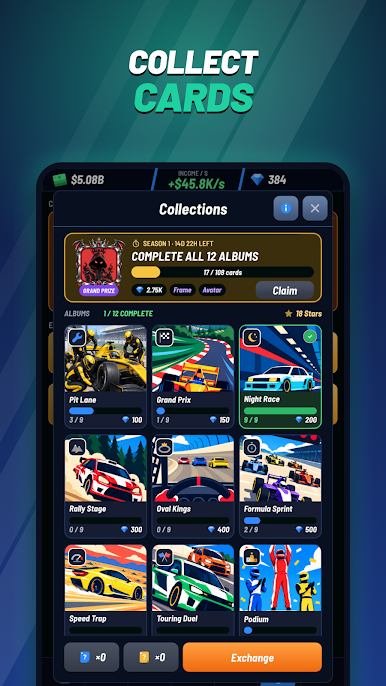
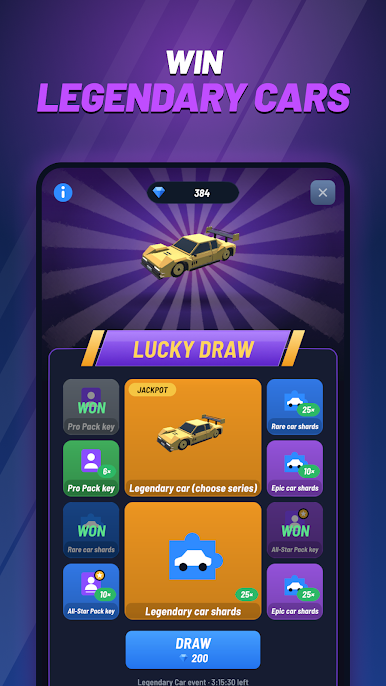
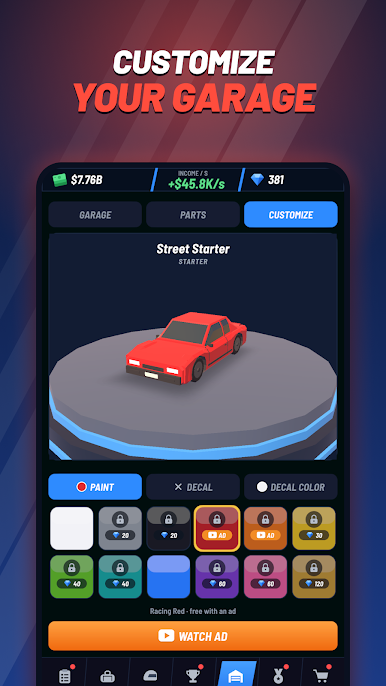
• Collect cars and upgrade garage parts
• Kit out your drivers with new gear and outfits
• Name your team and pick your colors
Simple to play, easy to pick up, and always one more race away from the next promotion. Start your engines and lead your team to victory!
Play Victory Lap: Racing Manager on PC. It’s easy to get started.
-
Download and install BlueStacks on your PC
-
Complete Google sign-in to access the Play Store, or do it later
-
Look for Victory Lap: Racing Manager in the search bar at the top right corner
-
Click to install Victory Lap: Racing Manager from the search results
-
Complete Google sign-in (if you skipped step 2) to install Victory Lap: Racing Manager
-
Click the Victory Lap: Racing Manager icon on the home screen to start playing

