


OP Auto Clicker - Auto Tap
Play on PC with BlueStacks – the Android Gaming Platform, trusted by 500M+ gamers.

Page Modified on: Jan 14, 2026
Run OP Auto Clicker - Auto Tap on PC or Mac
What’s better than using OP Auto Clicker – Auto Tap by mouse tool? Well, try it on a big screen, on your PC or Mac, with BlueStacks to see the difference.
About the App
Looking for an easier way to automate taps and swipes on your Android device? OP Auto Clicker – Auto Tap, from mouse tool, makes it a breeze to carry out those repetitive screen actions without you lifting a finger every single time. Whether you’re gaming, filling out forms, or just running tasks that need a lot of tapping, this handy Tools app streamlines the whole process. Set up your preferences and let it handle the dull parts for you—it’s all about saving your time and sanity.
App Features
-
Two Auto-Tap Modes
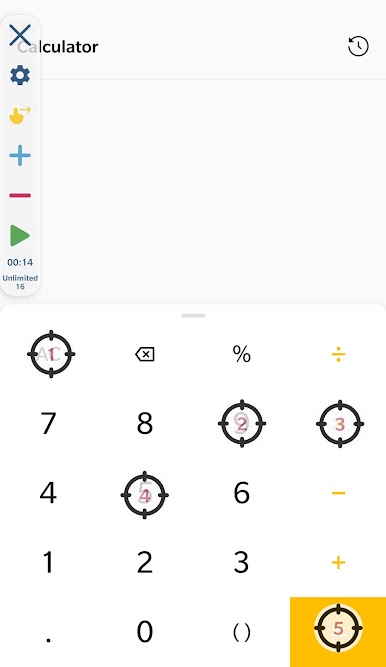
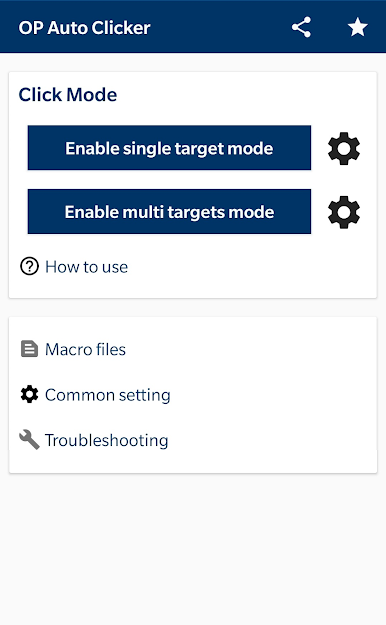
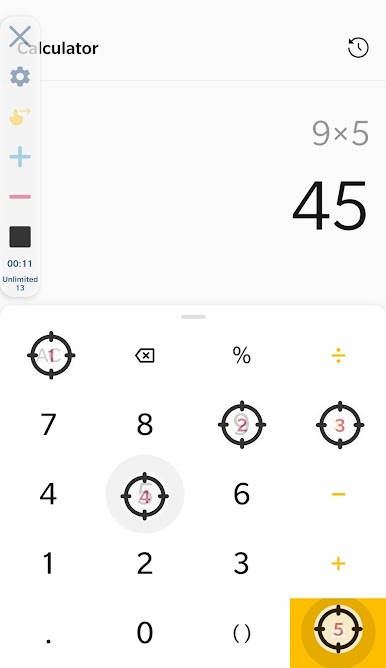
Choose between single-target tapping for precision or set up multiple targets and let the app handle more complex sequences. Only need one tap? No problem. Want to automate a whole bunch of actions at once? It’s got you covered. -
Flexible Click and Swipe Points
You’re not limited to just tapping. OP Auto Clicker – Auto Tap lets you set up multiple click points and even customize where and when to swipe. This way, you can create more advanced routines that work exactly how you want. -
Personalized Operator Interface
Not a fan of a cluttered screen? Adjust the size and transparency of the control panel until it fits your style and doesn’t get in your way. -
Customizable Tap Settings
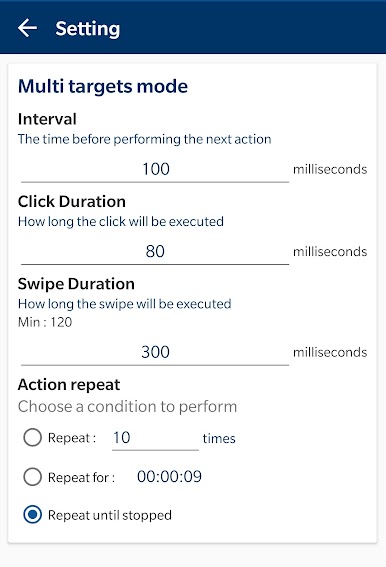
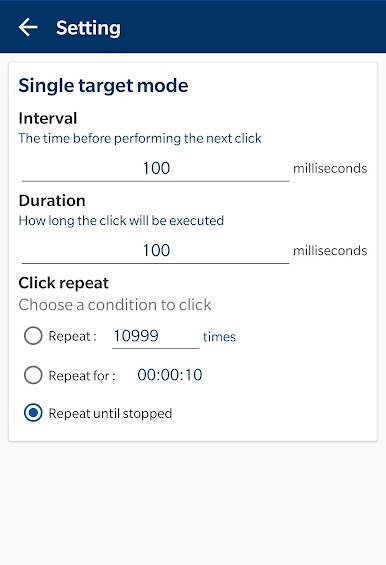
Set things just right—adjust the tap delay, touch duration, and total repetitions. You’re in total control of how fast, how long, and how often the taps happen. -
Script Save & Load
Spent time crafting the perfect script? You can save your setups and reload them whenever you need—no need to redo your settings from scratch every time. -
No Root Needed
Enjoy all the features without having to root your device. For safety and peace of mind, it just requires enabling Accessibility Services, which is standard on Android 7.0 and up.
By the way, if you like automating things on a bigger screen, OP Auto Clicker – Auto Tap works smoothly with BlueStacks too.
BlueStacks gives you the much-needed freedom to experience your favorite apps on a bigger screen. Get it now.
Play OP Auto Clicker - Auto Tap on PC. It’s easy to get started.
-
Download and install BlueStacks on your PC
-
Complete Google sign-in to access the Play Store, or do it later
-
Look for OP Auto Clicker - Auto Tap in the search bar at the top right corner
-
Click to install OP Auto Clicker - Auto Tap from the search results
-
Complete Google sign-in (if you skipped step 2) to install OP Auto Clicker - Auto Tap
-
Click the OP Auto Clicker - Auto Tap icon on the home screen to start playing

