


OP Auto Clicker - Auto Tap
Play on PC with BlueStacks – the Android Gaming Platform, trusted by 500M+ gamers.

Page Modified on: Jan 14, 2026
Main OP Auto Clicker - Auto Tap on PC
Feature:
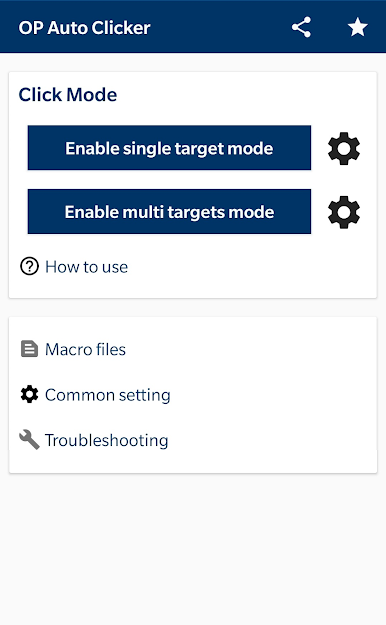
· User-friendly interface, easy to use
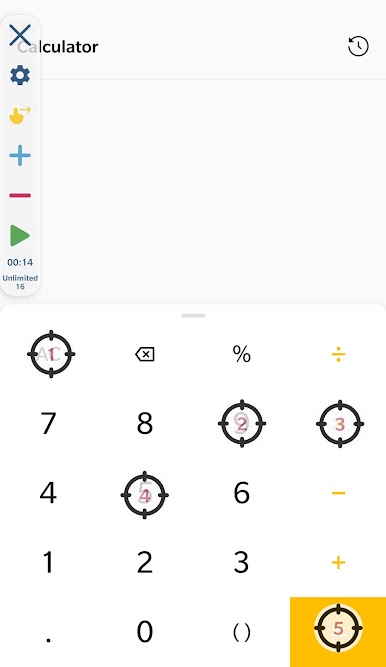
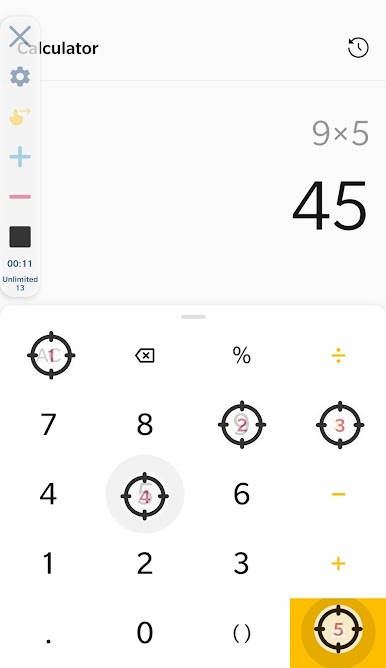
· Support multiple click points and multiple swipes
· You can adjust the size and opacity of the operator interface
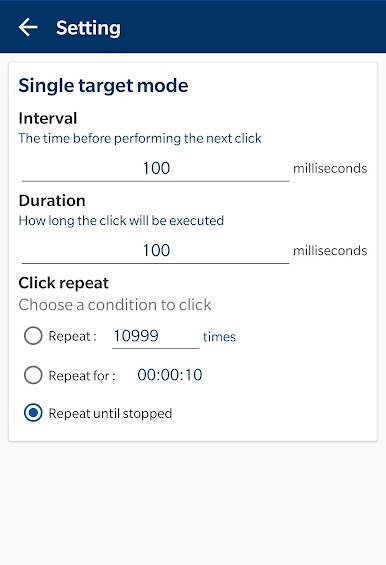
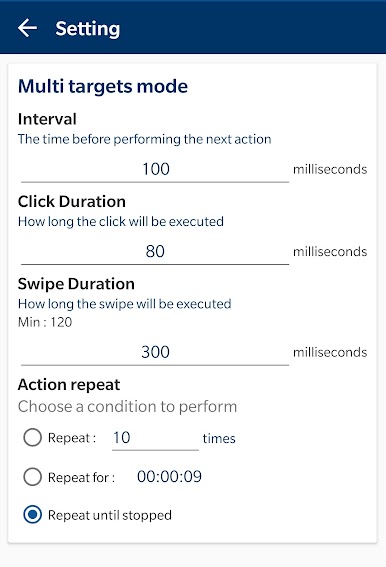
· Set the parameters of the click, such as delay, touch time and number of repetitions, respectively
· It can save/load scripts
· No Root
Permission description
- Require Accessibility Service to achieve autoclicking, so it requires authorization.
- Available for Android 7.0 or above.
Why use Accessibility Service?
We use this approach to implement things like clicks, swipes and other core functionality.
Do we collect private data?
We do not collect any private data in this way.
Play OP Auto Clicker - Auto Tap on PC. It’s easy to get started.
-
Download and install BlueStacks on your PC
-
Complete Google sign-in to access the Play Store, or do it later
-
Look for OP Auto Clicker - Auto Tap in the search bar at the top right corner
-
Click to install OP Auto Clicker - Auto Tap from the search results
-
Complete Google sign-in (if you skipped step 2) to install OP Auto Clicker - Auto Tap
-
Click the OP Auto Clicker - Auto Tap icon on the home screen to start playing

