


Opencaching Kubut Maps
Play on PC with BlueStacks – the Android Gaming Platform, trusted by 500M+ gamers.

Page Modified on: Apr 11, 2024
Play Opencaching Kubut Maps on PC
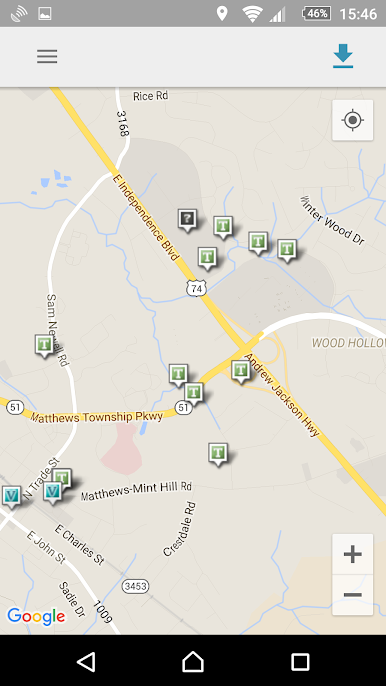
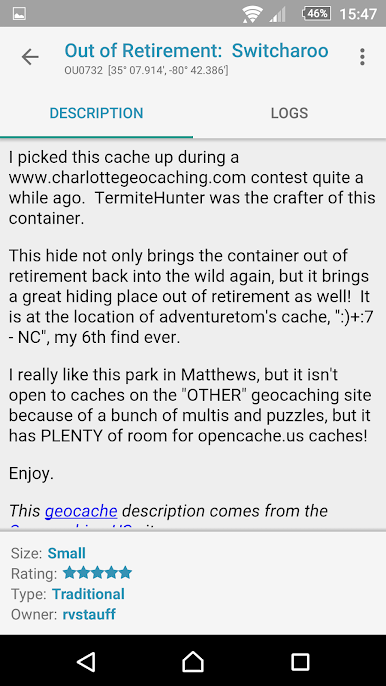
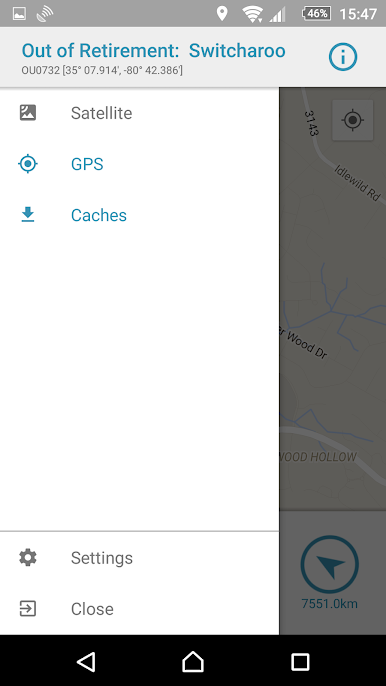
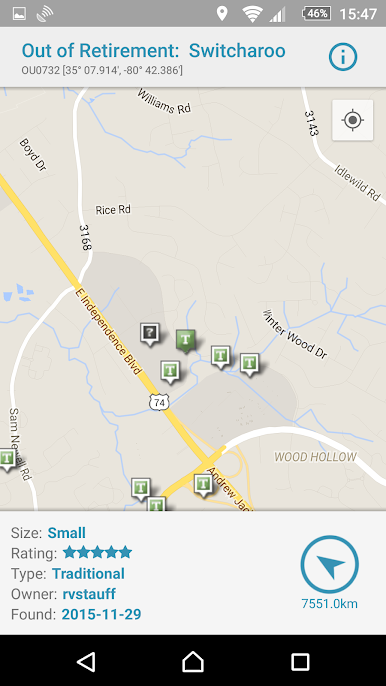
Opencaching Kubut Maps will guide you while searching the geocaches. It provides all of the most useful features like:
- displaying caches on the map (with the basic information)
- hiding the caches you’ve already found
- providing description, logs, and pictures of the caches
- possibility to create a new entry in the logbook
Use power save mode and use OKM even longer (lowered usage of energy and transfer).
Go straight to the cache using the built-in navigation system.
Just have fun and we'll do the rest!
Used materials on Freepik license by @stories
Play Opencaching Kubut Maps on PC. It’s easy to get started.
-
Download and install BlueStacks on your PC
-
Complete Google sign-in to access the Play Store, or do it later
-
Look for Opencaching Kubut Maps in the search bar at the top right corner
-
Click to install Opencaching Kubut Maps from the search results
-
Complete Google sign-in (if you skipped step 2) to install Opencaching Kubut Maps
-
Click the Opencaching Kubut Maps icon on the home screen to start playing

