


Quo (formerly OpenPhone)
Play on PC with BlueStacks – the Android Gaming Platform, trusted by 500M+ gamers.

Page Modified on: Feb 18, 2026
Play Quo (formerly OpenPhone) on PC
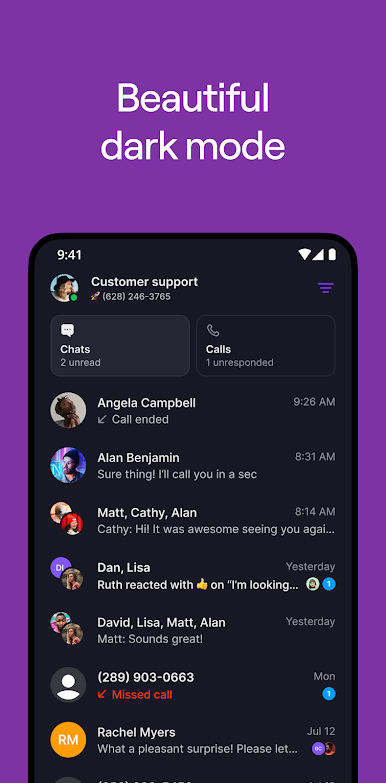
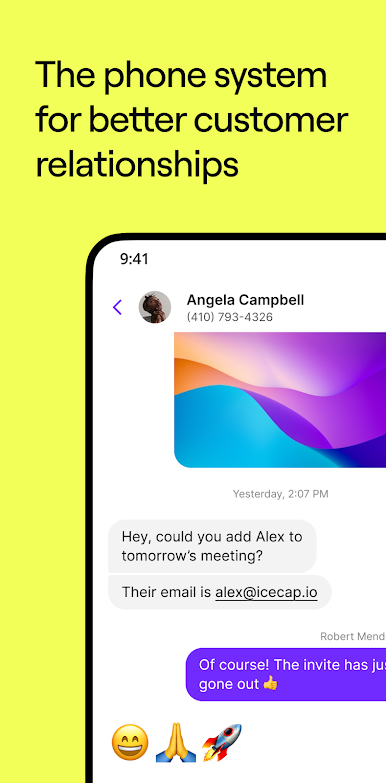
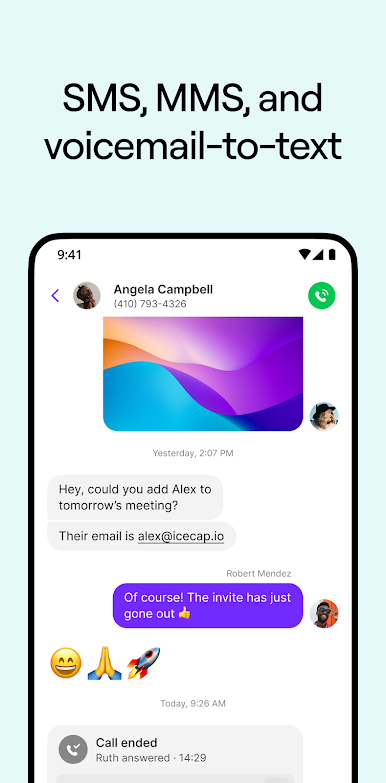
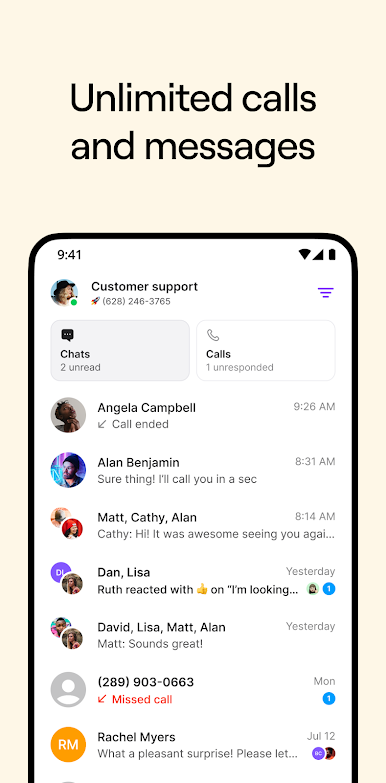
Trusted by more than 90,000 companies — from fast-growing startups to Fortune 500s — and rated #1 in customer satisfaction on G2. Quo brings calls, texts, and customer information together in one platform.
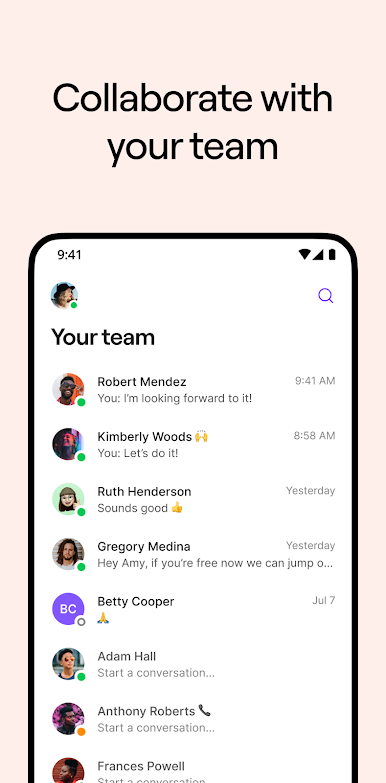
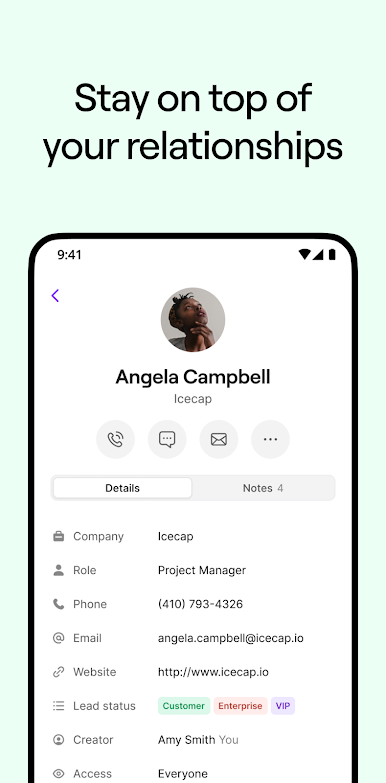
Bring clarity to every conversation. Shared inboxes, internal notes, and a mini CRM, gives every teammate the visibility and context they need to make sure each customer doesn't get missed.
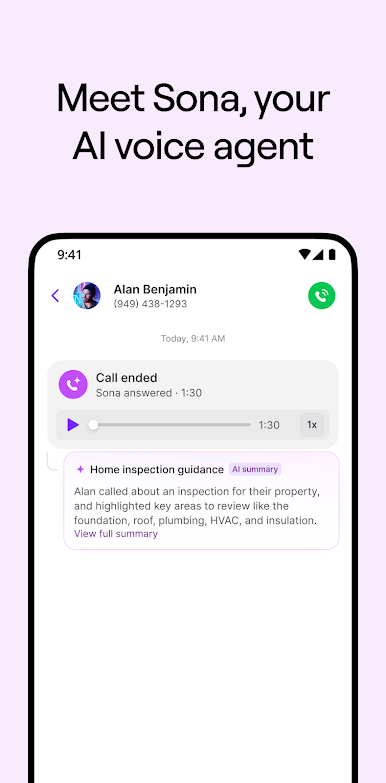
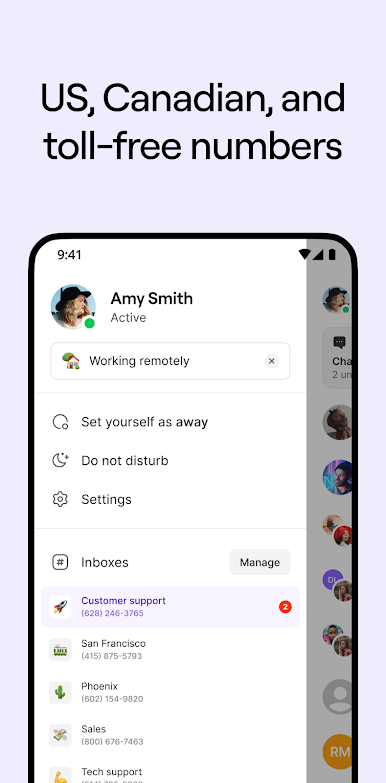
Respond to every customer. Fast. Built-in AI answers calls 24/7, flexible call flows route customers instantly, and custom contact properties ensure you're there when your customer needs you, while never missing a detail.
Scale effortlessly as you grow. From your first customer to your thousandth, Quo adapts with you. No complex setup, no additional training, no growing pains.
With Quo, it’s never been easier to close more deals, support more customers, and grow your business — without losing the human touch.
Terms of use: https://www.quo.com/terms
Privacy policy: https://www.quo.com/privacy
Play Quo (formerly OpenPhone) on PC. It’s easy to get started.
-
Download and install BlueStacks on your PC
-
Complete Google sign-in to access the Play Store, or do it later
-
Look for Quo (formerly OpenPhone) in the search bar at the top right corner
-
Click to install Quo (formerly OpenPhone) from the search results
-
Complete Google sign-in (if you skipped step 2) to install Quo (formerly OpenPhone)
-
Click the Quo (formerly OpenPhone) icon on the home screen to start playing

