


b-hyve Pro
Play on PC with BlueStacks – the Android Gaming Platform, trusted by 500M+ gamers.

Page Modified on: Nov 4, 2025
Play b-hyve Pro on PC
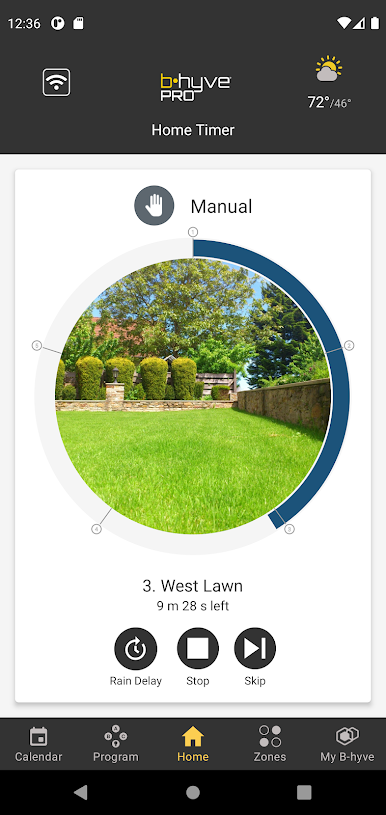
This is the companion App for award-winning B-hyve Pro irrigation controllers. Homeowners can download the non-Pro version of the B-hyve App at no charge.
***KEY FEATURES***
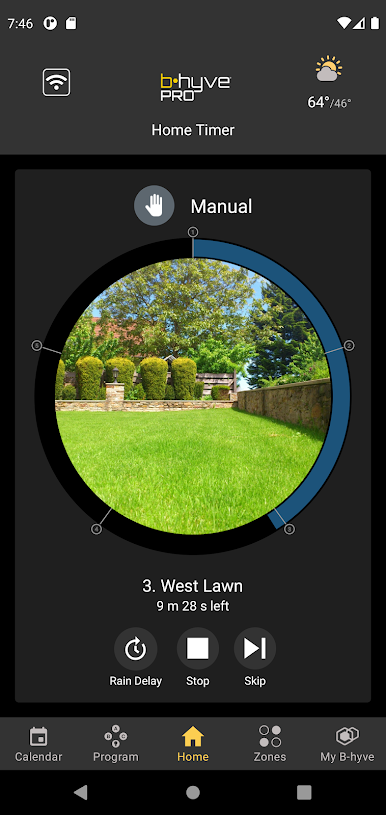
WIFI and BLUETOOTH – Because WiFi is not always available on a job site, the B-hyve app and controller allow you to set up and operate the controller using Bluetooth. Once a WiFi connection is established at a site, the owner of the WiFi router can provide a permission code that enables off-site management of the controller from anywhere in the world.
EPA- AND SWAT-CERTIFIED – Having passed the rigorous EPA WaterSense and SWAT certifications, the B-hyve Pro Controller with Smart Watering is certified to use water more efficiently and is eligible for rebates in many cities or water districts across the country.
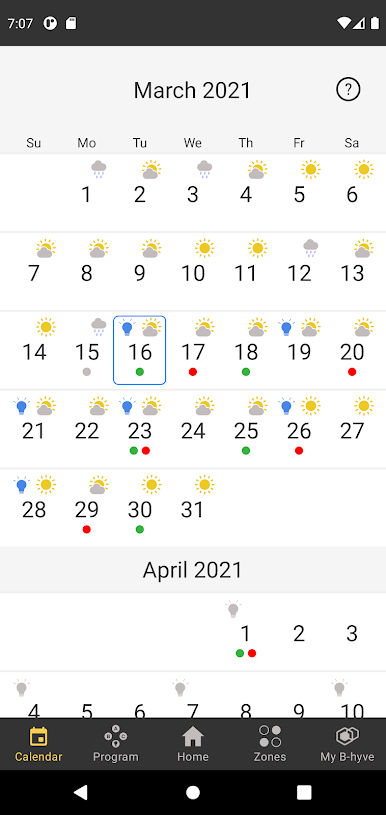
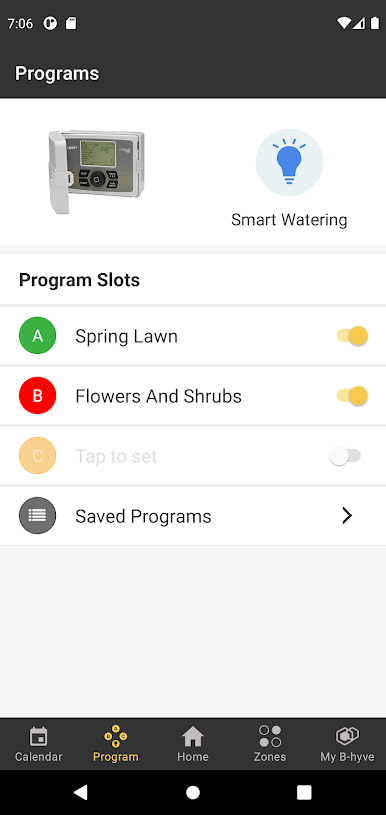
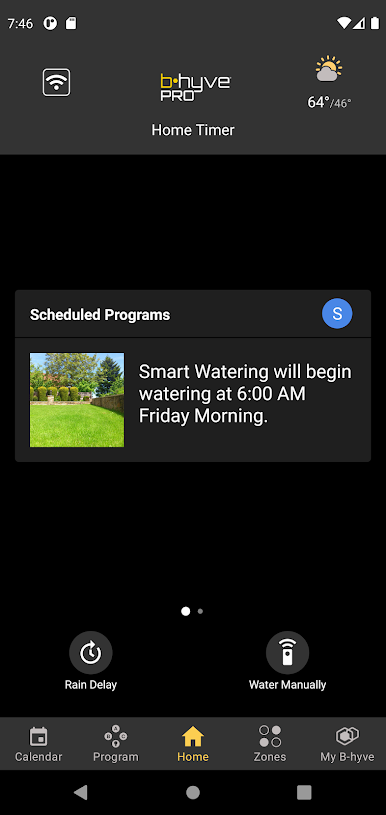
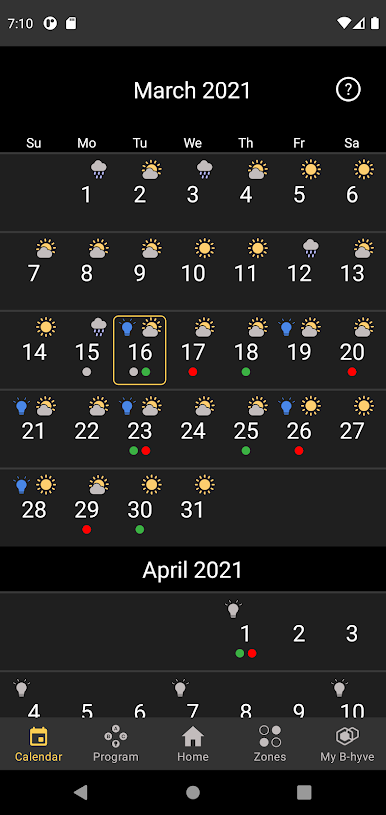
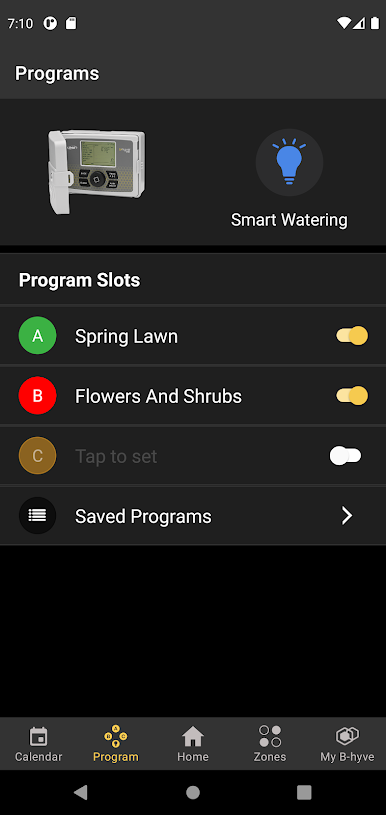
FLEXIBLE SCHEDULING – You can set the controller to water in two basic ways: 1) on a fixed schedule, such as during a new landscape grow-in period; 2) with Smart Watering, and let local weather conditions determine the schedule.
MULTI-SITE MANAGEMENT – You can manage and control an unlimited number of B-hyve Pro controllers from the convenience of one application. Once the timer is connected to the Internet, secure access can be shared in a number of different combinations using an app-generated code.
CATCH CUPS – With various water savings options integrated right into the app, there are multiple ways to achieve optimum water savings with the B-hyve Pro Timer. In addition to Smart Watering, it incorporates the award-winning catch-cup feature right into the app to deliver up to 25% more water savings over other smart controllers.
ALEXA – Works with Alexa. For a list of Alexa commands visit bhyve.hydrorain.com.

Play b-hyve Pro on PC. It’s easy to get started.
-
Download and install BlueStacks on your PC
-
Complete Google sign-in to access the Play Store, or do it later
-
Look for b-hyve Pro in the search bar at the top right corner
-
Click to install b-hyve Pro from the search results
-
Complete Google sign-in (if you skipped step 2) to install b-hyve Pro
-
Click the b-hyve Pro icon on the home screen to start playing

