


Chicken Road
Play on PC with BlueStacks – the Android Gaming Platform, trusted by 500M+ gamers.

Page Modified on: May 18, 2026
Play Chicken Road on PC
Key Features:
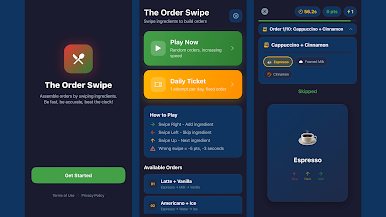
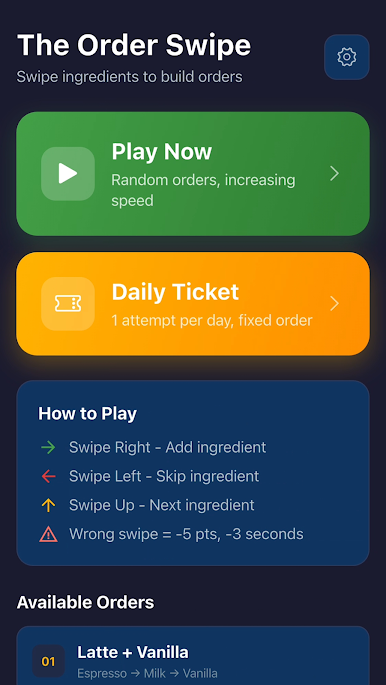
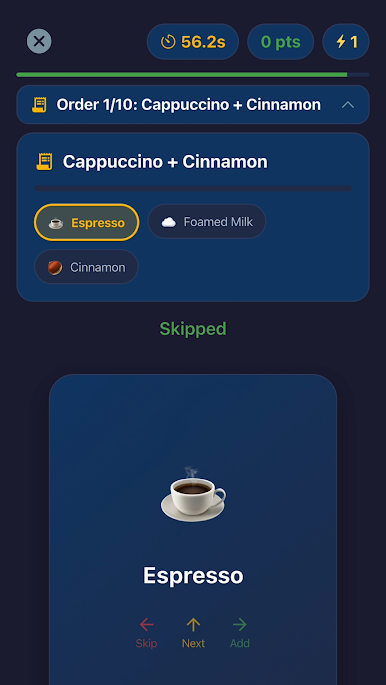
Dynamic Gameplay: Match the order cards using intuitive swipe mechanics (Swipe Right to add, Swipe Left to skip, Swipe Up for the next item).
Speed Challenge: Monitor the round timer and speed level indicator. Collect everything before time runs out!
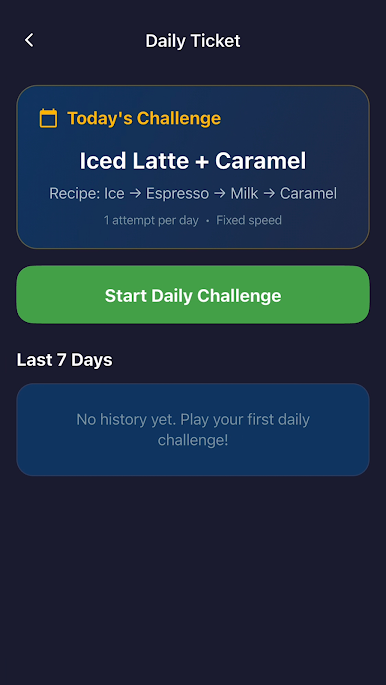
Daily Ticket Mode: Complete one special fixed order per day with a set tempo. You only get one try daily, so make it count on the chicken road leaderboard! Track your best results and view your 7-day history.
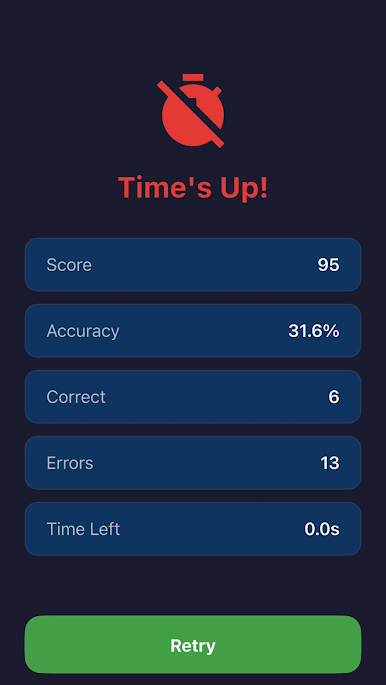
Progress Tracking: Check your score, accuracy, and total time after each round. Hit retry to beat your high score.
Download chicken road now, manage your notifications, and dive into the ultimate quick-swipe sorting adventure!

Play Chicken Road on PC. It’s easy to get started.
-
Download and install BlueStacks on your PC
-
Complete Google sign-in to access the Play Store, or do it later
-
Look for Chicken Road in the search bar at the top right corner
-
Click to install Chicken Road from the search results
-
Complete Google sign-in (if you skipped step 2) to install Chicken Road
-
Click the Chicken Road icon on the home screen to start playing

