


RPG Invictus Adventures MMORPG
Play on PC with BlueStacks – the Android Gaming Platform, trusted by 500M+ gamers.

Page Modified on: Apr 4, 2023
Overview
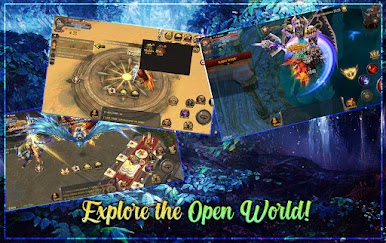
The powerful monster that you fail to beat on your own could possibly be knocked down by forming a party with your friends! Let's explore the vast and beautiful 3D world with many friends!
◈ [EXPLORE THE VAST OPEN WORLD OF THE LOST CONTINENT OF MU]
Dive into a fantasy world full with adventures and PvP, in this fantasy RPG
◈ [VARIOUS CLASSES, FREE FIGHTING]
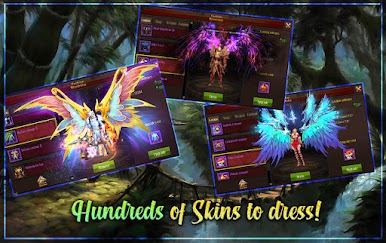
Create your own look by customizing your character.
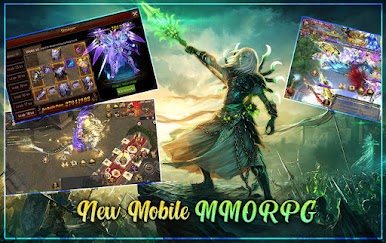
You can switch between swordsman, ranger, wizard, duel master, summoner and other classes at any time, and use different weapons to crusade the enemy.
Collaborate with teammates to attack PVE dungeons and defeat powerful bosses
Compete with other adventurers in PVP matches and challenge for the highest honor!
◈ [ENDLESS BUILD CUSTOMIZATION]
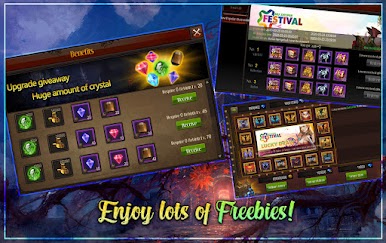
- Customize and upgrade your weapons, armor, magic spells, and more to refine your play style and defeat your opponents
- Take your character’s power to the next level by levelling up your abilities to overcome dark dungeons and powerful MVP monsters that you'll encounter on your adventures!
◈ [INCREDIBLE GRAPHICS ON MOBILE & BREATHTAKING ACTION]
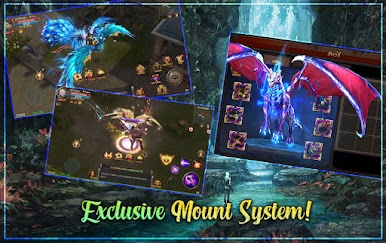
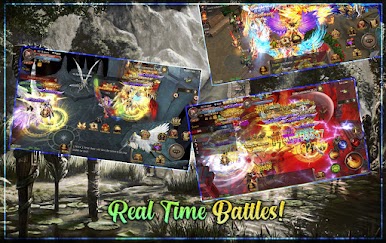
Experience immersive graphics and an innovative combat system.
Enjoy a gameplay experience with action-packed, satisfying combat
Play RPG Invictus Adventures MMORPG on PC. It’s easy to get started.
-
Download and install BlueStacks on your PC
-
Complete Google sign-in to access the Play Store, or do it later
-
Look for RPG Invictus Adventures MMORPG in the search bar at the top right corner
-
Click to install RPG Invictus Adventures MMORPG from the search results
-
Complete Google sign-in (if you skipped step 2) to install RPG Invictus Adventures MMORPG
-
Click the RPG Invictus Adventures MMORPG icon on the home screen to start playing

