


OSIM uDiva 3 / 3 Plus
Play on PC with BlueStacks – the Android Gaming Platform, trusted by 500M+ gamers.

Page Modified on: Oct 30, 2025
Play OSIM uDiva 3 / 3 Plus on PC
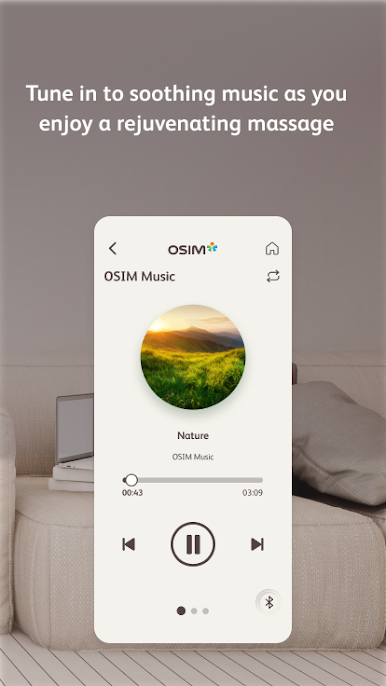
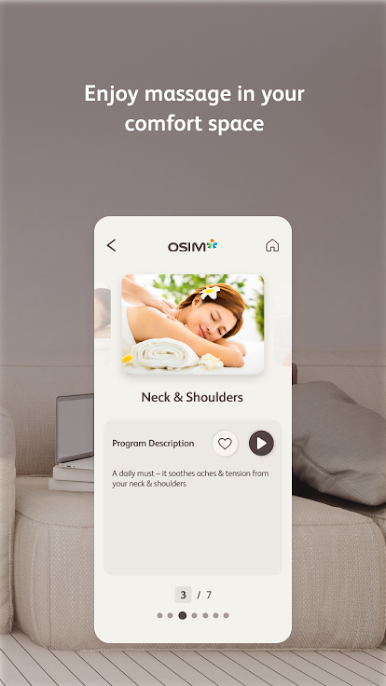
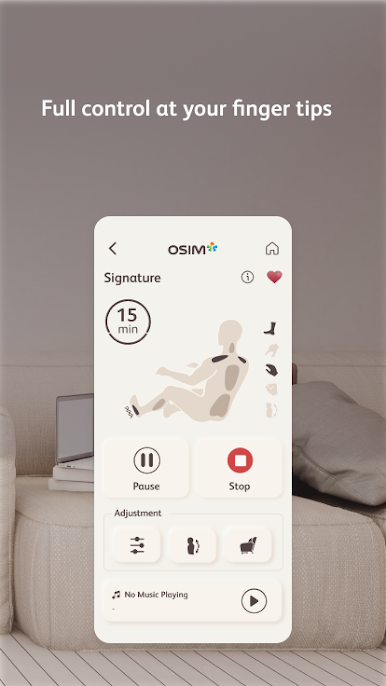
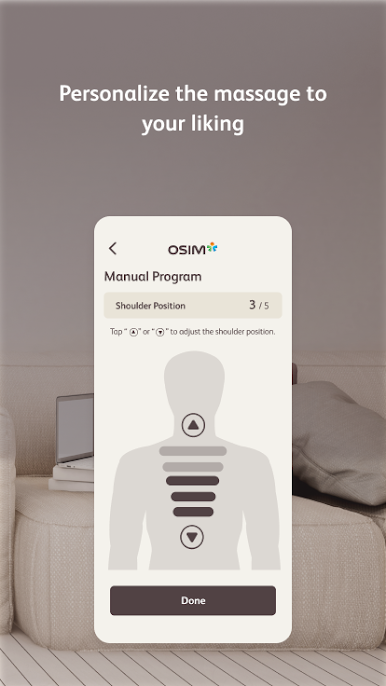
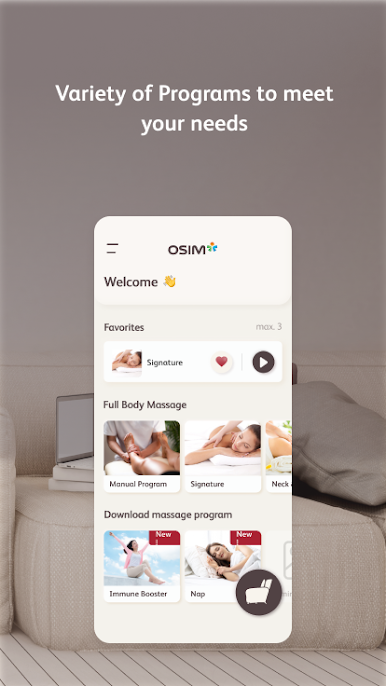
By leveraging on the advancement of smart devices and mobile app technology, this app pairs seamlessly with the OSIM uDiva 3 / 3 Plus Sofa. Offering full control, new download massage programs and relaxing music, a personalized massage is just at your fingertips.
Featuring the cutting edge V-HandTM massage technology, uDiva 3 / 3 Plus elevates the massage experience through delivering an ultra-realistic knead motion.
For more information on OSIM uDiva 3 / 3 Plus, visit www.OSIM.com

Play OSIM uDiva 3 / 3 Plus on PC. It’s easy to get started.
-
Download and install BlueStacks on your PC
-
Complete Google sign-in to access the Play Store, or do it later
-
Look for OSIM uDiva 3 / 3 Plus in the search bar at the top right corner
-
Click to install OSIM uDiva 3 / 3 Plus from the search results
-
Complete Google sign-in (if you skipped step 2) to install OSIM uDiva 3 / 3 Plus
-
Click the OSIM uDiva 3 / 3 Plus icon on the home screen to start playing

