

WiFi App: passwords, hotspots
Play on PC with BlueStacks – the Android Gaming Platform, trusted by 500M+ gamers.

Page Modified on: Jun 18, 2025
Run WiFi App: passwords, hotspots on PC or Mac
Multitask effortlessly on your PC or Mac as you try out WiFi App: passwords, hotspots, a Tools app by Mobile Agenda FZE LLC on BlueStacks.
About the App
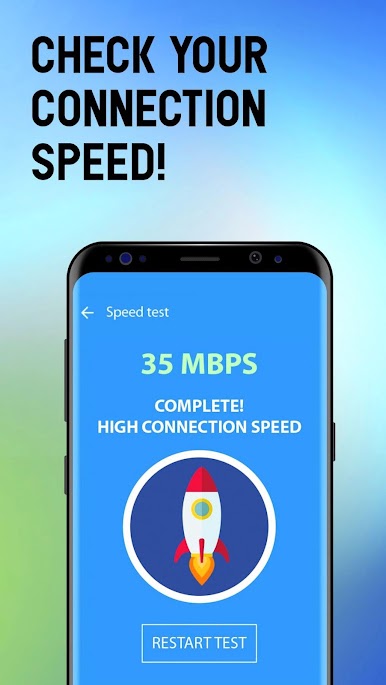
Looking for a simple way to stay connected wherever you go? WiFi App: passwords, hotspots from Mobile Agenda FZE LLC makes it easy to find WiFi networks in just about any corner of the globe—whether you’re home, traveling, or somewhere totally new. It’s all about keeping you online with handy maps, WiFi passwords, and hotspot info, even if you’re offline. Expect a super straightforward experience that gets you on the nearest network fast, no matter where you are.
App Features
-
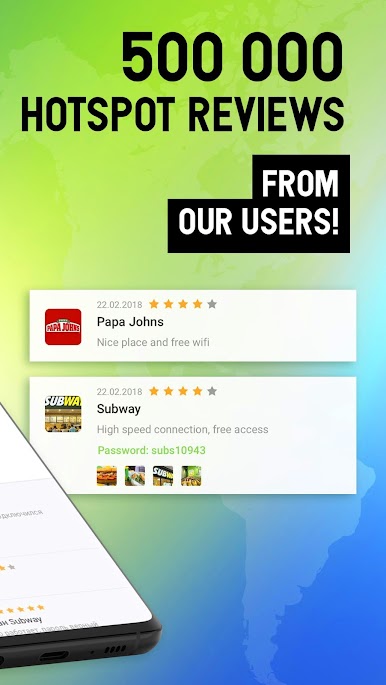
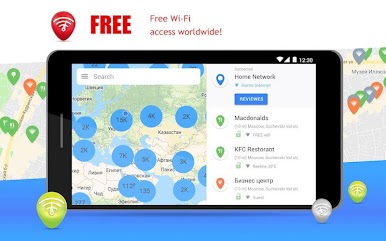
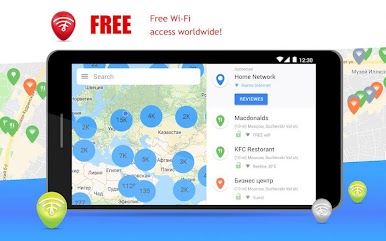
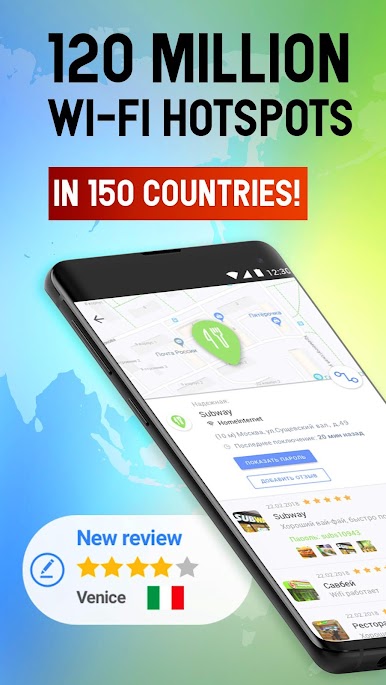
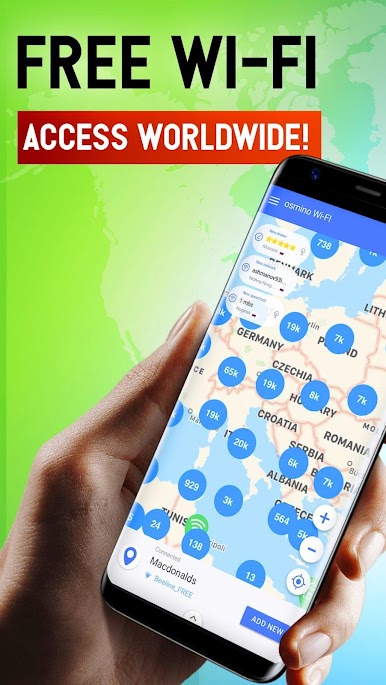
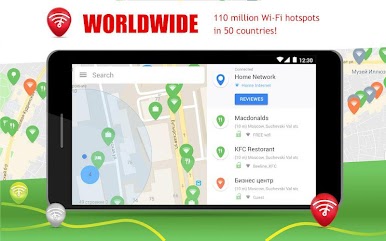
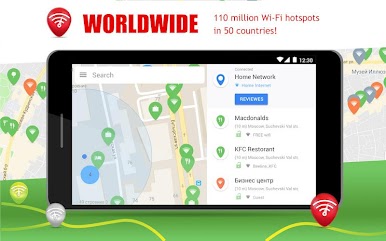
Worldwide WiFi Map: See millions of free hotspots right on your phone. From bustling cities to quiet towns, check out public and private networks all over the world. You’ll find hotspots in the US, Europe, Asia, and beyond.
-
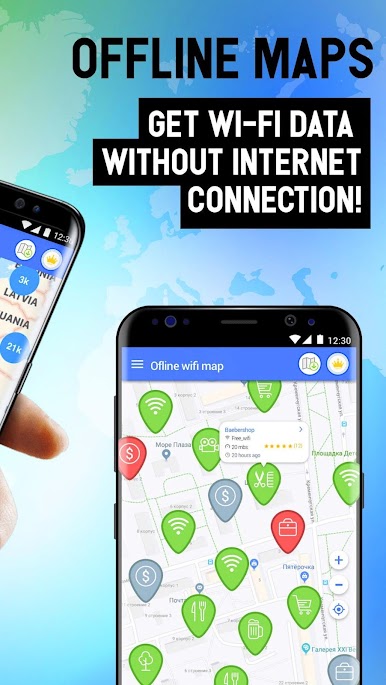
Offline Access: Headed somewhere with spotty service? Download maps and the full password database for whole countries or just the region you need. All this info travels with you, so you’re never stuck without a connection when you need it most.
-
Find Passwords Easily: No more guessing or asking around—get WiFi passwords for both public spaces and shared private networks. Just tap, connect, and you’re online.
-
Share With the Community: Got a WiFi password to share? Make life easier for someone else by adding it to the map with a quick tap. More people using the app means even more handy hotspots for everyone.
-
Network Details & Reviews: Not sure which network to choose? Check out reviews and details for major networks like Xfinity WiFi, Optimum WiFi, and others, especially in the USA.
-
Automatic Updates: The app keeps its map fresh by adding new hotspots based on what users share every day—so there’s always something new, wherever you go.
-
Handy for Travelers: Don’t want to pay for roaming or buy a local SIM? Check the WiFi map at your destination and enjoy free connections on the road.
Pro tip: For a bigger view of the hotspot map and smoother browsing, try using WiFi App: passwords, hotspots with BlueStacks right on your PC or Mac.
Big screen. Bigger performance. Use BlueStacks on your PC or Mac to run your favorite apps.


Play WiFi App: passwords, hotspots on PC. It’s easy to get started.
-
Download and install BlueStacks on your PC
-
Complete Google sign-in to access the Play Store, or do it later
-
Look for WiFi App: passwords, hotspots in the search bar at the top right corner
-
Click to install WiFi App: passwords, hotspots from the search results
-
Complete Google sign-in (if you skipped step 2) to install WiFi App: passwords, hotspots
-
Click the WiFi App: passwords, hotspots icon on the home screen to start playing

