


Televizo - IPTV player
Play on PC with BlueStacks – the Android Gaming Platform, trusted by 500M+ gamers.

Page Modified on: Jun 13, 2026
Play Televizo - IPTV player on PC
Main features:
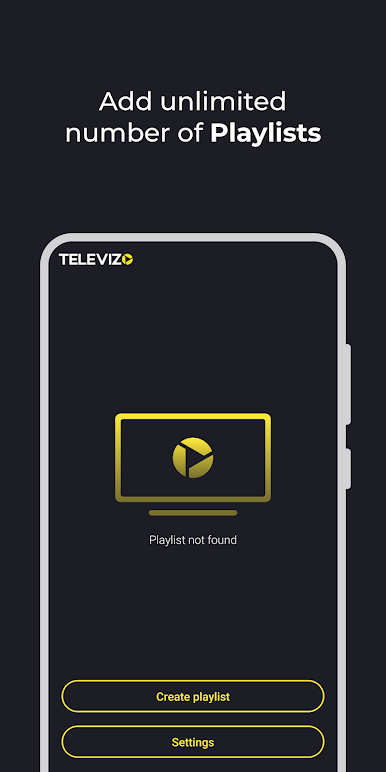
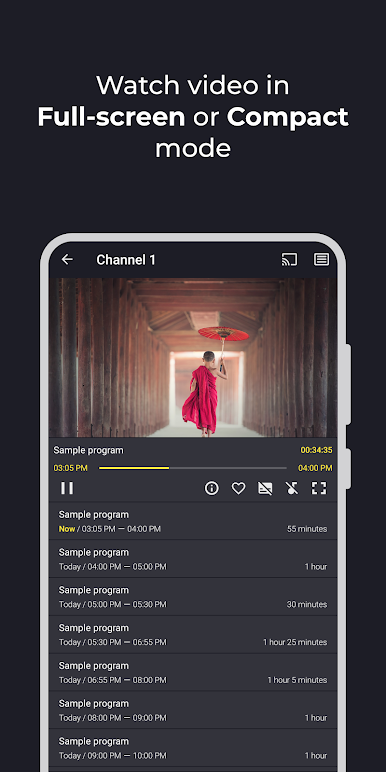
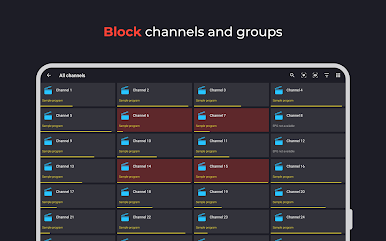
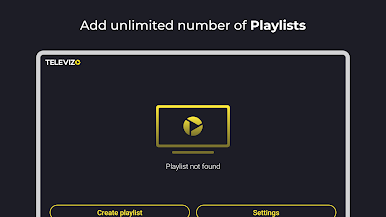
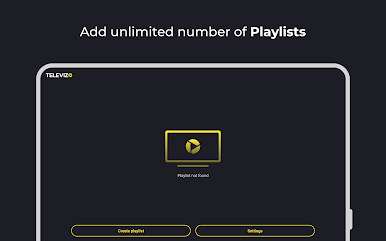
- Support for multiple playlists
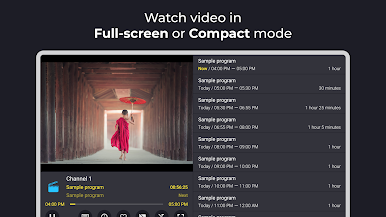
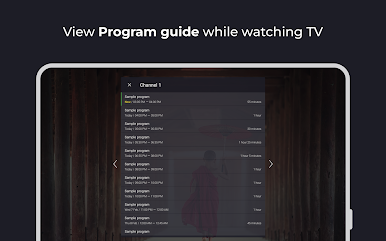
- Support for electronic program guide (EPG)
- Catch-up support
- Chromecast support
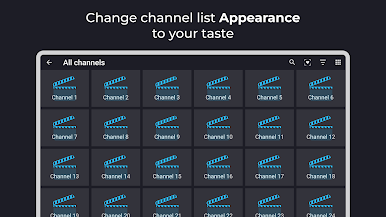
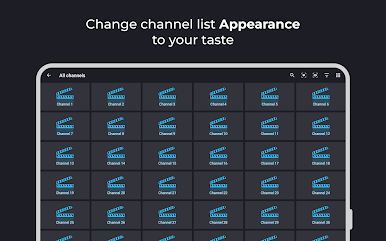
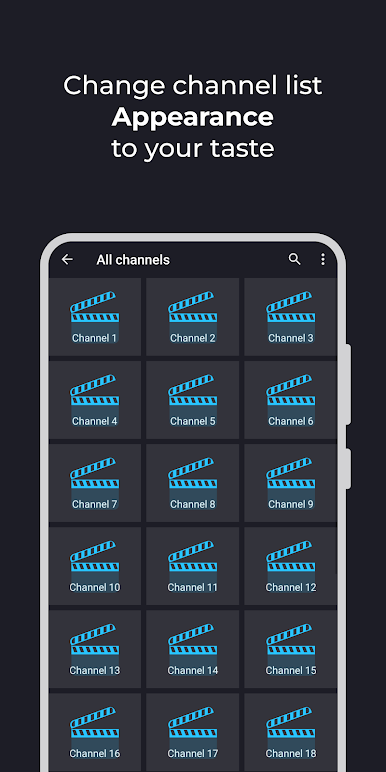
- Easy sorting and searching
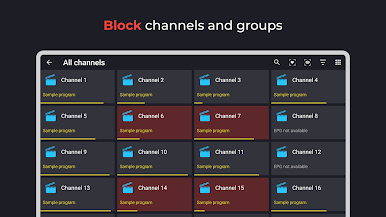
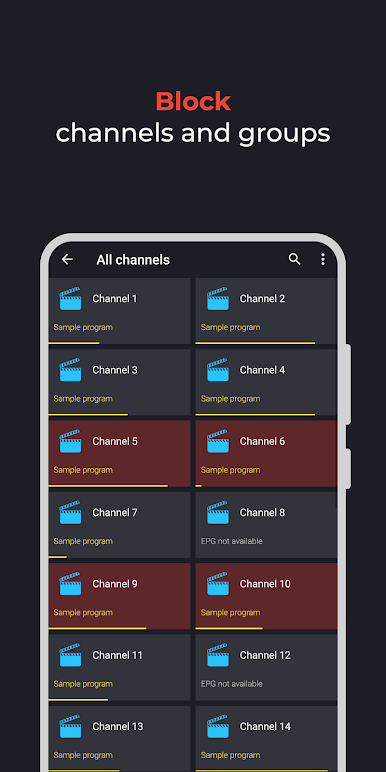
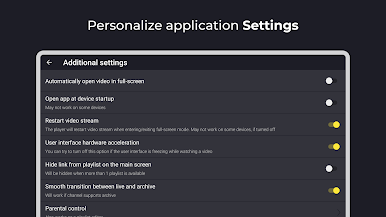
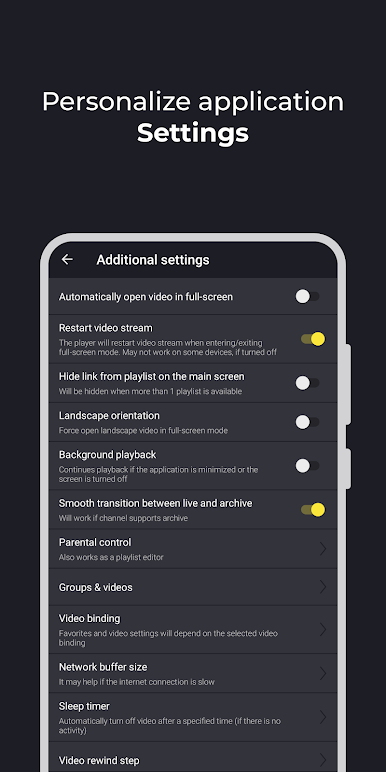
- Parental control (playlist editor)
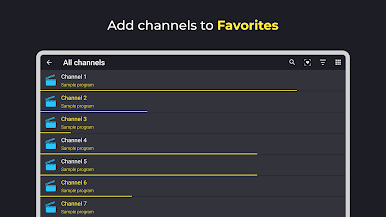
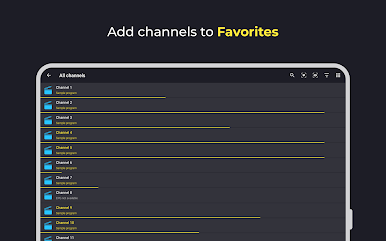
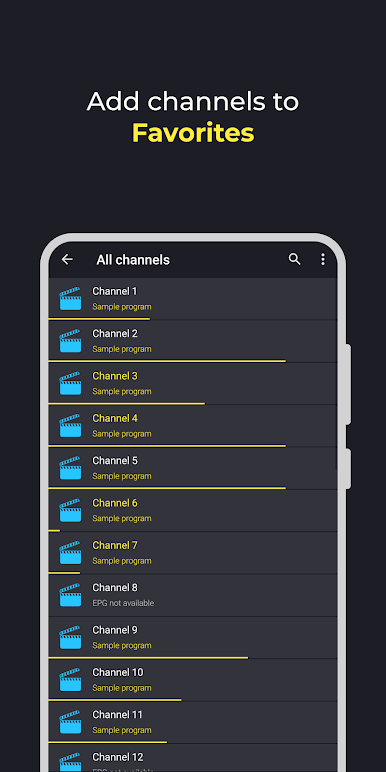
- Favorites
- Selection of video tracks, audio tracks, and subtitles
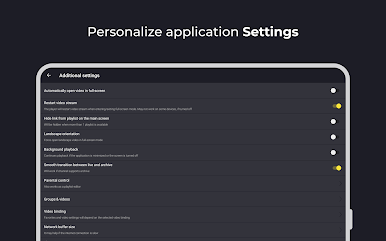
- And much more
IMPORTANT!
Televizo is only a media player and does not provide any content. You must add your own playlist to watch videos or channels. Televizo is not affiliated with any third-party content providers.
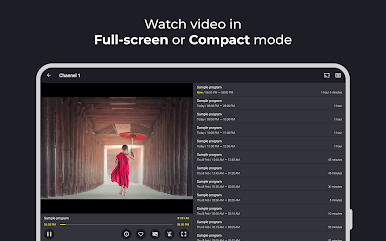
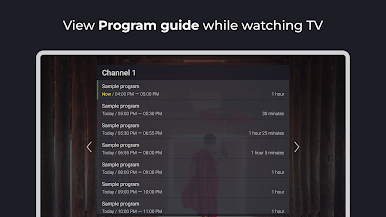
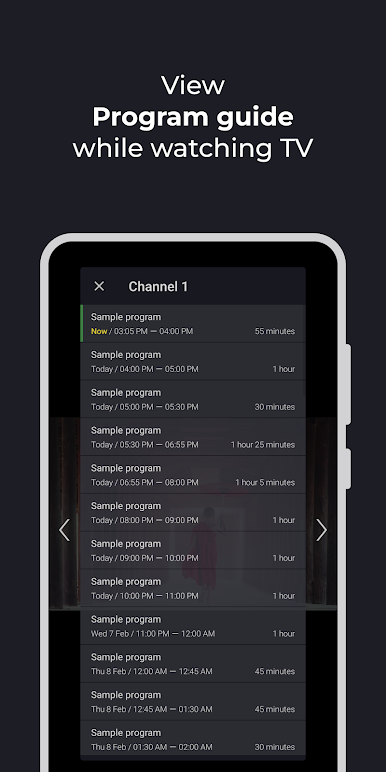
Play Televizo - IPTV player on PC. It’s easy to get started.
-
Download and install BlueStacks on your PC
-
Complete Google sign-in to access the Play Store, or do it later
-
Look for Televizo - IPTV player in the search bar at the top right corner
-
Click to install Televizo - IPTV player from the search results
-
Complete Google sign-in (if you skipped step 2) to install Televizo - IPTV player
-
Click the Televizo - IPTV player icon on the home screen to start playing

